5. FILE MANAGEMENT
5.1. Types of Views
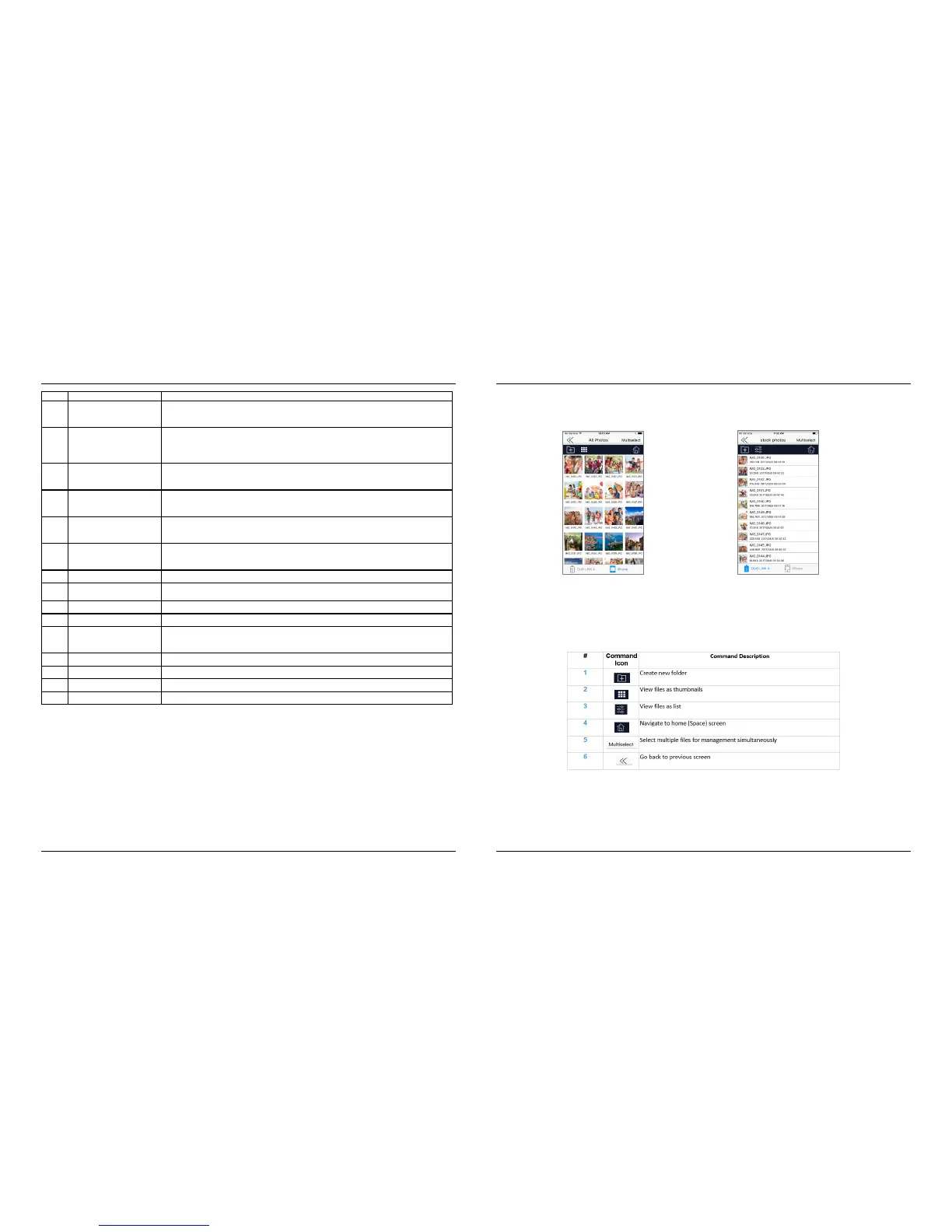
When selecting the File Management command, (as an alternative, the Transfer Media command can
also be used), all files in the specific directory will be listed.
The following views are available:
o Grid View
o List View
1
2
3 4
5
Within the File Management frame, the following commands are available.
Grid View List View
#
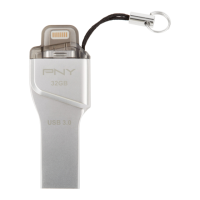
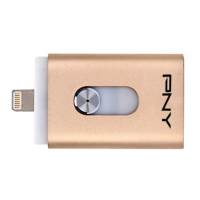
photos and shoots video direct from the app. The photos and video will be saved
the DUO-LINK USB 3.0 OTG flashdrive.
2 Settings
Provides access to information about the app, language preferences, encryption feature, user
manual
and a direct web link to PNY’s dedicated
DUO LINK landing page. Allows for formatting of
DUO LINK is connected to an iOS device, this status circle illustrates the drive’s
When DUO LINK is connected to an iOS device, this status circle illustrates the iOS device’s
available
versus
used storage.
5 File Management
Contains functions allowing for the sync, share, transfer, & copy of files between iOS devices
and
laptop
or desktop computers.
6 Transfer Media
Alternative method of syncing, sharing, transferring, & copying files between iOS devices and
laptop or
desktop
and restore contacts, photos, andvideos
8 Space
information with regard to capacity available and used on iOS devices and DUO
method of backing up and restoring contacts, photos, andvideos.
10 Auto Backup
automatic backups of contacts, photos, and videos at scheduled intervals.
11 Video
on the top left section of the home screen when music is playing on the device. Tap
to go to the music player.
12 Music
13 Photos
14 News
15 Tips
DUO LINK 4 APP – User Manual
DUO LINK 4 APP – User Manual
PNY Technologies, Inc.
PNY Technologies, Inc.
8.
9.
Version 1.0.64 - 0817
Version 1.0.64 - 0817


 To Next Page