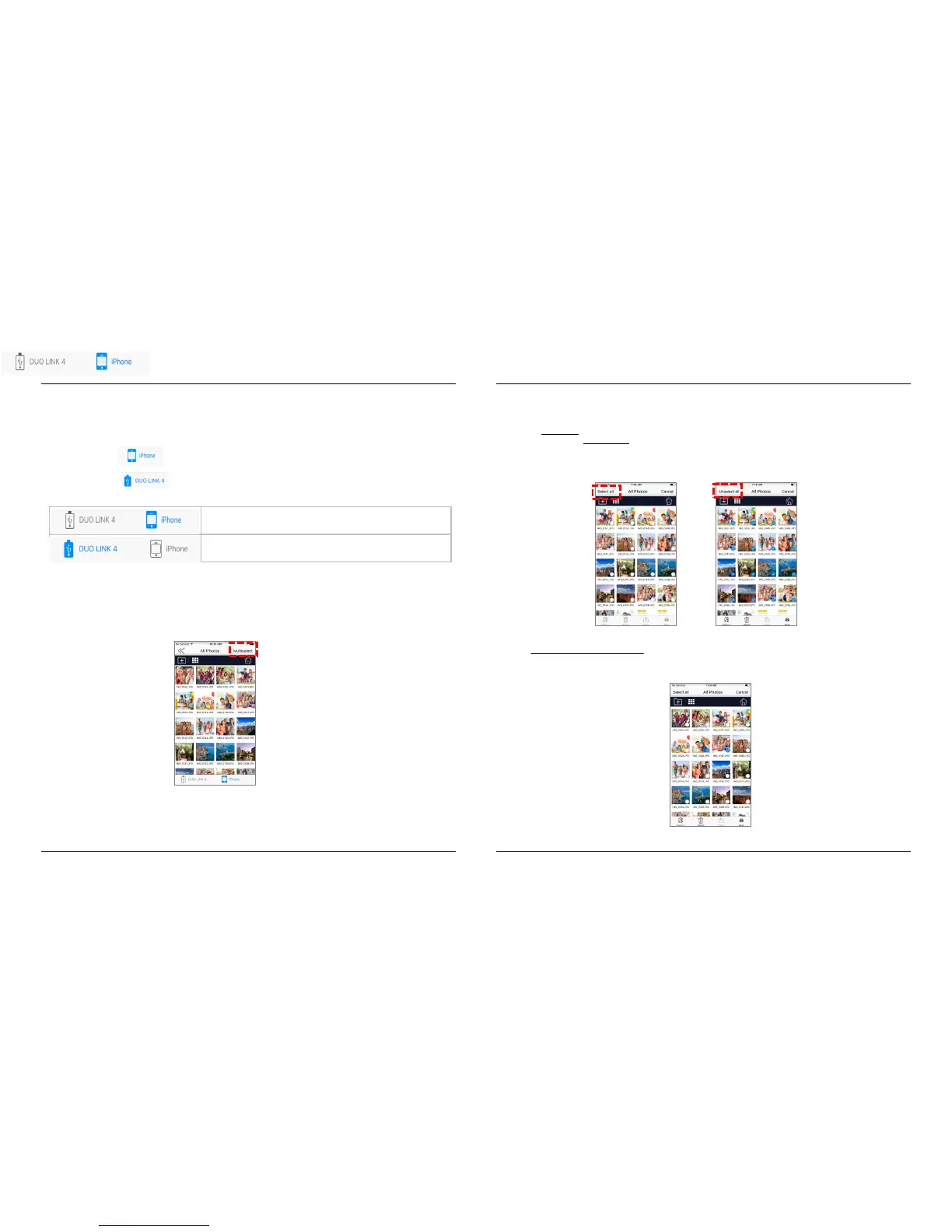
• In the DUO LINK 4 app, view and manage files stored on both the DUO LINK USB 3.0 OTG Flash drive and
iOS device. The icon highlighted in blue at the bottom of the screen identifies the location of the files shown on
the screen.
• Tap the icon to view and manage files on the DUO LINK USB 3.0 OTG flash drive.
• Tap the icon to view and manage files on the iOS drive.
-LINK OTG Flash Drive
5.2. Select Files to Copy, Move, Share or Rename
To select files, tap the “Multiselect” icon in the top right section of the screen.
You can choose to select all files in the directory or specific files for copying or moving files.
To select ALL files in the directory, tap the “Select all” command on the left hand section of
the screen. To unselect ALL files, tap the “Unselect all” command on top left section of the
screen again.
To select specific files or folders, tap the individual file or folder by tapping on it. Repeat this action for
each file or folder that you want to select. To unselect a file or folder, tap the individual file or folder again.
Repeat this action for each file or folder that you want to unselect.
DUO LINK 4 APP – User Manual
DUO LINK 4 APP – User Manual
PNY Technologies, Inc.
PNY Technologies, Inc.
10.
11.
Version 1.0.64 - 0817
Version 1.0.64 - 0817


 To Next Page