PM85 Android 8.1.0 User Manual
114
© 2006 – 2021 POINTMOBILE Co., Ltd. All rights reserved
EmKit Tools
Scan2Set
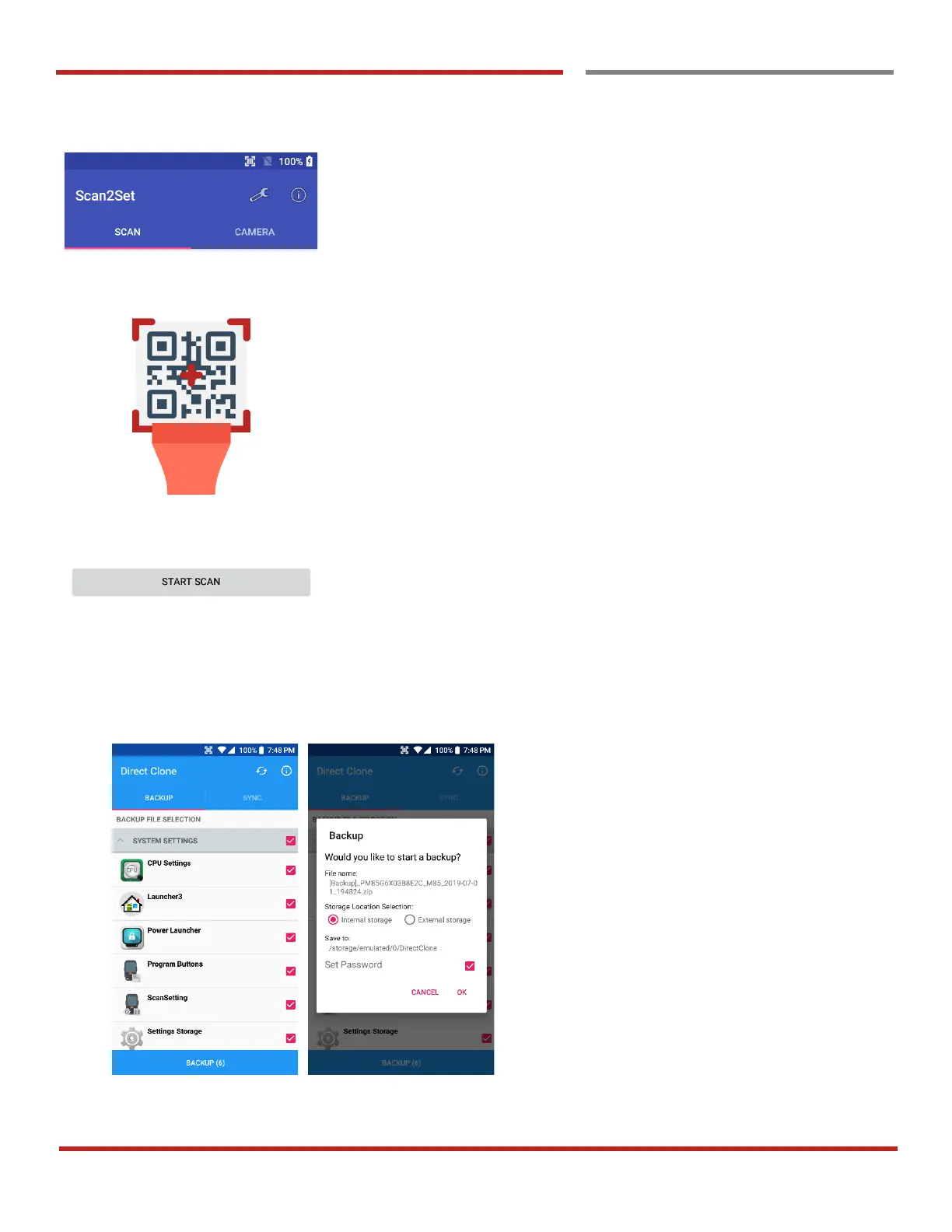
Scan2Set is designed for the network environment. Point
Mobile Android device downloads the Direct Clone file from
the FTP, Web server or Cloud such as Dropbox or Google
Drive with just one QRcode Scan!
Scan your QR code and,
- Connect to your network
- Restore your PDA
- Work Managed Device setup



 To Next Page