EasyManua.ls Logo

point POCO3060IHW - User Manual

Default Icon
144 pages
Go to English
Print Icon
To Next Page IconTo Next Page
Loading...
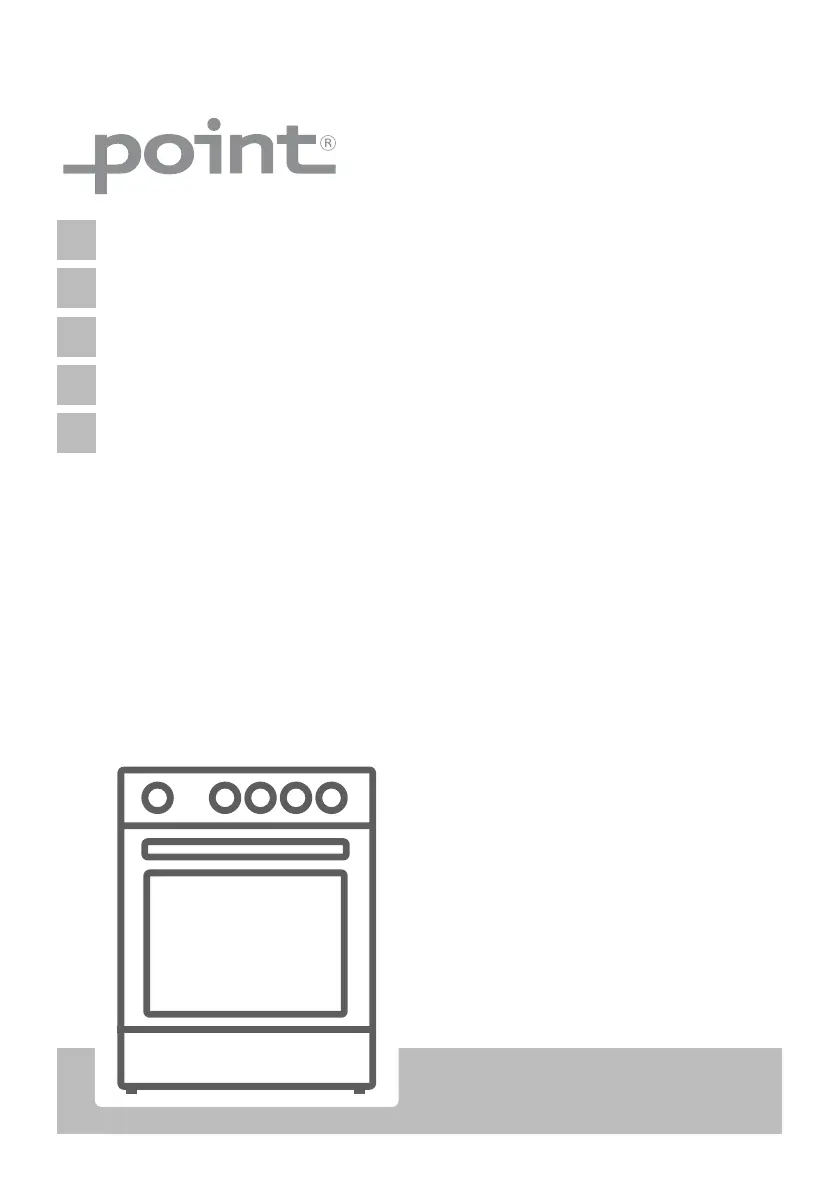
POCO3060IHW
NO
Frittstående komfyr / Bruksanvisning
SV
Fristående spis/bruksanvisning
DA Fritstående komfur/Brugervejledning
FI
Lattialiesi/ Käyttöopas
EN
Free Standing Cooker / User Manual

Table of Contents

Questions and Answers

  • D
    Diane PetersonAug 17, 2025
    What to do if my point Cookers hob switches off and 'F' flashes?
    • A
      Anthony HarrisonAug 17, 2025
      If the hob switches off during use and an 'F' flashes on each display, it means the controls are damp or an object is resting on them. To fix this, dry the controls or remove the object.
  • C
    cindy97Aug 20, 2025
    Why my point POCO3060IHW oven does not switch on?
    • S
      Stephanie BraunAug 20, 2025
      If your oven doesn't switch on, the power may be switched off. Check whether there is a power supply and that other kitchen appliances are working.
  • J
    Joshua MorrowAug 22, 2025
    How to fix a blacked out display on my point POCO3060IHW Cookers hob?
    • G
      grimestracyAug 22, 2025
      If the hob control card's display is blacked out and the hob or cooking zones cannot be switched on, it indicates there is no power supply. Check the household fuse for the appliance and whether there is a power cut by trying other electronic appliances.
  • E
    eparkerAug 26, 2025
    Why my point POCO3060IHW oven does not heat up?
    • M
      Mary SmithAug 26, 2025
      If your oven provides no heat or doesn't warm up, it could be due to an incorrectly set oven temperature control or leaving the oven door open. Check the oven temperature control knob is set correctly.
  • D
    David ReedAug 27, 2025
    Why is cooking uneven in my point Cookers oven?
    • M
      Matthew AndersonAug 28, 2025
      If cooking is uneven within the oven, the oven shelves may be incorrectly positioned. Ensure that you are using the recommended temperatures and shelf positions. Avoid frequently opening the door unless necessary, as this can lower the interior temperature and affect cooking results.
  • E
    Elizabeth RogersAug 30, 2025
    What does 'U' symbol mean on my point POCO3060IHW Cookers hob?
    • M
      Michael AguilarAug 31, 2025
      If the 'U' symbol lights up in the display of one of the cooking zones, it means there is no pan on the cooking zone or the pan is unsuitable. Use a suitable pan.
  • M
    Mary MartinSep 2, 2025
    Why does my point POCO3060IHW Cookers hob switch off during use?
    • C
      Crystal FisherSep 2, 2025
      If the hob switches off while it is in use, one of the cooking zones may have been on for too long. You can use the cooking zone again by switching it back on.
  • S
    Sarah RandolphSep 5, 2025
    Why can't I press the timer buttons on my point POCO3060IHW?
    • L
      Lisa JohnsonSep 5, 2025
      If the timer buttons cannot be pressed properly, there might be foreign matter caught between the timer buttons. For touch models, moisture on the control panel or a set key lock function could be the cause. Remove any foreign matter or moisture and try again. Check whether the key lock function is set.
  • N
    nancy88Sep 7, 2025
    Why does my point POCO3060IHW Cookers hob make noise during cooking?
    • S
      susangarnerSep 8, 2025
      If the saucepans make noise during cooking or your hob makes a clicking sound during cooking, this is normal with induction hob cookware. It is caused by the transfer of energy from the hob to the cookware. This operation is normal, and there is no risk to your hob or cookware.
  • C
    Christine MarksSep 12, 2025
    Why doesn't the light work in my point Cookers oven?
    • P
      Paul CooperSep 12, 2025
      If the oven light does not operate, the lamp may have failed, or the electrical supply is disconnected or switched off. Replace the lamp according to the instructions. Make sure the electrical supply is switched on at the wall socket outlet.

Summary

SAFETY INSTRUCTIONS

General Safety Warnings

Important safety information for appliance use and potential hazards.

Installation Warnings

Critical safety guidelines for the correct installation of the appliance.

During Use

Precautions and advice for safe operation of the appliance.

During Cleaning and Maintenance

Safety instructions for cleaning and maintaining the appliance.

INSTALLATION AND PREPARATION FOR USE

Instructions for the Installer

Detailed instructions for authorized personnel during installation.

Electrical Connection and Safety

Guidelines for safe electrical connection and grounding of the appliance.

Adjusting the Feet

How to level the appliance using its adjustable feet for stability.

PRODUCT FEATURES

HOB CONTROLS

Induction Zone

Operation and settings for the induction cooking zones.

Cookware

Guidelines for selecting suitable cookware for induction hobs.

OVEN CONTROLS

Oven Functions

Detailed descriptions of various cooking functions available for the oven.

Cooking Table

Recommended settings for different dishes using oven functions.

FOR STEAM FUNCTION

USING THE STEAM FUNCTION

ACCESSORIES

The Flap Drawer

Description and usage of the appliance's storage drawer.

Child Lock

Instructions for operating the child lock feature on the oven door.

CLEANING

General Instructions

General advice and precautions for cleaning the appliance.

Cleaning the Inside of the Oven

Methods for cleaning the interior surfaces of the oven.

Pyrolytic cleaning

How to use the pyrolytic self-cleaning function safely.

Cleaning the Ceramic Glass

Procedures for cleaning the vitroceramic cooktop surface.

MAINTENANCE

Changing the Oven Lamp

Steps for replacing the oven's light bulb.

TROUBLESHOOTING

TRANSPORT

point POCO3060IHW Specifications

General IconGeneral
Brandpoint
ModelPOCO3060IHW
CategoryCookers
LanguageEnglish