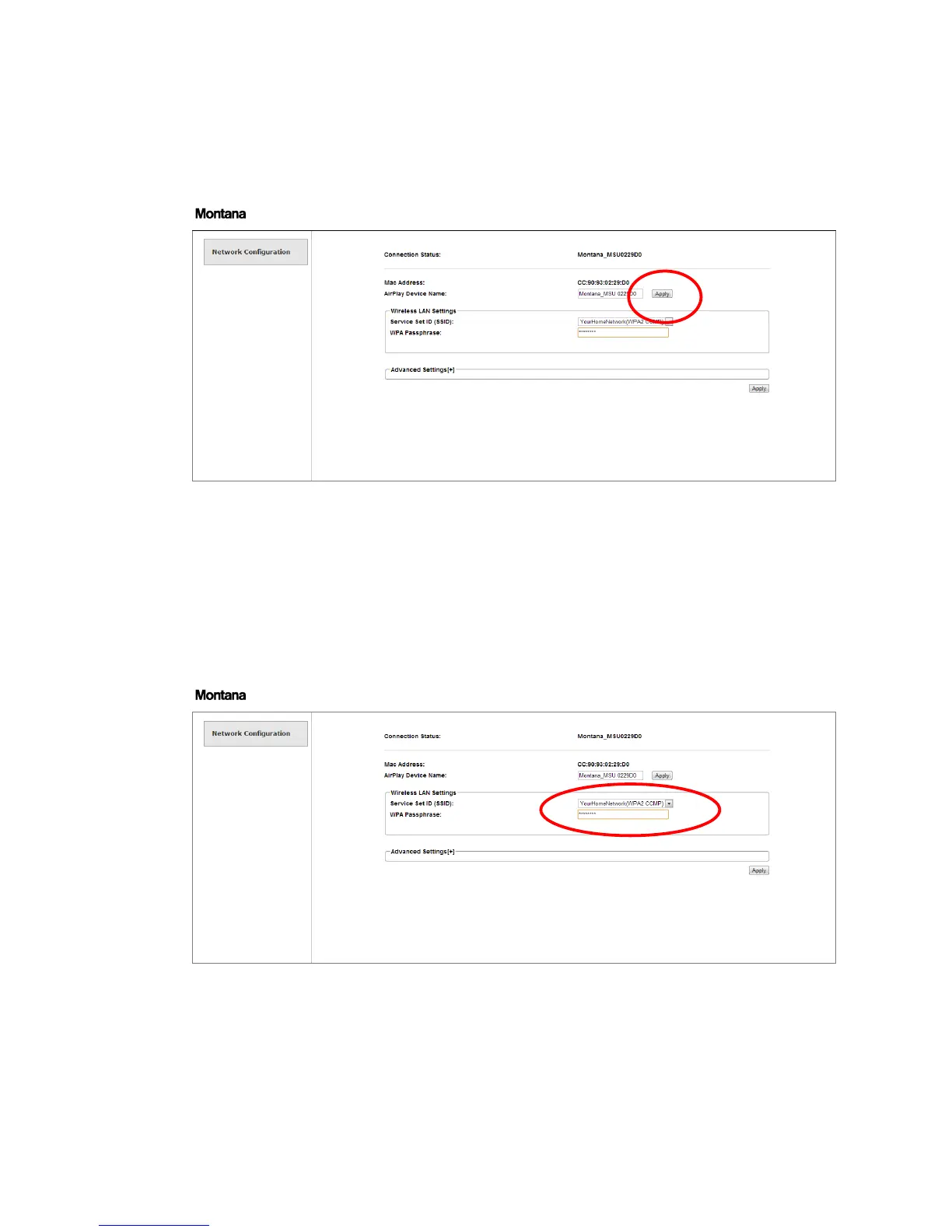
6. You can change the default sound unit network name from “Montana_MSUxxxxxx” to
some name that makes more sense like “TV living room”, “Kitchen”, “Bedroom” etc. after
changing the name press “Apply”
Note: The name shown in AirPlay and DLNA can be changed here too. Write the desired
name under “Airplay Device Name” and click apply next to.
7. Recall the Montana Webpage to change “Wireless LAN Settings”
8. Under the “Wireless LAN Settings” choose your home network name and enter the
password below
9. When done click “Apply” down in the right corner. The MSU will now connect to the WiFi
home network. First it will show “LINK” while searching for the network.


 To Next Page