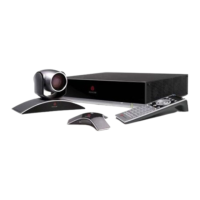
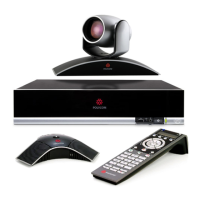
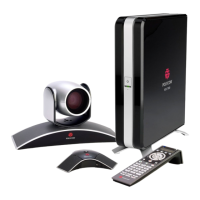
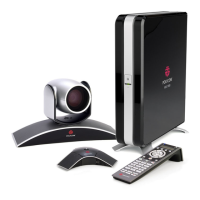
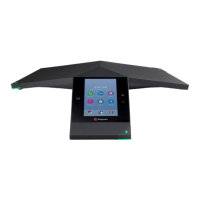
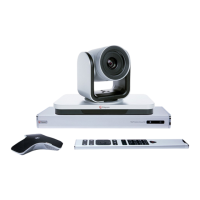
Quick Reference Guide for Polycom HDX8000
Turn On the System
Power on Polycom.
Power on Television, select the input signal source. The Polycom
startup screen should appear in 3-4 minutes. Once the “Dial Up”
screen shows, the system is ready for receiving call or placing a
call.
To Receive A Call From Polycom Conference Equipment
Wait for the “Dial In” tone and the “Dialer” IP address appears.
Check the “Dialer” IP address and accept the call.
To Place A Call To a Conference Equipment
Display the onscreen keyboard to enter the text.
Enter the receiver’s IP address on the screen using the remote
control with “dot” in the format: XXX.XXX.XXX.XXX
Place a call with the “Place or answer a call” button.
To Adjust the Volume
Press “+” or “-“
To Mute the Microphone
Press mute button.
To Zoom in/out
Press “+” or “-“
To End a Call
Press “End a call” button.
Confirm after prompted.


 Need help?
 General