10
SETTING UP YOUR POLYSHER
Attach the Power Cable
Ensure to place the Polysher
TM
on a stable
and at surface. The power supply unit
comes with several different plugs. Please
choose the one suited to your country/region.
Attach the power cable to the power port,
which is on the lower back of the Polysher
TM
.
Power On the Polysher
TM
Connect the power supply to mains power.
Press the On/Off button on the front panel of
the Polysher
TM
. A greeting tone should sound,
the timer display should ash briey, and the
blue ring around the On/Off button should
illuminate.
Open the Polysher
TM
Press the Open/Close button. The lift
mechanism should rise to its fully-open
position and stop.
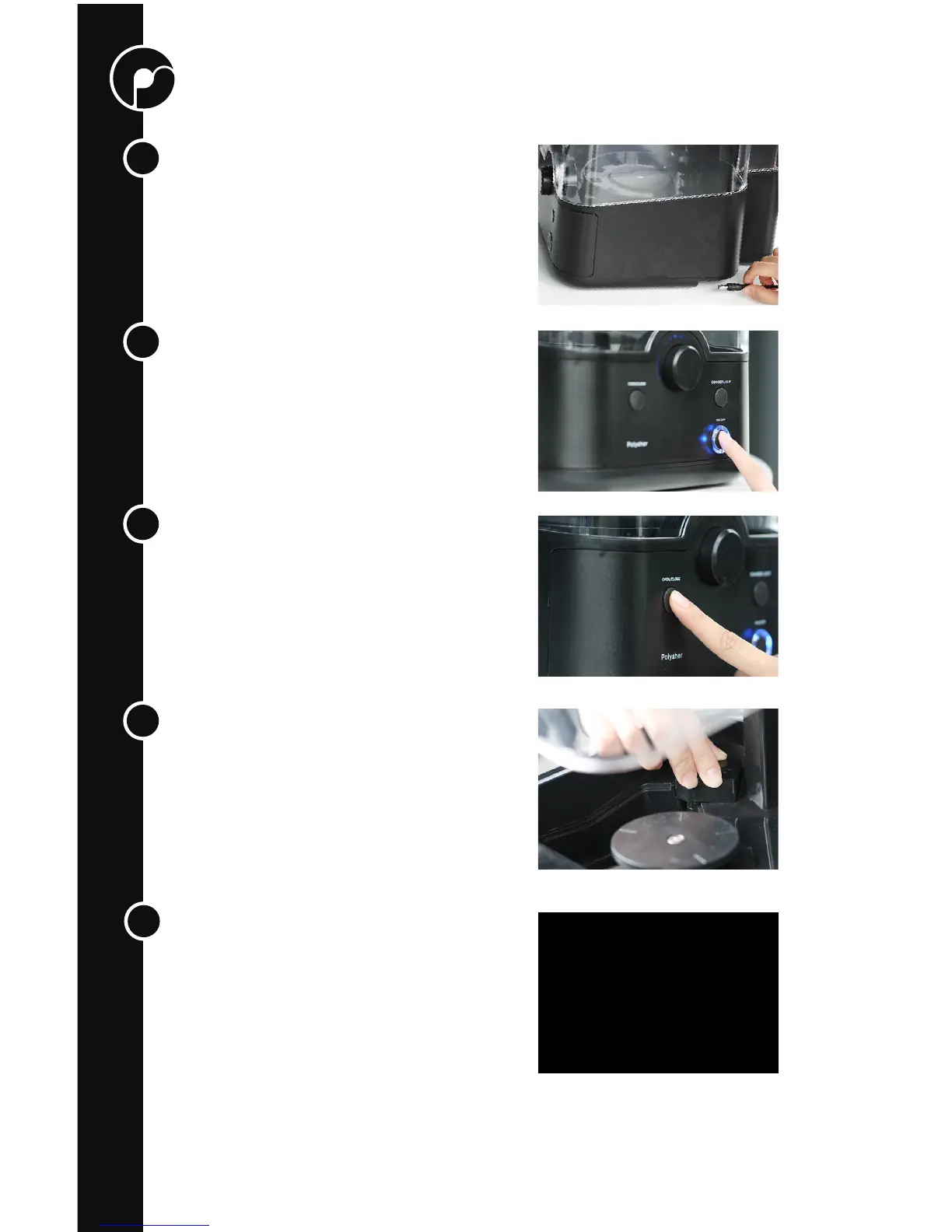
Install the Nebulizer
Install a Nebulizer by rmly pressing it down
into the socket. Make sure the connection is
satisfactory.
Fill the Reservoir
Lifting up the transparent casing with one
hand, and use the suction pipette with your
other hand to ll the reservoir with alcohol to
approximately 80-90% capacity. Isopropanol
or ethanol with concentrations of 70% or
above can be used; concentrations of 90% or
more are recommended
3
.
3
Higher concentrations will result in faster polishing as well as higher polishing quality
1
2
3
4
5



 To Next Page