EasyManua.ls Logo

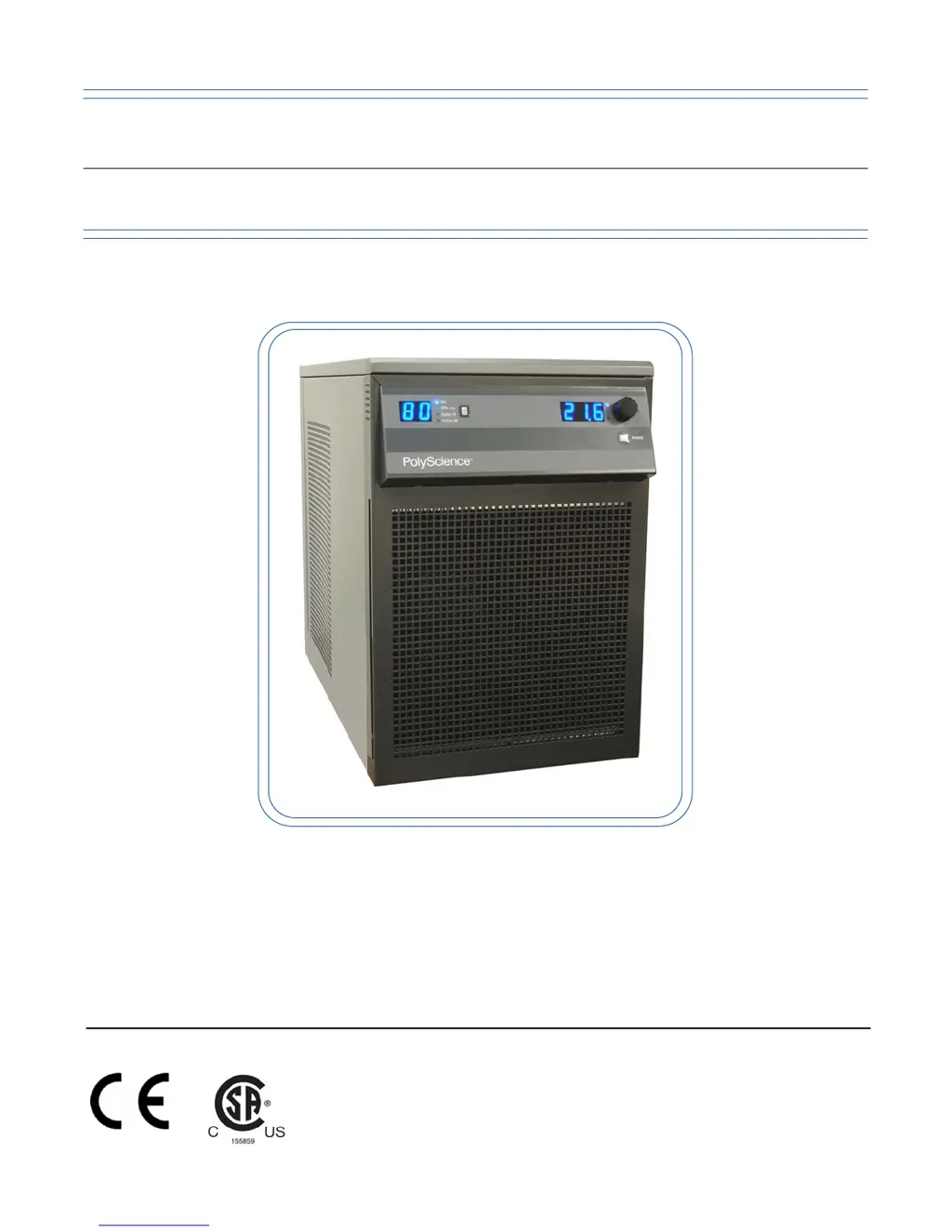
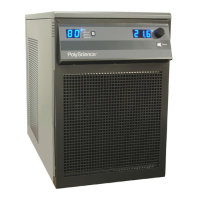
PolyScience Chiller - User Manual

PolyScience Chiller
43 pages
Print Icon
To Next Page IconTo Next Page
Loading...
Operator’s Manual
Refrigerated Recirculating Chillers
110-240 06.13.11

Table of Contents

Questions and Answers

  • J
    Juan HartmanJul 26, 2025
    Why is my PolyScience Chiller not cooling properly?
    • K
      Kenneth SmithJul 26, 2025
      If your PolyScience Chiller isn't cooling sufficiently, start by cleaning any dust buildup on the air filter or condenser and removing any blockages from the air ventilation screens. Check that the heat load doesn't exceed the chiller's capacity and decrease the ambient air temperature if it's too high. Also, verify that the line voltage is within the correct range. If the problem persists, check the temperature sensor readings in Diagnostic Mode; a reading of -50°C indicates the sensor needs replacement.
  • P
    pattersondanielJul 30, 2025
    How to fix a PolyScience Chiller that won't turn on?
    • G
      grace38Jul 30, 2025
      If your PolyScience Chiller unit isn't running and the digital displays are blank, ensure the electrical cord is securely connected to a working outlet and that the Power Switch/Circuit Breaker on the rear of the unit is turned ON.
  • M
    Miss Tracey SandovalAug 3, 2025
    What to do if PolyScience Chiller shows fault code 10?
    • J
      Jessica LynchAug 4, 2025
      If your PolyScience Chiller displays fault code 10, it might be due to extreme electrical line interference. Try plugging the unit into another power source. If the problem continues, it may indicate a triac failure, requiring replacement of the triac or triac driver.
  • B
    bradleywellsAug 8, 2025
    Why is there no fluid circulation in my PolyScience Chiller?
    • A
      Antonio FordAug 8, 2025
      If your PolyScience Chiller isn't circulating fluid, first ensure there's enough fluid in the reservoir by adding more if needed. Next, check for and remove any blockages in the circulating system. If the pump is still not operating, it may need to be replaced.
  • D
    Douglas ShortAug 12, 2025
    What to do if PolyScience Chiller is in standby mode?
    • L
      Laura PowellAug 12, 2025
      If your PolyScience Chiller unit isn't running and shows three decimal points on the temperature display (or two on the pressure/flow rate display), it's likely in Standby mode. Press the Power Button on the front panel to exit Standby mode.
  • J
    Johnny BarnettAug 16, 2025
    Why is circulation insufficient in my PolyScience Chiller?
    • A
      Angela BurnsAug 16, 2025
      If you are experiencing insufficient circulation with your PolyScience Chiller, the fluid viscosity might be too high; try replacing it with a lower viscosity fluid. Also, check if the external tubing diameter is too small and replace it with larger diameter tubing if necessary. Inspect the fluid lines for any restrictions and correct them. Finally, ensure that the line voltage is not too low and correct it as needed.
  • F
    Frank Evans PhDAug 21, 2025
    What does fault code 12 mean on a PolyScience Chiller?
    • T
      taylorleslieAug 21, 2025
      If your PolyScience Chiller displays fault code 12, start by checking the external probe connection and correct it if it's loose. If the problem persists, the external temperature probe may be faulty and require replacement. Note that the chiller can still operate using the internal probe until the issue is resolved.

Summary

Installation and Startup

Startup Procedures

Step-by-step instructions for filling the reservoir and starting the chiller.

Operation and Settings

Normal Operation and Display Settings

Navigating the interface, selecting units, and adjusting set points.

Operational Parameter Configuration

Detailed guide on setting temperature, pressure, flow rate, and calibration parameters.

Troubleshooting and Maintenance

Alarms, Errors, and Faults

Understanding message codes, fault codes, and required actions.

Troubleshooting and Diagnostics

Common problems, solutions, and accessing the diagnostic mode.

Technical Specifications

PolyScience Chiller Specifications

General IconGeneral
Temperature Stability±0.1°C
Temperature Range-20°C to 40°C
ControllerDigital PID
Safety FeaturesOver-temperature protection, low liquid level protection
RefrigerantR404A
Power Supply230V, 50/60Hz

Related product manuals