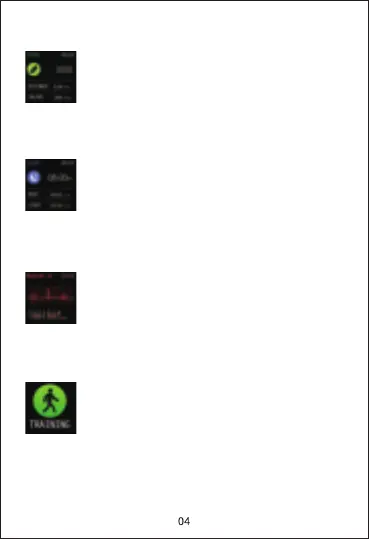
Sleep data: Wear the watch to fall asleep, and
P22 Watch can track your sleep. After waking
up, tap the "Sleep" icon to learn how long you
slept and check your sleep trends for the past
7 days in the app HeroBandⅢ.
Exercise: Tap "EXERCISE" icon, choose one
physical training. The watch supports 7 sport
modes like walking, running, cycling, skipping,
badminton, basketball and football. Under one
exercise mode, it will record exercise time,
heart rate, calories, etc.
Blood pressure: Tap “BP” icon to start to
measure your current blood pressure. You
can view more blood pressure data in the
app HeroBandⅢ.
Steps: Record the current steps, calories,
time and distance.


 To Next Page