How to Connect
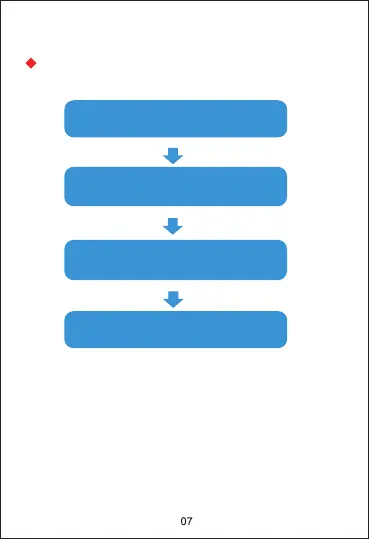
Open the App to set
personal information
Switch to the [device] page
and click [bind device]
Click on [P22] in the list of
devices scanned
Bind completed
Note: When the phone is connected to the watch, it needs
to keep the Bluetooth of the phone on. Make sure there is
no other matching device in the Bluetooth of the phone.
Don't connect to your mobile phone directly via Bluetooth.


 To Next Page