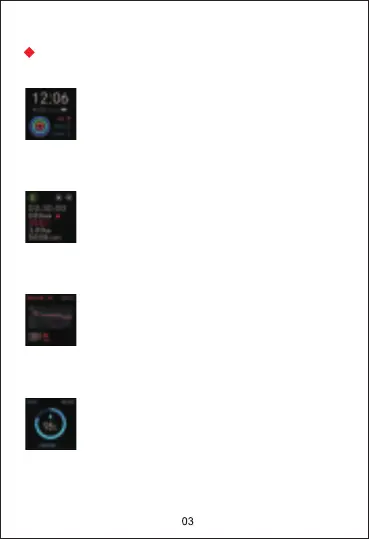
Home screen: Shows date, time, steps,
calories, etc.
View exercise data: Tap "EXERCISE", choose
one physical training, the watch shows exercise
time, heart rate, calories, etc. You can end or
pause the current exercise mode by tapping
the two icons in the upper right corner.
Heart rate: Tap “HR” icon to start to measure
your current heart rate. You can view more
heart rate data in the app HeroBandⅢ.
Blood oxygen: Tap “SpO2” icon to start to
measure your current blood oxygen. You
can view more blood oxygen data in the
app HeroBandⅢ.
Functions Introduction


 To Next Page