6 User interface
List views
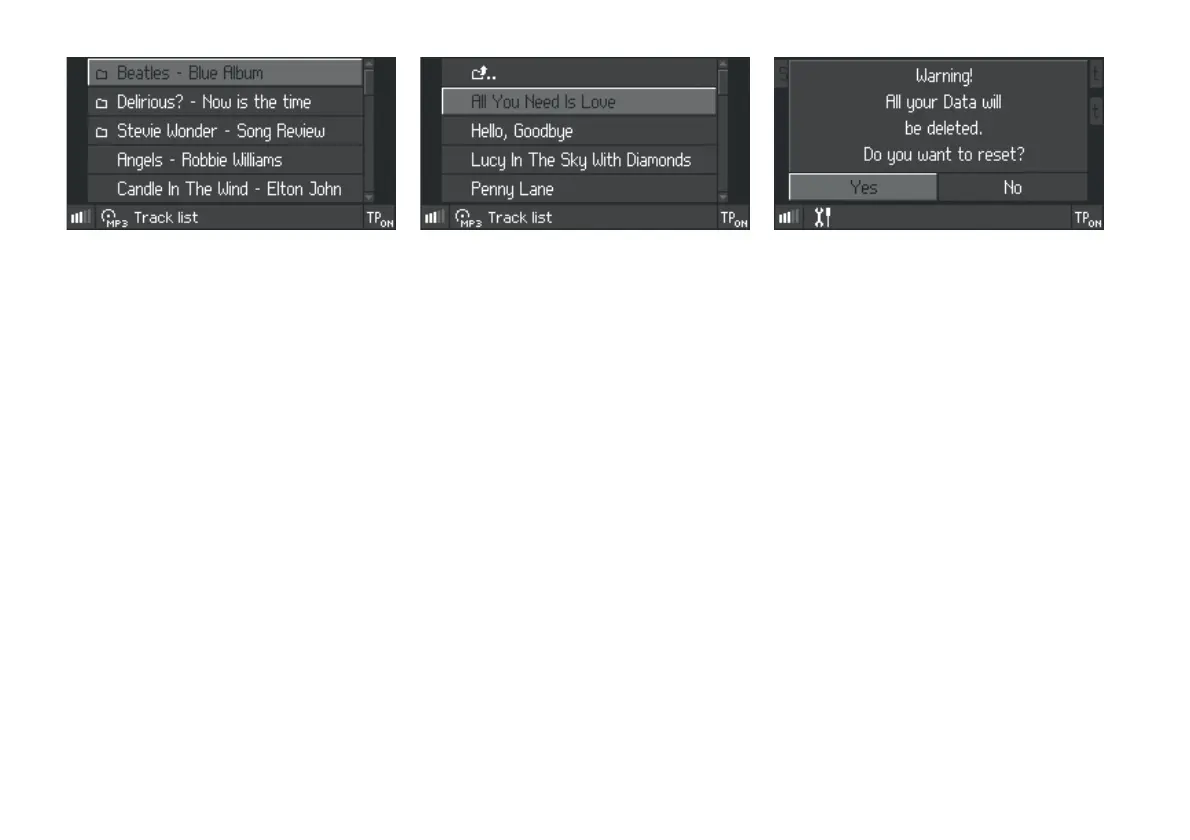
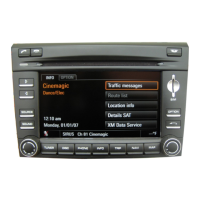
In some menus, e.g. the track list in MP3 mode
(see illustration), information is presented in the
form of a list .
The selection (pale-highlighted row) can be moved
up and down by turning the rotary/push knob to
the left or right.
Once a selection is made it can be confirmed by
pressing the rotary/push knob. In the example this
would open the
Beatles - Blue Album folder so
that the contents of the folder are displayed.
Messages
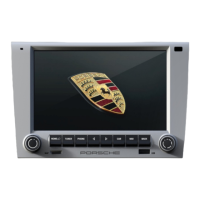
Messages appear when, forexample, the CDR30
is requested to reset factory settings or a traffic
report is broadcast. These are shown in the centre
of the display.
Where a message prompts the user for a
response (see illustration) the desired answer can
be selected and confirmed using the rotary/push
knob (e.g. turn rotary/push knob to the right to
select
No and press to confirm).


 To Next Page