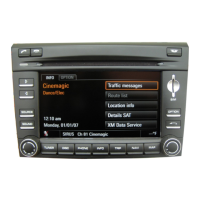
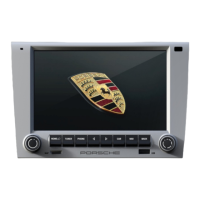
User interface 7
Using the menus
Main menus and submenus
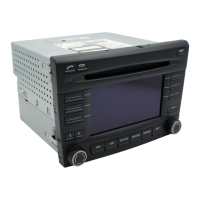
Each of the CDR30 main functions (e.g. FM
mode) can be accessed using the corresponding
button (e.g. ). This will open the main menu
which provides the starting point for accessing the
individual functions and submenus offered by the
SoftKeys.
To leave a submenu press the button to
move back one step at a time to the main menu.
Settings
For the FM, AM, SOUND and PHONE modes there
are a number of associated settings menus that
can only be accessed by first pressing the main
function button followed by the button.
System settings
Press and hold the button to access the
System settings menu. This menu can be used to
set the language or to reset the device.
Please refer to Section „SYSTEM SETTINGS“ on
page 11.


 To Next Page