37
CONTROLS USE
En
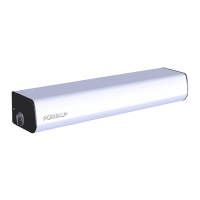
The 6 positions key selector allows to choose the running
mode, with a mechanical key.
Mode choice
1
Insert the key
2
Turn the key on the chosen mode
see § Running modes
3
Remove the key from the selector
3.2.1 Presentation
3.2.2 Control from the selector
3.2 6-position key switch 33

 To Next Page
 Loading...