EasyManua.ls Logo

Porter-Cable 619 - Page 6

Porter-Cable 619
12 pages
Print Icon
To Next Page IconTo Next Page
To Previous Page IconTo Previous Page
Loading...
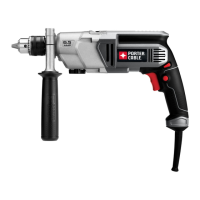
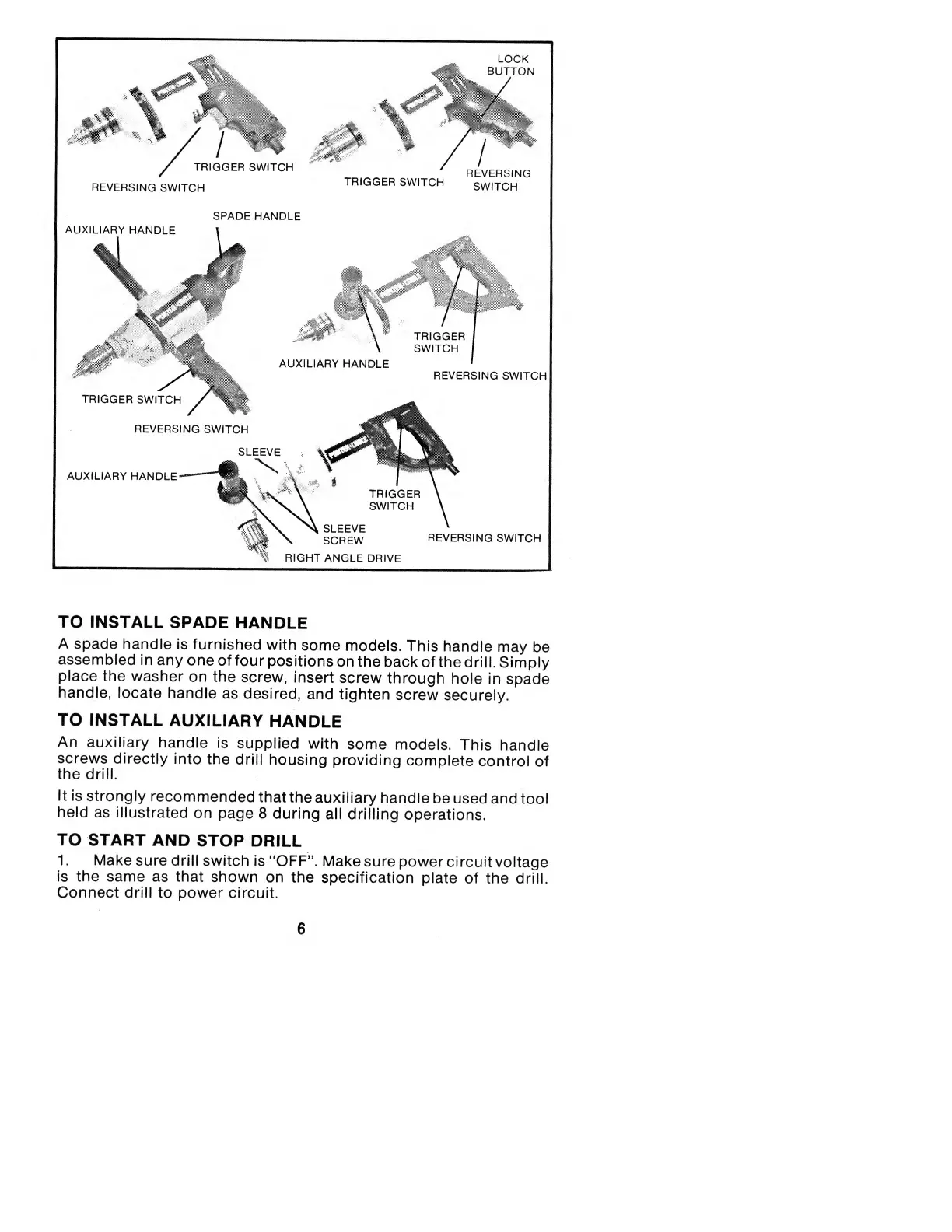
LOCK
BUTTON
TRIGGER
SWITCH
REVERSING
SWITCH
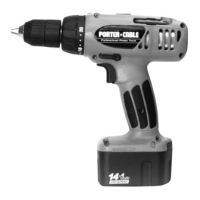
TRIGGER
SWITCH
REVERSING
SWITCH
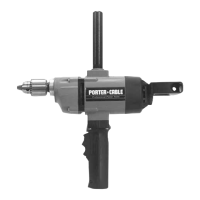
SPADE
HANDLE
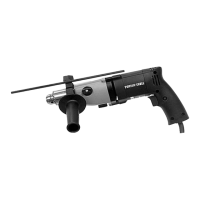
AUXILIARY
HANDLE
TRIGGER
SWITCH
AUXILIARY
HANDLE
REVERSING
SWITCH
TRIGGER
SWITCH
REVERSING
SWITCH
AUXILIARY
HANDLE
TRIGGER
SWITCH
feX
X
SLEEVE
I
X
SCREW
%
RIGHT
ANGLE
DRIVE
REVERSING
SWITCH
TO
INSTALL
SPADE
HANDLE
A
spade
handle
is
furnished
with
some
models.
This
handle
may
be
assembled
in
any
one
of
four
positions
on
the
back
of
the
drill.
Simply
place
the
washer
on
the
screw,
insert
screw
through
hole
in
spade
handle,
locate
handle
as
desired,
and
tighten
screw
securely.
TO
INSTALL
AUXILIARY
HANDLE
An
auxiliary
handle
is
supplied
with
some
models.
This
handle
screws
directly
into
the
drill
housing
providing
complete
control
of
the
drill.
It
is
strongly
recommended
that
the
auxiliary
handle
be
used
and
tool
held
as
illustrated
on
page
8
during
all
drilling
operations.
TO
START
AND
STOP
DRILL
1.
Make
sure
drill
switch
is
"OFF”.
Make
sure
power
circuit
voltage
is
the
same
as
that
shown
on
the
specification
plate
of
the
drill.
Connect
drill
to
power
circuit.
6

Related product manuals