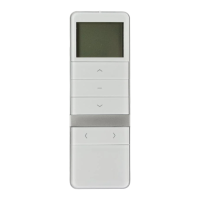
1x = MANUAL 3 sekundy
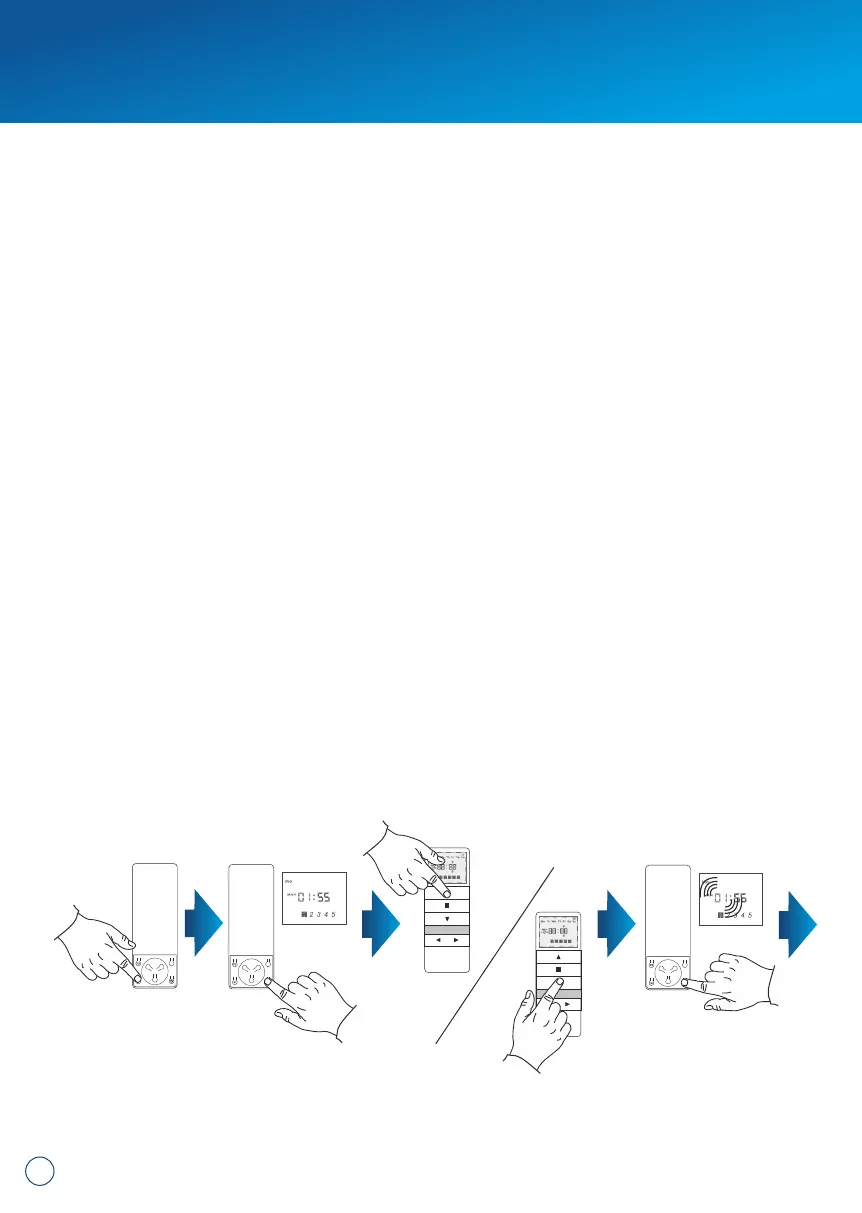
1. Select the desired channel on the remote control. Press the MODE button and
set the mode to AUTO.
2. Press and hold the TIME CHANGE button for 3s. - The screen displays the time of
day of the week. Using the UP and DOWN buttons, select the day of the week.
The UP and DOWN buttons allow you to check the lift and lower times already set.
3. Press the TIME CHANGE button briefly - the time of day starts flashing.
Subsequent presses change the day of the week.
4. Use UP and DOWN buttons to set the time of lifting.
5. Press the CHANNEL+ button to move to the minutes setting - the minutes of
lifting start flashing.
6. Use UP and DOWN buttons to set minutes of lifting.
7. Use the OPERATION MODE button to set the lowering time - the lowering time
starts flashing.
8. Use the UP and DOWN buttons to set the lowering time.
9. Press the CHANNEL+ button to move to the minutes setting - the minutes of
lifting start flashing.
10. Use UP and DOWN buttons to set the lowering minutes.
11. Press the CHANGE TIME button to change the settings for the next day. To
make changes, follow steps 4-11.
12. After setting the lifting and lowering times, confirm the changes by holding down
the TIME CHANGE button for 3 seconds. The hour will blink 3 times thus saving
the settings.
11. Programming the lifting and lowering times:
= AUTO
3 seconds
8


 To Next Page
 Loading...