- 1 -
xn
For detail instructions on how to use the Digital Pen, see the User Manual stored in the CD.
This manual may not reflect yo ur actual de vice’s o peration. All informat ion is subject to change
without prior notification. Please fo llow your actual device’s ope rational procedures.
Package Content
Base unit
USB Cable
Digital Pen
2xPen Batteries
Step by Step to Get Started
Step1 Charge the Battery
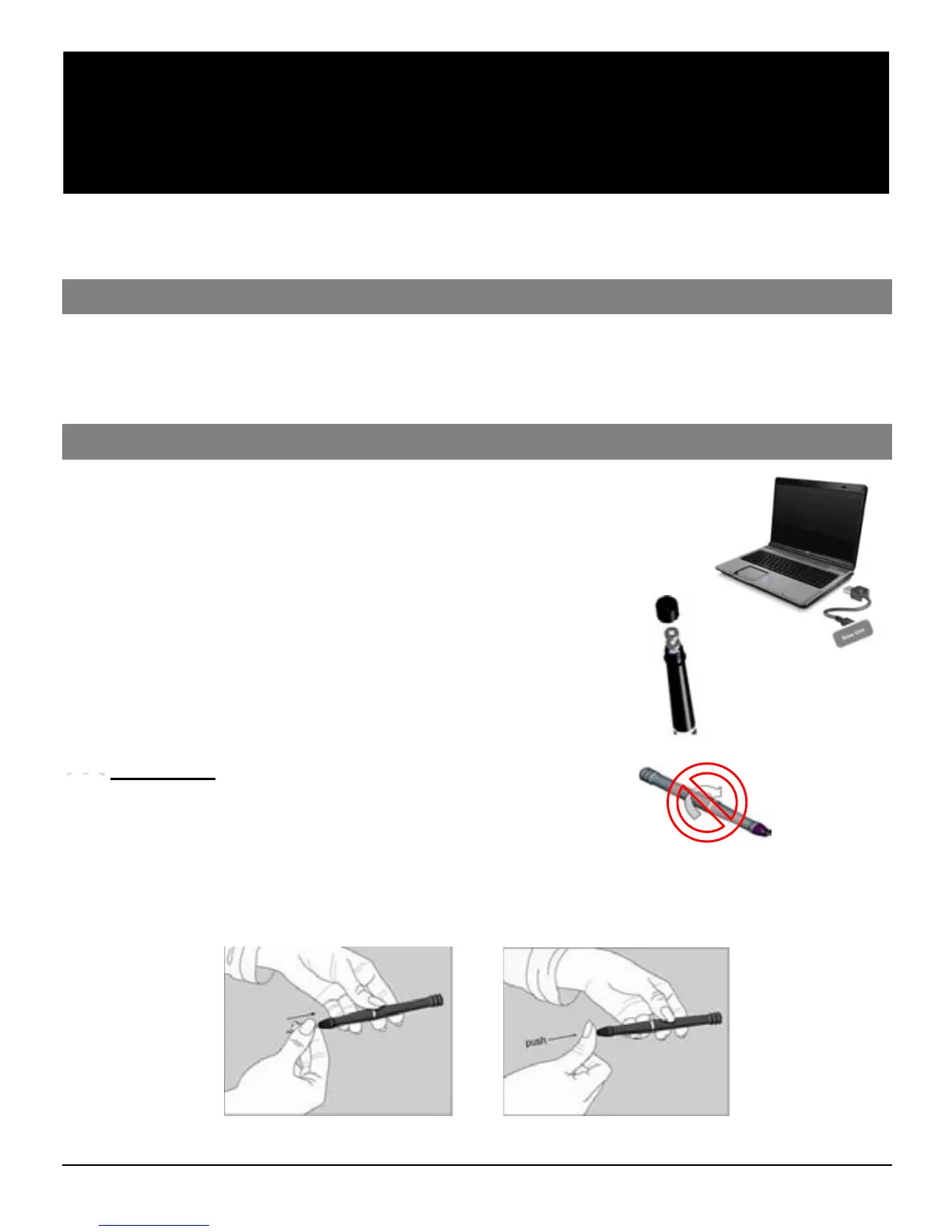
For initial use, your base unit needs to be charged for about 3 hours.
Connect your base unit to your PC using the USB cable for
charging.
Step2 Installing Pen Batteries
a. Remove the battery compartment cover.
b. Install two SR41 batteries, with the positive poles
facing up as shown (Use the enclosed SR41 batteries).
c. Replace battery compartment cover.
WARNING:
Do not attempt to open the pen. This may cause the pen to
malfunction.
Step3 Installing Ink Refill
To insert a new refill,
1. Slide the new refill into the tip of the pen.
2. Gently press the new refill until it is lodged securely in place.
Ink refill
Refill Extractor
Software CD
Quick Start Guide
DIGITAL PEN



 To Next Page