- 8 -
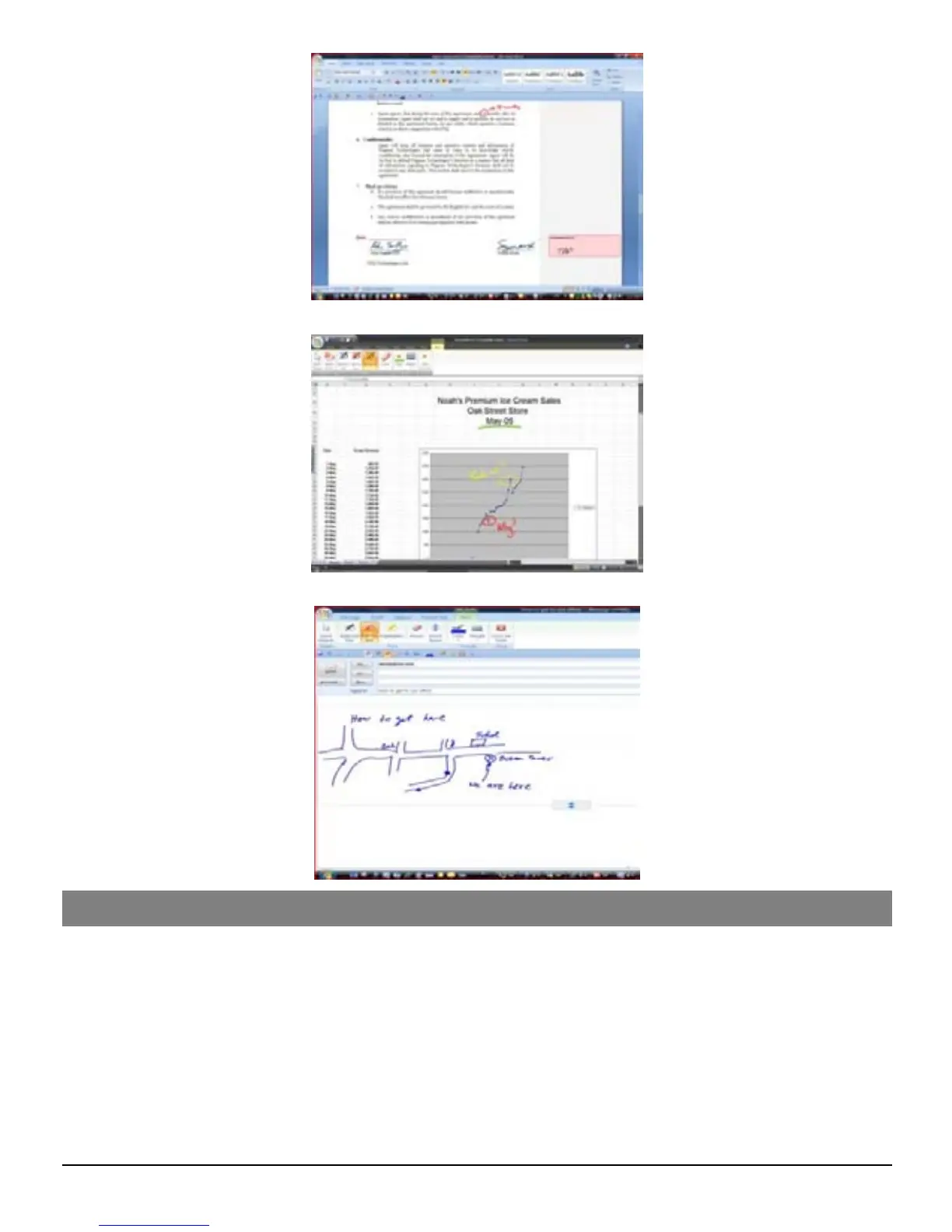
Inking Excel 2007
Drawing in Outlook 2007
Using the Digital Pen in MAC
Installing the Note Manager for Mac software
Simply insert the Note Manager CD and follow the wizard's instructions.
Setting Preferences with the NoteTaker Preference Tool
Before you can start transferring your text from the Digital Pen, you first need to decide
where on your Mac’s hard drive you want to save your uploaded notes from the Digital Pen.
Click on the NoteTaker Preferences icon to open the preference tool, and then specify the
path to the location on your Mac’s hard drive where TIFF images from the Digital Pen will
be saved.


 To Next Page