8
Interface Selection
This decoder build-in scanner comes in one model and
supports interfaces such as keyboard wedge, RS232 serial
wedge, wand emulation, and the latest USB interface. In
most of the cases, simply selecting an appropriate cable with
a device code will work for a specific interface.
Interface selection: You can change factory interface
default for other type interface. By plugging different cables,
setting right interface, then the scanner will be changed to
another interface. However, you must make sure which cable
you need.
Keyboard/RS232/UBS Auto detection: By setting this
function, it will automatically select the Keyboard wedge or
RS-232 or UBS interface for user.
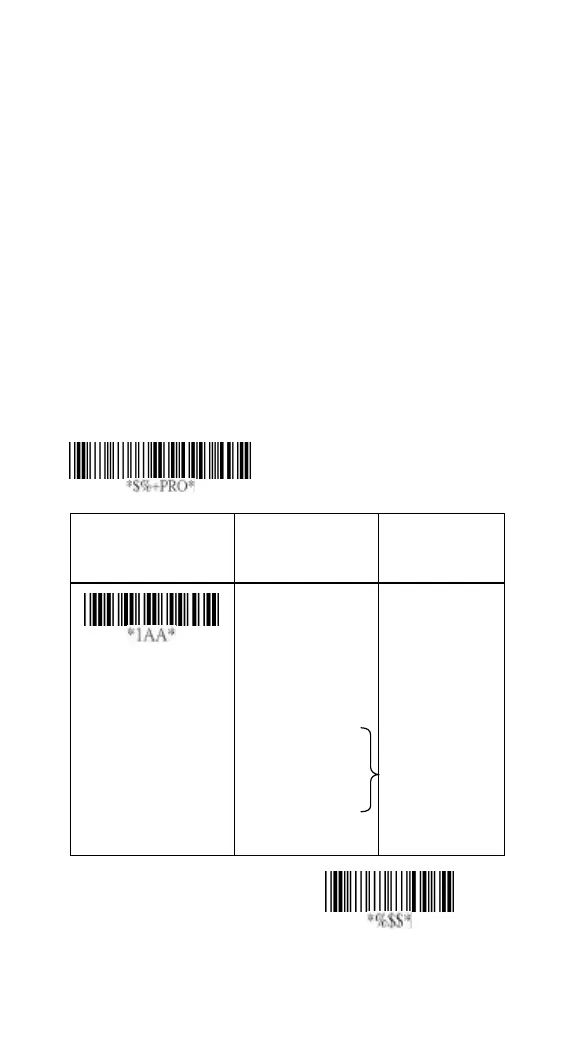
Option Bar Code
Option Alphanumeric
Entry
Interface selection
Keyboard Wedge
RS-232
Wand emulation
USB
Keyboard
/RS232/USB
Auto detection
Reserved
00
01
02
03
04*
05
Program
Note:* -Default



 To Next Page