EasyManua.ls Logo

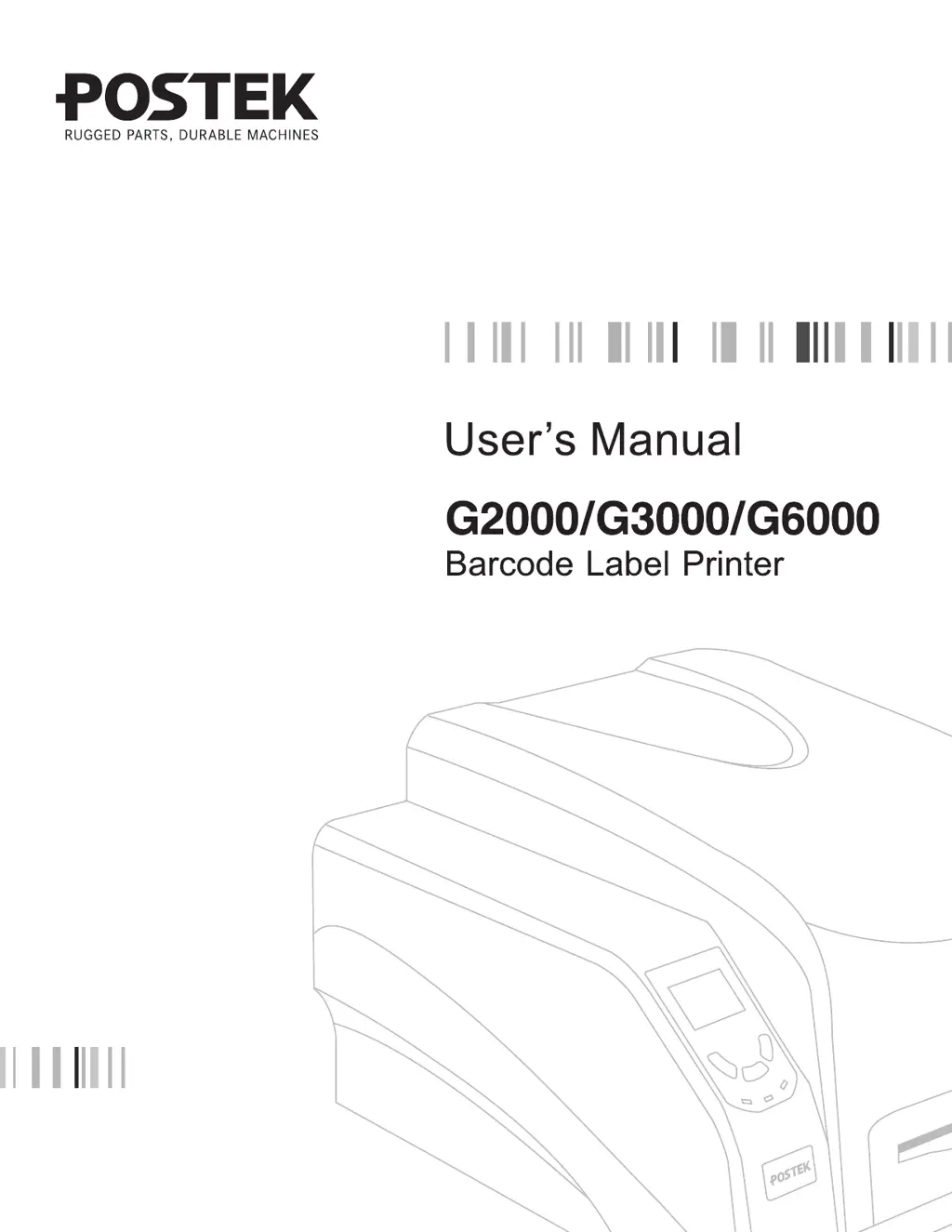
Postek G6000 - User Manual

Default Icon
42 pages
Print Icon
To Next Page IconTo Next Page
Loading...

Questions and Answers

Summary

Preface

Important Notice, Read Me First

Crucial information and warnings regarding printhead care, consumables, and safety precautions.

Chapter 2: Setup and Use

Setting up the Printer

Initial steps and considerations for properly setting up the printer for operation.

Connecting the Printer

Instructions for establishing power and various interface connections for the printer.

Loading the Ribbon

Step-by-step guide for correctly installing and threading the thermal transfer ribbon.

Loading the Media

Instructions for loading different types of media rolls, including Standard Mode operations.

Chapter 3: Operations and Settings

Chapter 4: Maintenance

Warnings

Critical safety warnings and precautions to be observed before performing maintenance.

Cleaning the Printhead

Procedure for cleaning the printer's printhead to ensure optimal performance and longevity.

Chapter 5: Troubleshooting

Error Indications

Explanation of error messages displayed on the LCD and blinking indicator lamp patterns.

Miscellaneous

Solutions for common printing issues not covered in specific error categories.

Poor Printing Quality

Guidance on improving print quality by adjusting settings and cleaning components.

Appendix A: Interface Specifications

Postek G6000 Specifications

General IconGeneral
BrandPostek
ModelG6000
CategoryPrinter
LanguageEnglish

Related product manuals