2.0 Introduction
4
2.1 Introduction
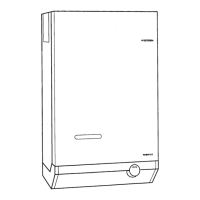
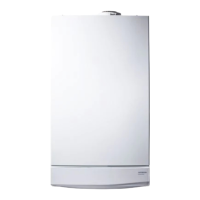
1. Your Potterton Performa 28 is a gas fired,
room sealed, powered flue combination boiler,
providing central heating for your home and
mains fed domestic hot water to taps and
shower. It is fully automatic and does not have a
pilot light.
2. Priority is given to the hot water mode - when
a hot water tap is turned on the supply of heat to
the central heating circuit is interrupted.
2.2 Facia Panel
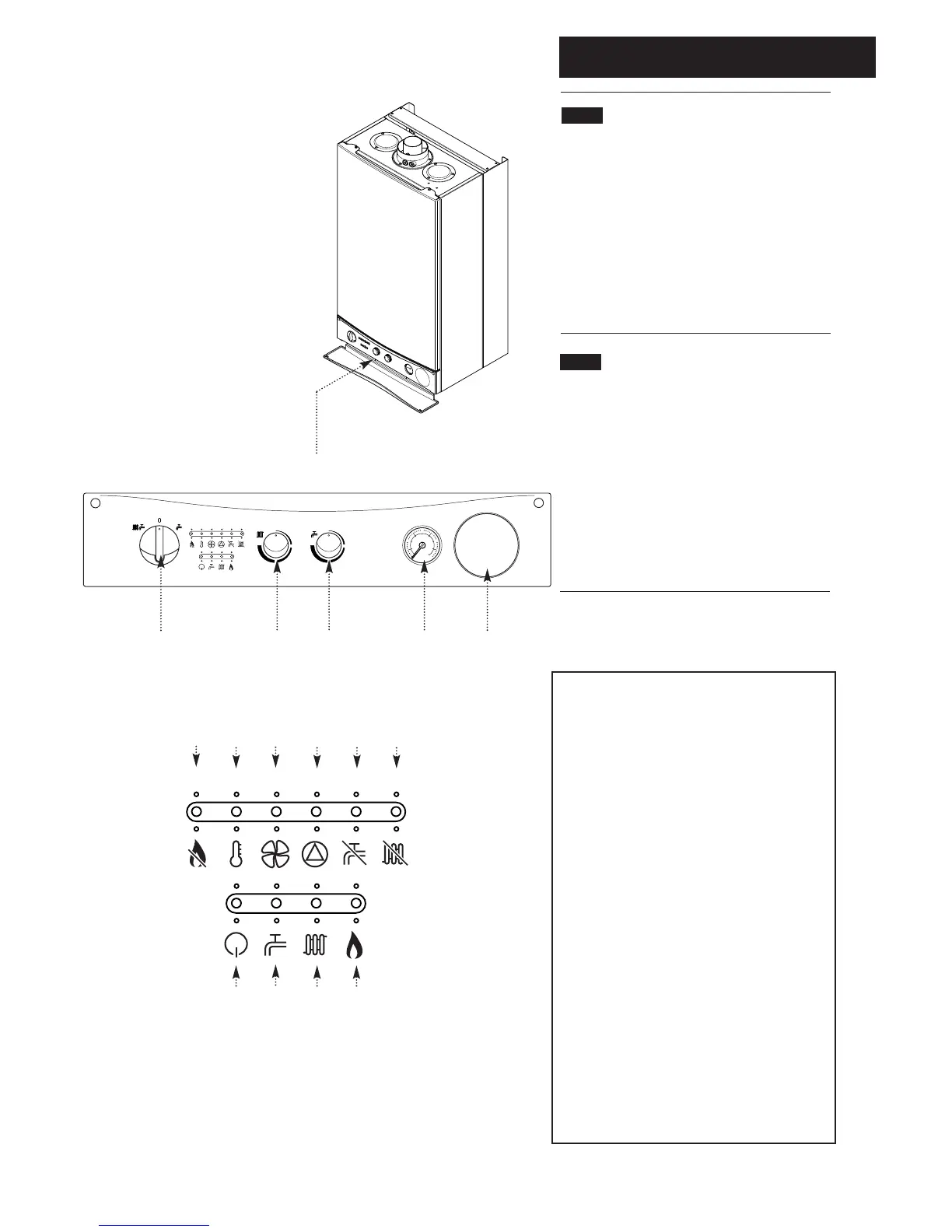
1. The facia panel is behind the hinged lower
door. As well as the on/off/reset selector switch,
temperature control knobs and pressure gauge,
the facia incorporates ten neon indicator lights.
2. Neons 12 to 15 indicate the operational status
of the boiler. Neons 6 to 11 have a dual function,
indicating the temperature of the central heating
water when constantly illuminated. If a fault
develops the appropriate neon will begin to
flash. Refer to Sections 3.3 to 3.7.
1. On/Off/Reset Selector Switch
2. Central Heating Temperature Control
3. Hot Water Temperature Control
4. Central Heating System Pressure Gauge
5. Optional Integral Timer Position
Neon Indicators
6. Flame Failure
7. Safety Thermostat Activated
8. Fault on Fan or Flue
9. Fault on Pump or Low System Pressure
10. Fault on Hot Water Sensor
11. Fault on Central Heating Sensor
12. Power On
13. Domestic Hot Water Mode
14. Central Heating Mode
15. Burner On
When neons 6 to 11 are constantly illuminated,
they indicate the temperature of the central
heating water
32145
6 7 8 9 10 11
12 13 14 15
KEY TO FACIA PANEL (Fig. 3)




 To Next Page