7
9200
Fan is installed,if it shakes up and down,please check the screws in blades,
downrod,and the lamp kit if they are fix,if not,please fix it with screw driver.
lf it still shakes, please use the balancing kit stools and check the instruction
of balancing kit inside the carton.
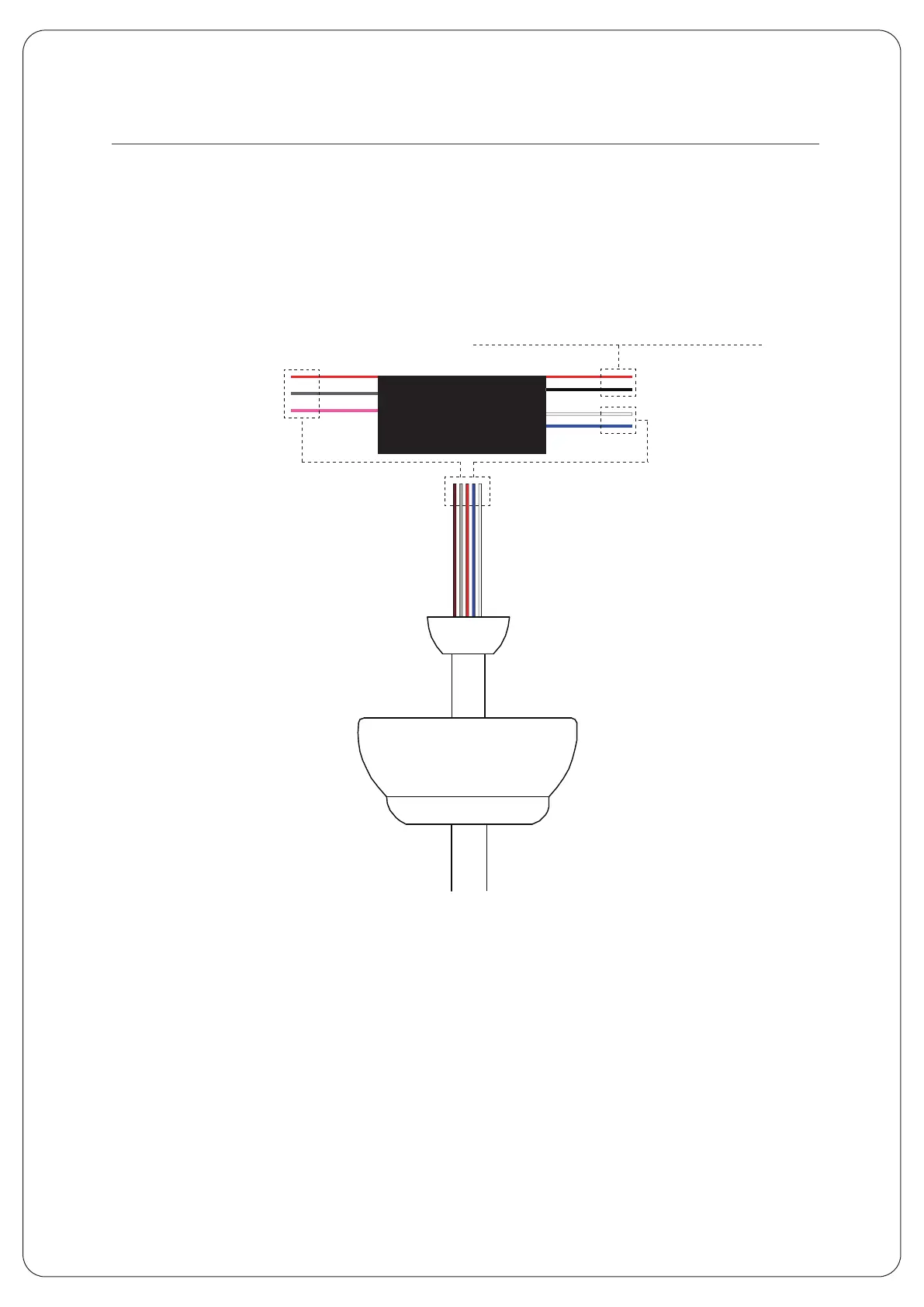
8. Connect the power cord
9. The balance adjustment of the fan
Connect the remote control driver as shown in the picture (the driver is finally
placed in the mounting bracket).
Connect to 110V household wire
Red line (Live wire)
Montor lineU
Montor lineV
Montor lineW
red line
gray line
pink line
Black line (Neutral wire)
White line (light control wire)
Blue wire (light control wire)
Connect the same color
wire of the fan accordingly
Remote controller driver



 To Next Page