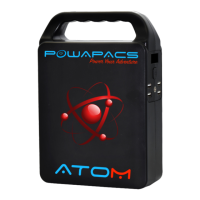
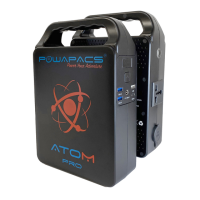
PRODUCT INSTRUCTION
1) Provide power for DC12V and 5V USB appliances.
a. Press the power ON/OFF switch for short time, the UID will become active.
The device is now powering 12v and USB outputs.
b. Auto power detection, if no devise is connected to the 5v USB or 12v after
30 sec ATOM will auto power off or once the charging device is fully
charged.
※ Note: Because the battery is chemical product, voltage drops with capacity, the
DC output voltage of this product is in the range of 9~12.6V, the maximum output
current is 10A. If the DC12V appliance you connect does not have the voltage
stabilising function, when the DC voltage drops with the decline of battery voltage,
it may cause the informal of appliance, please stop using it.
Provide power for AC output.
a. Double Press the power ON/OFF switch, the UID will indicate the AC output
is now being powered and AC will be indicated on the display. Double press
the power On/Off button to turn AC power off. The AC power symbol will
not be displayed.
b. NOTE, the AC socket will continue to power until it is turned off via the on/off
switch
※ The AC output rated power is 150W. If the appliance power is over 150W, do not
try power the appliance.
※ The fan will work automatically for cooling when the working temperature is high.
Warning: Different countries require different voltage. Please read this
manual carefully before using to minimise any dangerous hazards.
Recharging Atom.
a. Charge using the AC Adapter provided. Connect the AC plug of standard
charging adapter to the household AC socket, connect the DC plug of
standard charging adapter with the DC input. Atom will now start to charge.
The UID will display battery level % when the display read out is 100% the
battery full, please remove the charger in time.
b. Solar charging (if applicable). Connect the DC cable from the solar panel
direct to the DC input on Atom. (IN) will flash on the UID indicating charging.


 To Next Page
 Loading...