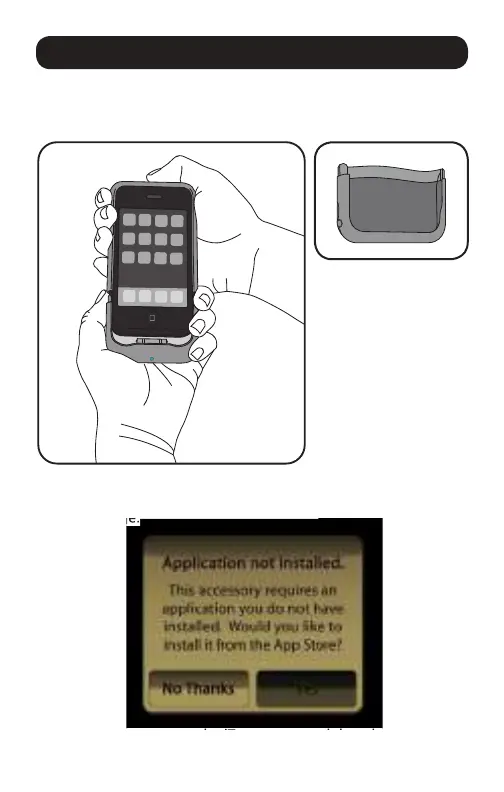
Slide your iPhone 3G or iPhone 3GS into the two-piece
Universal Remote Case. When the case is completely closed,
the adapter is connected correctly.
Tap Yes to connect to the iTunes store and download the app.
If you insert your iPhone in the Universal Remote Case
before you download the Universal Remote App, you see
this message:
Getting Started
to connect to the iTunes store and download the app.
Additional non-IR piece
creates a bonus case



 To Next Page