See the most updated list of FAQs at www.PowerA.com.
Q: What kind of remote can I program?
A: You can program any remote control that uses infrared
technology to send signals to the original equipment. The
Universal Remote does not work with Bluetooth, laser, radio
frequency, or other wireless technologies.
Program Your Remote
1
For step-by-step directions on programming the remote
using the POWER A Universal Remote app interface, visit
PowerA.com and select ‘Support’.
8
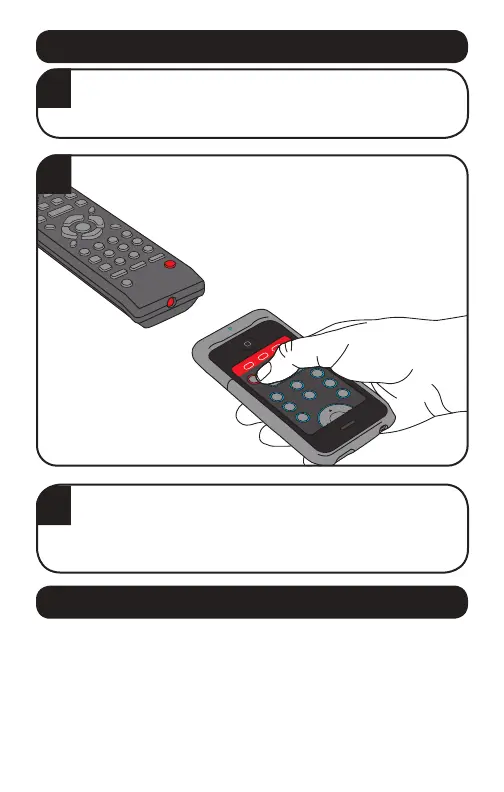
2
When programming directly from an existing
remote, point the blue LED sensor on the
Universal Remote at the LED sensor on the
remote control.
3
Test your remote with the device it controls to make
sure all buttons work. If a button doesn’t work, then
follow the same steps you used before to reprogram
the button and save it.
Frequently Asked Questions



 To Next Page