EasyManua.ls Logo

Power-Genex SS3L Series - User Manual

Default Icon
58 pages
Print Icon
To Next Page IconTo Next Page
Loading...
Instruction and Operating
Manual
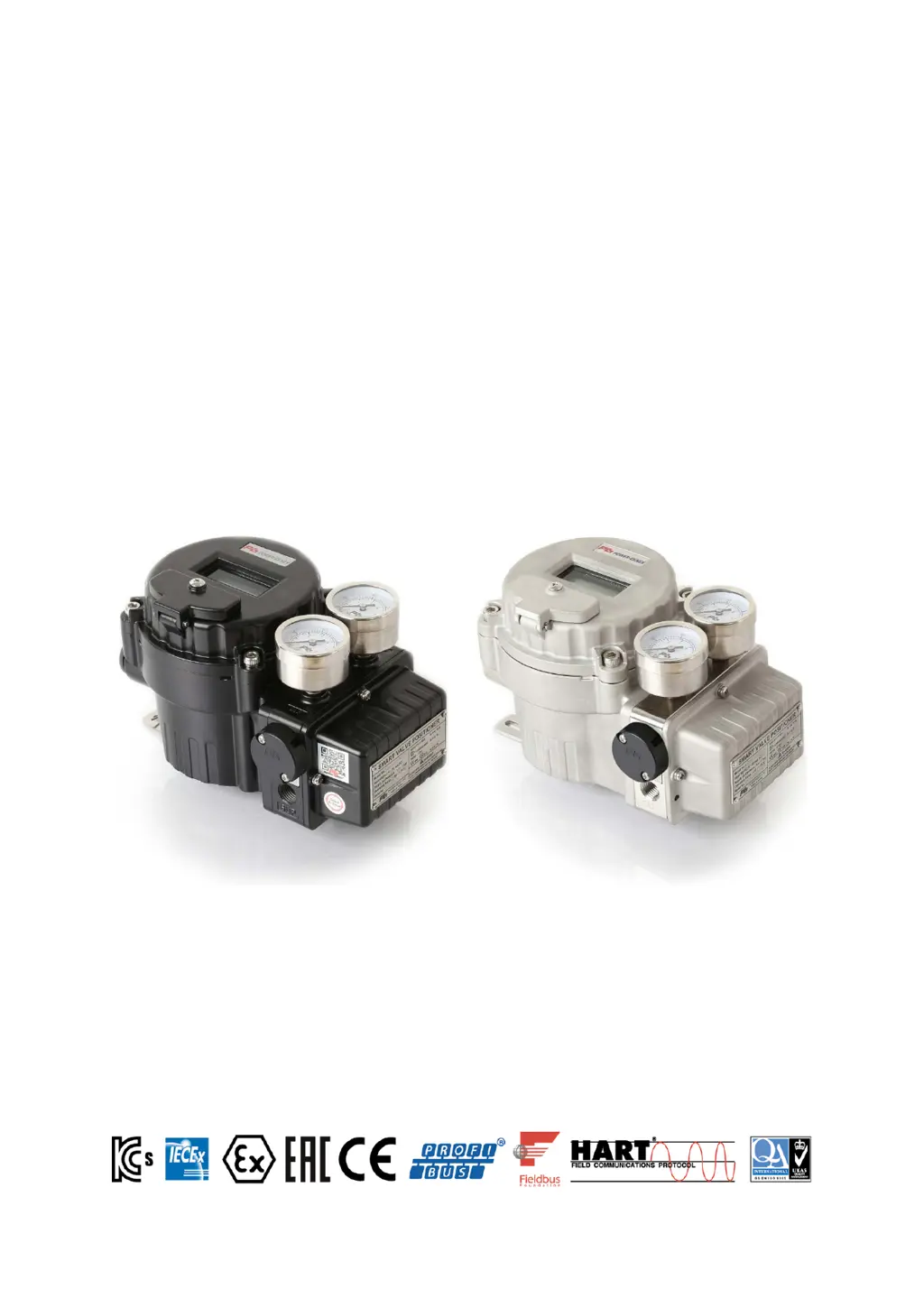
Smart Valve Positioner
SS3L / SS3R Series
<Software Version 6.06>
Power-Genex Ltd.

Table of Contents

Questions and Answers

Summary

1-1 Safety Instructions

General Safety Instructions

Provides essential safety guidelines to prevent hazardous situations and equipment damage.

1-2 Safety Instructions

Limited Warranty and Compliance

Covers product warranty, disclaimers, and compliance requirements for safe use.

1-3 Precautions

Operation Precautions

Details critical precautions for operating and handling the positioner safely.

1-4 Precautions

Handling, Air Supply, and Environment Precautions

Guidelines for safe handling, air supply, and operating environment.

1-5 Precautions

Maintenance Safety Precautions

Safety measures and warnings related to maintenance, including electrostatic hazards.

2. Overview of Structure

Product Components

Details the main electronic and mechanical parts of the positioner.

3. Specifications

General Specifications

Lists key technical specifications like input signal, pressure, temperature, and weight.

3.1. Specifications for Profibus PA Communication

Profibus PA Communication Specifications

Details Profibus PA communication parameters, blocks, and physical layer.

3.2. Specifications for Fieldbus Communication

Fieldbus Communication Specifications

Provides specifications for Foundation Fieldbus communication, including device details.

4. Part Numbering System (order code)

Order Code Structure

Explains the classification and ordering system for different positioner configurations.

4.1. Descriptions on Nameplate

Nameplate Information

Describes the meaning of each label and code found on the product's nameplate.

5. Principle of Operation

Operational Overview

Explains the basic working principle of the smart valve positioner.

6. Descriptions of LCD display and Buttons

Display and Button Functions

Details the LCD display elements and the function of each control button.

7. Installation

7.1. Mounting onto Linear Actuator

Instructions for mounting the positioner onto linear actuators, including follower guide and feedback lever.

7.1.3. Mounting onto Cast Yoke or Pillar Yoke

Instructions for mounting onto cast or pillar yoke types of linear actuators.

7.1.5. Mounting on Diaphragm Actuator

Procedure for mounting the positioner on diaphragm actuators.

7.1.7. Standard Installation

Step-by-step guide for standard linear actuator installation and initial setup.

7.2. Mounting onto Rotary Actuator

Instructions for mounting the positioner onto rotary actuators, including multi-size bracket.

7.2.2. Mounting with Fork Lever Type

Specific steps for mounting using a fork lever mechanism.

8. Air Connections

8.1. SS3 L (linear type) Air Connections

Air connection diagrams and guidelines for the SS3L linear type positioner.

8.2. SS3 R (rotary type) Air Connections

Air connection diagrams and guidelines for the SS3R rotary type positioner.

9. Electrical Connections

9.1. Terminal Block

Details the terminal block layout and connection points for electrical wiring.

9.2. Measuring Output Signal

Procedures for measuring the positioner's output signal using a calibrator or multimeter.

9.3. Earthing

Information on internal and external earthing connections for safety.

9.4. Wiring Alarm Limits

Wiring instructions for setting up alarm limits.

9.5. HART Connection

Guidelines for connecting HART communication.

9.6. Profibus PA; Fieldbus Connection

Instructions for connecting Profibus PA and Fieldbus.

9.7. Wiring SPDT Micro Switches

Wiring instructions for SPDT micro switches.

9.8. Setting Micro Switches

Procedure for setting the micro switches.

10. Calibration

10.1. Quick Auto-Calibration

Step-by-step guide for performing quick auto-calibration of the positioner.

10.2. Checking the Ambient Temperature

Procedure to display and check the ambient temperature surrounding the positioner.

11. Parameter Description and Flow

11.2 Main Parameters

Overview of the primary parameters for positioner configuration and operation.

11.3 Detailed Parameters

Comprehensive list of Main, CTRL, and SUB parameters with functions and default values.

11.4 Setting Main Parameters

Instructions on how to set main parameters like LOCK, Display Mode, Manual, Monitor.

11.4.5 Auto-Calibration Mode

Instructions for performing auto-calibration and initializing settings.

11.4.6 Self-Test Mode

Procedure for self-test mode to check valve mounting and linearity.

11.5 Parameter Flow Diagram

Visual flow diagram showing parameter navigation and relationships.

11.5.1-11.5.3 Parameter Configuration

Setting input signal, actuator action, and characteristic curves.

11.5.4 Span & 11.5.5 Zero Adjustment

Procedures for adjusting span and zero points for accurate valve positioning.

11.5.6 PID-Gain Settings

Explanation of Proportional, Integral, and Differential gain settings.

11.5.7 Control Speed Settings

Adjusting response speed, gap, and control limits.

11.5.7.E Control Limit & 11.5.8 Dead Band

Setting control limits and dead band for stable operation.

11.5.9 SUB Parameters Overview

Overview of sub-parameters including Shut-off, Full Open, and Output Signal.

11.5.9.E LCD Display Settings

Configuring the LCD display orientation and format.

11.5.9.F Alarm Limit Settings

Detailed procedure for setting alarm limits for valve status.

11.5.9.G Input;Output Signal Calibration

Calibrating input and output signals for accurate measurement.

11.5.9.I HART & PST Functions

Configuring HART polling and Partial Stroke Testing functions.

11.5.9.K PROFIBUS Address

Setting the PROFIBUS communication address for the device.

12. Maintenance; Service

Preliminary Check Points

Checks for voltage, electrical connections, pneumatic connections, and air quality.

Module Parts

Lists available module parts for the positioner.

Re-setting of Potentiometer

Procedure to re-set the potentiometer when gear position is moved.

12.4 Exchanging Spare Parts

How to Exchange Pilot Valve

Step-by-step instructions for replacing the pilot valve.

How to Exchange RTQ

Step-by-step instructions for replacing the RTQ component.

13. Troubleshooting

Error Codes and Recommended Actions

Table of error codes, their causes, and recommended corrective actions.

14. Spare Parts

SS3 Parts Diagram

Exploded view diagram showing the locations of various spare parts.

List of Spare Parts

Table listing part numbers and descriptions for available spare parts.

15. Dimensions

15.1. SS3 L (linear type) Dimensions

Dimensional drawings and measurements for the SS3L linear type positioner.

15.2. SS3 R (rotary type) Dimensions

Dimensional drawings and measurements for the SS3R rotary type positioner.

Warranty

Warranty Terms

Details the warranty period, coverage, and conditions for the product.

Power-Genex SS3L Series Specifications

General IconGeneral
BrandPower-Genex
ModelSS3L Series
CategoryValve Positioners
LanguageEnglish

Related product manuals