lose charge when not in use, and don’t lose
charging capacity over time. Nevertheless, it
is best practice to charge the battery when
empty or insufficient to do the job.
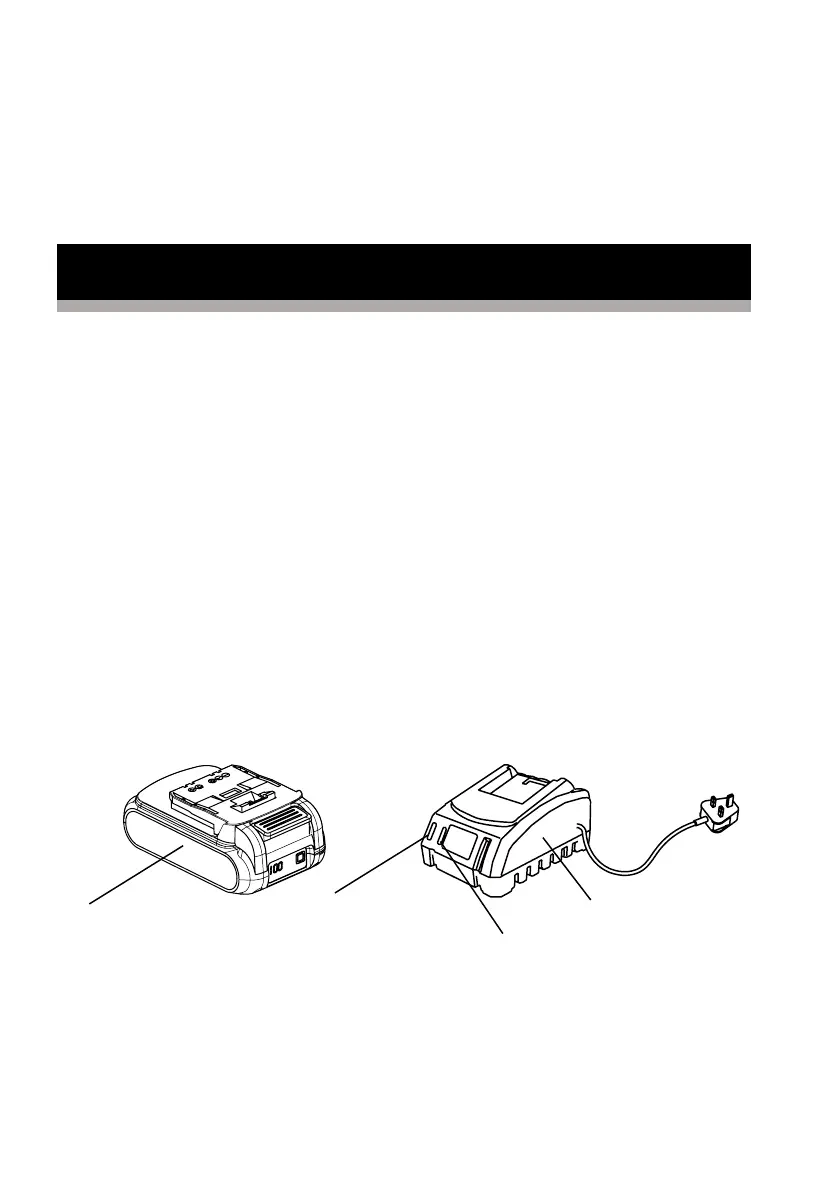
1. Connect the charger to a power supply.
The left red light will illuminate.
2. Slide the battery pack into the charger,
make sure the battery pack is fully seated in
position. The left red right is on and the right
green light is flashing to indicate the
charging is on going.
3. When charging is complete, the left light is
off and the right green light is on.
4. Once the battery is fully charged,
disconnect the charger from the mains and
remove the battery pack from the charger.
Red light
Charger
Battery pack
Green light



 To Next Page