EasyManua.ls Logo

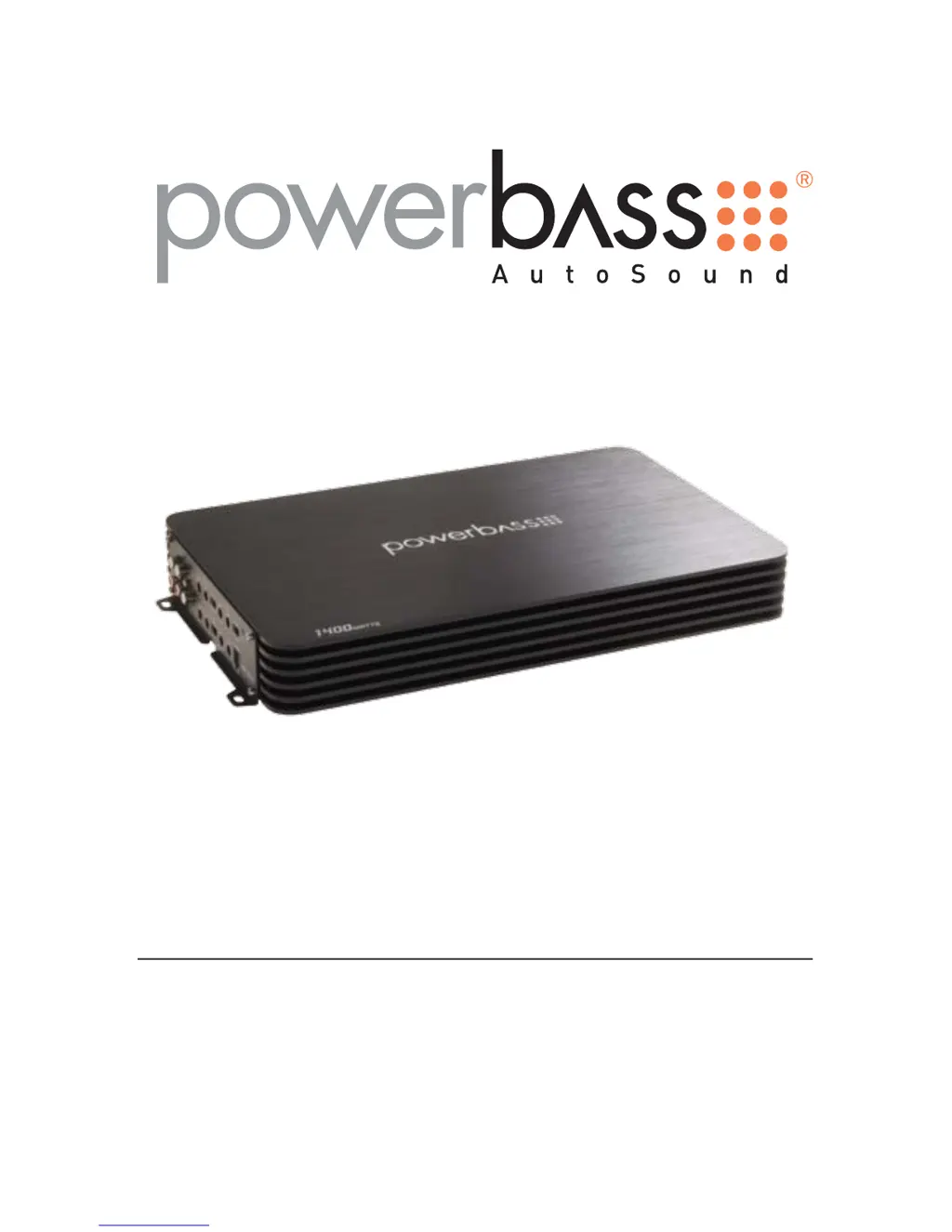
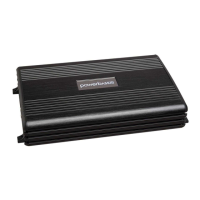
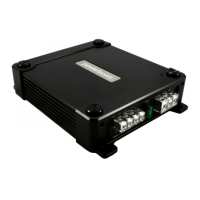
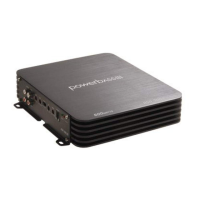
PowerBass ASA SERIES - User Manual

PowerBass ASA SERIES
24 pages
Print Icon
To Next Page IconTo Next Page
Loading...
ASA SERIES CLASS A/B AMPLIFIER
Owners Manual
Please read through this manual to familiarize yourself with your new amplifier. Should your PowerBass
AutoSound mobile amplifier ever require service, you will need to have the original dated receipt.
ASA 400.4x
ASA 600.4x
ASA 700.5x
ASA 1100.5x
ASA 200.2x
ASA 300.2x
ASA 400.2x
ASA 600.2x
ASA 800.2x

Questions and Answers

  • E
    elizabeth72Aug 15, 2025
    What to do if the PowerBass Amplifier red status protection LED is ON and there is no output?
    • C
      Carla LarsonAug 16, 2025
      If the red status protection LED is on and there's no output, it could be due to several reasons: * Thermal protection: Ensure proper impedance at the speaker terminals and check for adequate airflow around the amplifier. * Voltage protection: The voltage to the amplifier may not be within the 10-16 VDC operating range. Inspect the battery/charging system. * Short circuit protection: Inspect speaker wires for shorts to each other or the vehicle chassis. Speakers operating below the minimum impedance can also trigger this.
  • C
    carol28Aug 18, 2025
    How to fix alternator noise that varies with RPM in my PowerBass Amplifier?
    • S
      Scott RandallAug 18, 2025
      To address alternator noise that changes with RPM, check the following: * Inspect the RCA cable for damage. * Verify the routing of the RCA cable. * Ensure the source unit has a good ground. * Check the amplifier's gain setting; reduce it if it's set too high.
  • J
    julie32Aug 21, 2025
    What to do if my PowerBass ASA Amplifier has poor bass response?
    • J
      Joseph JosephAug 21, 2025
      If you're experiencing poor bass response, check the speaker polarity and reverse the connection of only one speaker.
  • N
    nicolegarciaAug 25, 2025
    What to do if the Power LED on my PowerBass ASA Amplifier is not ON?
    • H
      hayesgloriaAug 25, 2025
      If the power LED is not on, use a Volt Ohm Meter (VOM) to check: * The +12 Volt power terminal (it should read +12 to +16VDC). * The remote turn-on terminal (it should read +12 to +16VDC). * The ground terminal.
  • S
    Steven MurphyAug 27, 2025
    What to do if my PowerBass ASA Amplifier Power LED lights GREEN, but there is no output?
    • M
      Margaret WagnerAug 27, 2025
      If the power LED lights green but there is no output, you should: * Check the RCA connections. * Test the speaker outputs with a known good speaker. * Substitute a known good source unit. * Check for a signal on the RCA cable with a VOM in AC position.
  • A
    Anthony FoxSep 2, 2025
    How to fix alternator noise in PowerBass ASA Amplifier?
    • N
      Nicholas JohnsonSep 2, 2025
      If you are experiencing alternator noise that varies with the RPM in your PowerBass Amplifier, you can try the following: * Check for a damaged RCA cable. * Check the routing of the RCA cable. * Check the source unit for a good ground. * Check the amp gain setting and turn it down if it is set too high.
  • M
    Michael LunaSep 5, 2025
    What to do if PowerBass ASA power LED is blue but there is no output?
    • K
      Kelly TaylorSep 5, 2025
      If the power LED on your PowerBass Amplifier lights up BLUE but there is no output, try the following: * Check the RCA connections. * Test the speaker outputs with a known good speaker. * Substitute a known good source unit. * Check for a signal on the RCA cable with a VOM in AC position.
  • K
    Katie ZimmermanSep 8, 2025
    How to improve poor bass response in PowerBass ASA?
    • M
      Mary JohnsonSep 9, 2025
      If you notice poor bass response from your PowerBass Amplifier, check the speaker polarity and reverse the connection of one speaker only.
  • E
    ewilliamsSep 12, 2025
    How to troubleshoot PowerBass Amplifier when power LED is not on?
    • S
      steven68Sep 12, 2025
      To troubleshoot why the power LED is not ON on your PowerBass Amplifier, use a Volt Ohm Meter (VOM) to check the following: * +12 Volt power terminal (should read +12 to +16VDC). * Remote turn-on terminal (should read +12 to +16VDC). * Ground terminal.
  • A
    Ashley WrightDec 1, 2025
    What to do if the red status protection LED is ON on my PowerBass ASA Amplifier?
    • S
      Samantha BakerDec 1, 2025
      If the red status protection LED is ON, there's no output, and your PowerBass Amplifier is either very hot, shuts down when the vehicle is running, or plays at a very low volume, it indicates that a protection circuit has been triggered. This could be due to thermal protection being engaged, voltage protection being engaged, or short circuit protection being engaged. * If it is VERY HOT or shuts down, check for proper impedance at the speaker terminals and ensure adequate airflow around the amplifier. * If it shuts down ONLY when the vehicle is running, the voltage to the amp is not within the 9-17 VDC operating range. Have the battery/charging system inspected. * If it plays at a very low volume, check for speaker wires shorted to each other or the vehicle chassis. Speakers operat...

Summary

Technical Features

Installation Experience

Preparing for Installation

Installation Precautions

Mounting the Amplifier

Mounting Location

Mounting Location Warnings

Critical safety points for amplifier placement, covering injury risk, heat, vibration, and wire protection.

Control Panel Layout

Line Input;Output Jacks

RCA jacks for connecting source units and passing signals to other amplifiers.

GAIN Control

Adjusts amplifier input sensitivity to match the source unit.

HPF (High Pass Filter) Control

Adjusts high-pass crossover frequency from 40Hz to 250KHz.

LPF (Low Pass Filter) Control

Adjusts low-pass filter frequency from 40Hz to 250Hz.

BASS Control

Enhances low frequency response with up to +18dB boost.

Power Wiring and Signal Connections

Power Input Connection

Details on connecting the amplifier to the vehicle battery, including fuse/breaker placement.

Ground Connection

Instructions for securing a good quality ground connection to the vehicle chassis.

Remote Connection

How to connect the remote turn-on lead to the amplifier.

RCA Interconnect

Low Level Input using RCA

Explains using RCA cables for signal connections and routing precautions.

Set Up Adjustments

Input Gain Adjustment

How to match amplifier input sensitivity to the head unit's output level.

Bass Adjustment

Feature to boost low frequency response up to +18dB.

HPF (High Pass Filter) Adjustment

Adjusts high-pass crossover frequency for speaker systems.

Special Controls for ASA-1100.5

Input Mode

Allows selection of input channels from the source unit.

Sub Sonic Adjustment

Filters out frequencies below a set point for subwoofer protection.

Speaker Wiring and Configurations

Speaker Load

Requires minimum impedance of 2 ohms STEREO and 4 ohms bridged MONO.

Speaker Wiring

Guidance on choosing and connecting speaker wire, ensuring proper polarity.

Caution on Wiring

Warning about impedance and consulting dealers for wiring diagrams.

Speaker Output Connections 2 Channel Models

2-Channel Speaker Output Connection

Shows how to connect speakers in 2-channel stereo mode.

1-Channel (Bridged Mode) Speaker Output Connection

Shows how to connect speakers in 1-channel bridged mono mode.

Speaker Output Connections 4 Channel Models

4-Channel Speaker Output Connection

Shows how to connect four speakers in stereo mode.

3-Channel Stereo;Mono Speaker Output Connection

Shows how to connect three speakers, combining stereo and mono.

2-Channel (Bridged Mode) Speaker Output Connection

Shows how to connect two speakers in bridged mono mode.

Speaker Output Connections 5 Channel Models

5-Channel Speaker Output Connection

Shows how to connect five speakers, including subwoofer.

3-Channel Speaker Output Connection

Shows how to connect three speakers, including subwoofer.

Recommended Wire Sizes

Power Cable Selection Chart

Chart providing recommended wire gauges based on fuse total and wire length.

Personal Notes

Section for user to record personal details about the amplifier.

Troubleshooting Tips

Power LED not ON

Solutions for when the power LED is not illuminated.

Power LED GREEN, no output

Solutions for when the power LED is on but there is no sound output.

Red Status Protection LED ON, no output

Solutions for when the protection LED is active and no sound is produced.

Alternator Noise (varies with RPM)

Checks for noise that changes with engine RPM.

Poor Bass Response

Checks for issues causing inadequate bass output.

Specifications for Autosound A;B Amplifiers

Two Channel Models

Specifications for ASA 200.2x, 300.2x, 400.2x, 600.2x, 800.2x models.

Four Channel Models

Specifications for ASA 400.4x and 600.4x models.

Five Channel Models

Specifications for ASA 700.5x and 1100.5x models.

Powerbass Autosound Limited Warranty Policy

Warranty Coverage

Details the warranty period, coverage, and limitations for PowerBass Autosound Amplifiers.

Obtaining Service

Instructions on how to obtain warranty service, including RA number and contact info.

PowerBass ASA SERIES Specifications

General IconGeneral
Signal to Noise Ratio>90 dB
Input Sensitivity200mV - 6V
SeriesASA
Bass Boost0 - 12dB
Operating Voltage10V - 16V
Fuse RatingVaries by model
DimensionsVaries by model

Related product manuals