EasyManua.ls Logo

PowerBass ATM 660.4 - User Manual

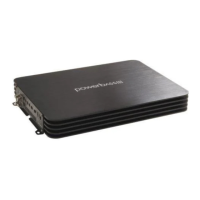
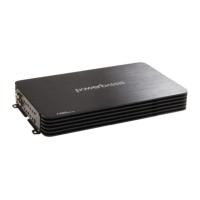
PowerBass ATM 660.4
24 pages
Print Icon
To Next Page IconTo Next Page
Loading...
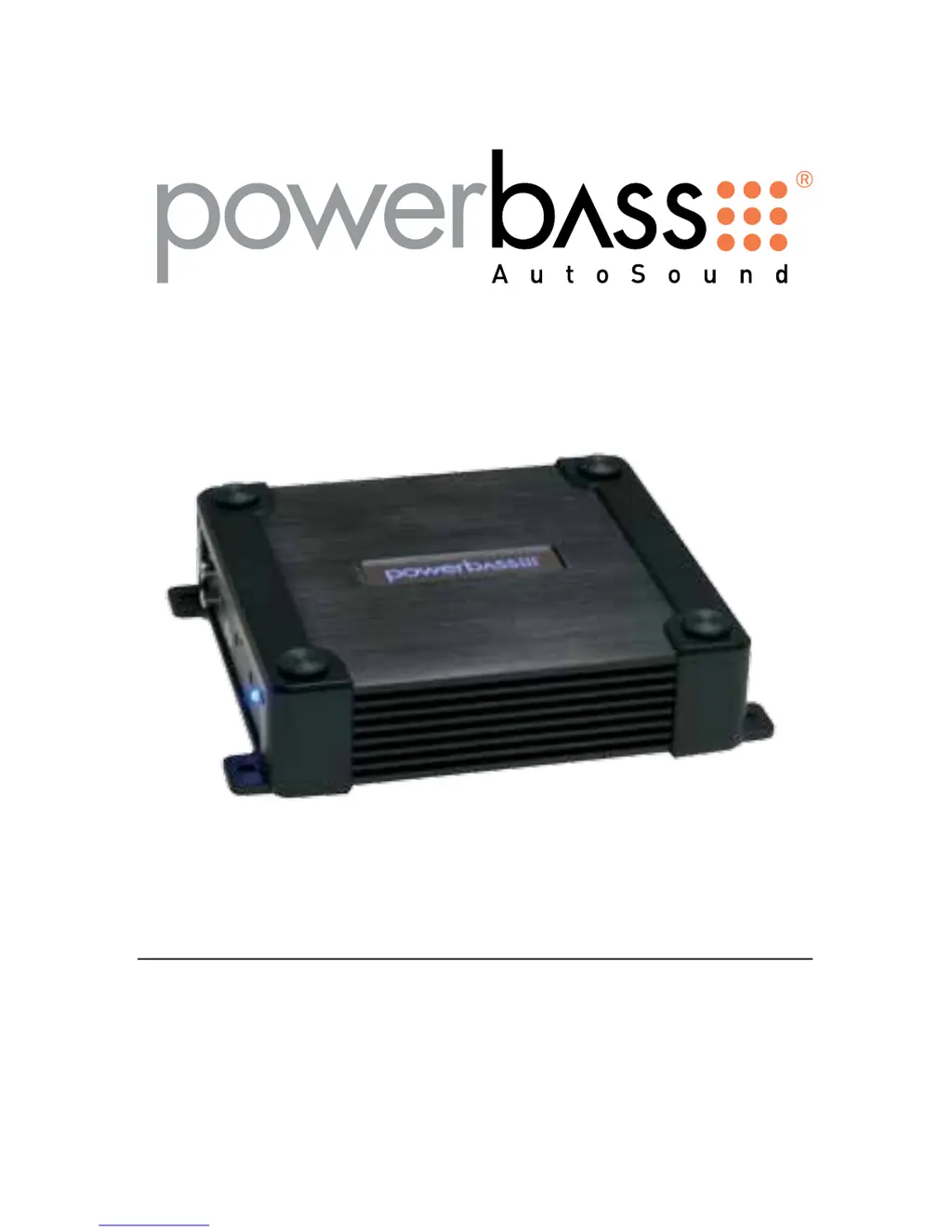
ATM COMPACT CLASS A/B AMPLIFIER
Owners Manual
Please read through this manual to familiarize yourself with your new amplifier. Should your PowerBass
AutoSound mobile amplifier ever require service, you will need to have the original dated receipt.
ATM 330.2
ATM 440.2
ATM 550.4
ATM 660.4

Questions and Answers

  • V
    Virginia PaulAug 8, 2025
    What to do if the red status protection LED is ON and there is no output from my PowerBass Amplifier?
    • B
      Brooke MathewsAug 8, 2025
      The red status protection LED indicates a problem that needs attention. Several issues could be the cause: * If the amplifier is very hot, the thermal protection may be engaged. Check the speaker terminals for proper impedance and ensure adequate airflow around the amplifier. * If the amplifier shuts down only when the vehicle is running, the voltage protection may be engaged. This means the voltage to the amplifier is outside the 10-16 VDC operating range. Have the battery/charging system inspected. * If the amplifier plays at a very low volume, the short circuit protection might be engaged. Inspect the speaker wires for shorts to each other or the vehicle's chassis. Also, using speakers with impedance below the minimum can trigger this.
  • B
    baldwingeorgeAug 13, 2025
    Why is there alternator noise (varies with RPM) coming from my PowerBass ATM 660.4 Amplifier?
    • C
      Carly LewisAug 13, 2025
      Alternator noise that changes with RPM can be caused by several factors. Check for the following: * Damaged RCA cables * Improper routing of the RCA cables * A poor ground connection at the source unit * An amplifier gain setting that is too high (reduce the gain if it is) * A chassis ground short on the speakers
  • J
    John JohnsonAug 19, 2025
    How to fix poor bass response on PowerBass ATM 660.4?
    • A
      Ashley DavisSep 12, 2025
      To improve poor bass response, check the speaker polarity. Try reversing the connection of only one speaker.
  • S
    Steven RayAug 26, 2025
    What to do if the Power LED lights BLUE but there is no output from my PowerBass ATM 660.4 Amplifier?
    • T
      Taylor TorresAug 27, 2025
      If the power LED is blue but there's no output, try these steps: * Check the RCA connections. * Test the speaker outputs with a known good speaker. * Substitute a known good source unit. * Check for a signal on the RCA cable using a VOM (Volt Ohm Meter) in AC position.
  • T
    Tiffany BrownAug 31, 2025
    How to troubleshoot a PowerBass Amplifier when the power LED is not ON?
    • D
      Deborah HuntAug 31, 2025
      Using a Volt Ohm Meter (VOM), check the following: * +12 Volt power terminal (should read +12 to +16VDC) * Remote turn-on terminal (should read +12 to +16VDC) * Ground Terminal

Summary

ATM COMPACT CLASS A;B AMPLIFIER Owners Manual

Introduction

Thank you and Congratulations

Expresses gratitude and introduces the product line.

Compact A;B Class Full Range Amplifiers

Describes the product series and its capabilities for full-range or subwoofer use.

Technical Features

Installation Experience

Preparing for Installation

Lists the necessary tools for basic amplifier installation.

Installation Precautions

Mounting the Amplifier

Mounting Location

Control Panel Layout

Line Input (RCA) Jacks

RCA input jacks for source units with line level outputs, requiring minimum 200mV output.

Gain Control

Adjusts input sensitivity to match the amplifier to the source unit.

High Input

Connects to factory radio speaker outputs without a low-level convertor.

Bass EQ Switch

Boosts low frequency response, selectable for 6 or 12dB at 40Hz.

Controls and Connections

LPF (Low Pass Filter) Control

Adjustable from 50Hz to 500Hz at 12dB per octave.

X-OVER Switch for FULL;HPF;LPF

Activates the built-in electronic crossover network.

HPF (High Pass Filter) Control

Adjustable from 50Hz to 500Hz at 12dB per octave.

POWER;STATUS Indicator

LED indicator for power status and system issues.

SPEAKER Output Terminals

Terminals for connecting speakers, accommodating up to 10 gauge wire.

FUSE

Location for common automotive ATC type fuses for protection.

BATT+ (Power Input Connection)

Main power input terminal, connects to battery positive.

REM (Remote Input Connection)

Terminal for 12V source to turn the amplifier on/off.

GND (Ground Input Connection)

Terminal for secure ground connection to vehicle chassis.

Power Wiring and Signal Connections

Power Wiring

GND (Ground)

Instructions for securing a quality ground connection to the chassis.

Connecting Power and Ground Cables

REM (Remote Trigger)

Explains connecting the remote turn-on lead for amplifier operation.

RCA Interconnect Wiring

High Level Connections

Set Up Adjustments

Input Gain Adjustment

Matching amplifier input level to the head unit output.

Bass EQ Switch

Boosts bass frequencies at 6 or 12dB.

HPF (High Pass Filter) Adjustment

Adjusts crossover frequency for speakers, typically above 65Hz.

LPF (Low Pass Filter) Adjustment

Speaker Wiring and Configurations

Speaker Load

Minimum impedance requirements (2 ohm stereo, 4 ohm mono).

Speaker Wiring

Instructions for connecting speaker wires, ensuring polarity.

2-Channel Speaker Output Connections

2-Channel Speaker Output Connection

Connects full-range speakers in 2-channel mode.

1-Channel (Bridged Mode) Speaker Output Connection

Connects a subwoofer in bridged mono mode (4 ohm min).

4-Channel Speaker Output Connections

4-Channel Speaker Output Connection

Connects full-range speakers in 4-channel mode.

4-Channel Amplifier Configurations

3-Channel Stereo;Mono Speaker Output Connection

Connects speakers in a 3-channel configuration.

2-Channel (Bridged Mode) Speaker Output Connection

Connects a subwoofer in bridged mode for 2 channels.

Recommended Wire Sizes

Power Cable Selection Chart

Table providing wire gauge recommendations based on fuse total and wire length.

Troubleshooting Tips

Specifications

Limited Warranty Policy

PowerBass ATM 660.4 Specifications

General IconGeneral
BrandPowerBass
ModelATM 660.4
CategoryAmplifier
LanguageEnglish

Related product manuals