PowerFix PEK 2.3 A1
16 - English
Troubleshooting
The device cannot be switched on
1. Batteries may be empty, replace the batteries.
2. Check whether the batteries are inserted correctly.
No image in the display/distorted images
Check the connection between the gooseneck and hand unit. Remove the
gooseneck and then attach it again as described in the section
"Attaching/detaching the gooseneck".
Cleaning
Clean the device with a dry cloth if soiled, and use a slightly damp cloth to
remove stubborn dirt. Make sure that no major pressure is exerted when
cleaning the display to avoid damaging it. Do not use any solvents, corrosive
or gaseous cleaning agents. Ensure that no moisture penetrates the control
panel.
Environmental and disposal information
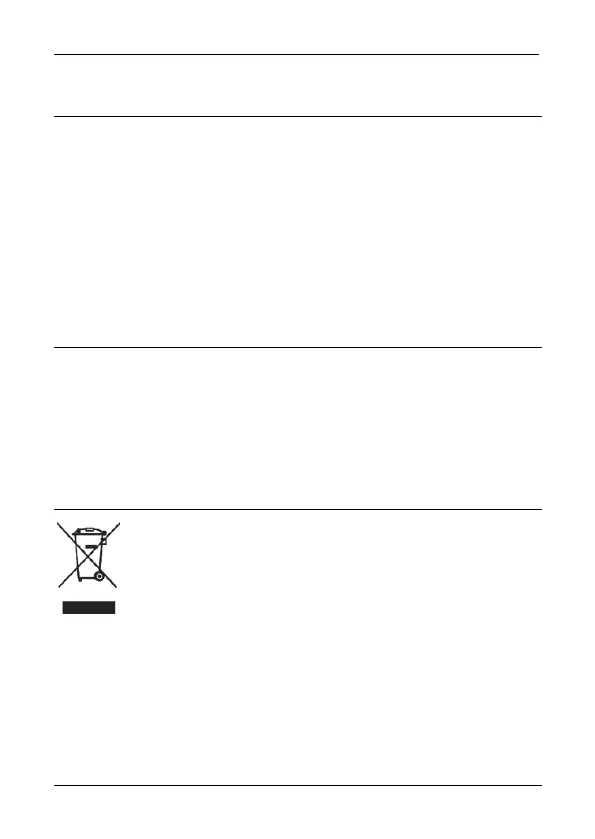
When this symbol appears on a product, this indicates that the
product is subject to the European Directive 2012/19/EU. All
electrical and electronic devices must be disposed of separately
from household waste at designated disposal points.
The correct disposal of old devices in this manner will prevent environmental
pollution and human health hazards. For further information about proper
disposal, contact your local authorities, waste disposal office or the shop where
you bought the device.
Remember to protect the environment. Used batteries should not be disposed
of in domestic waste. They must be taken to a collection point for old batteries.



 To Next Page
 Loading...