Receiving credentials from a Wireless Asset Manager (WAM)
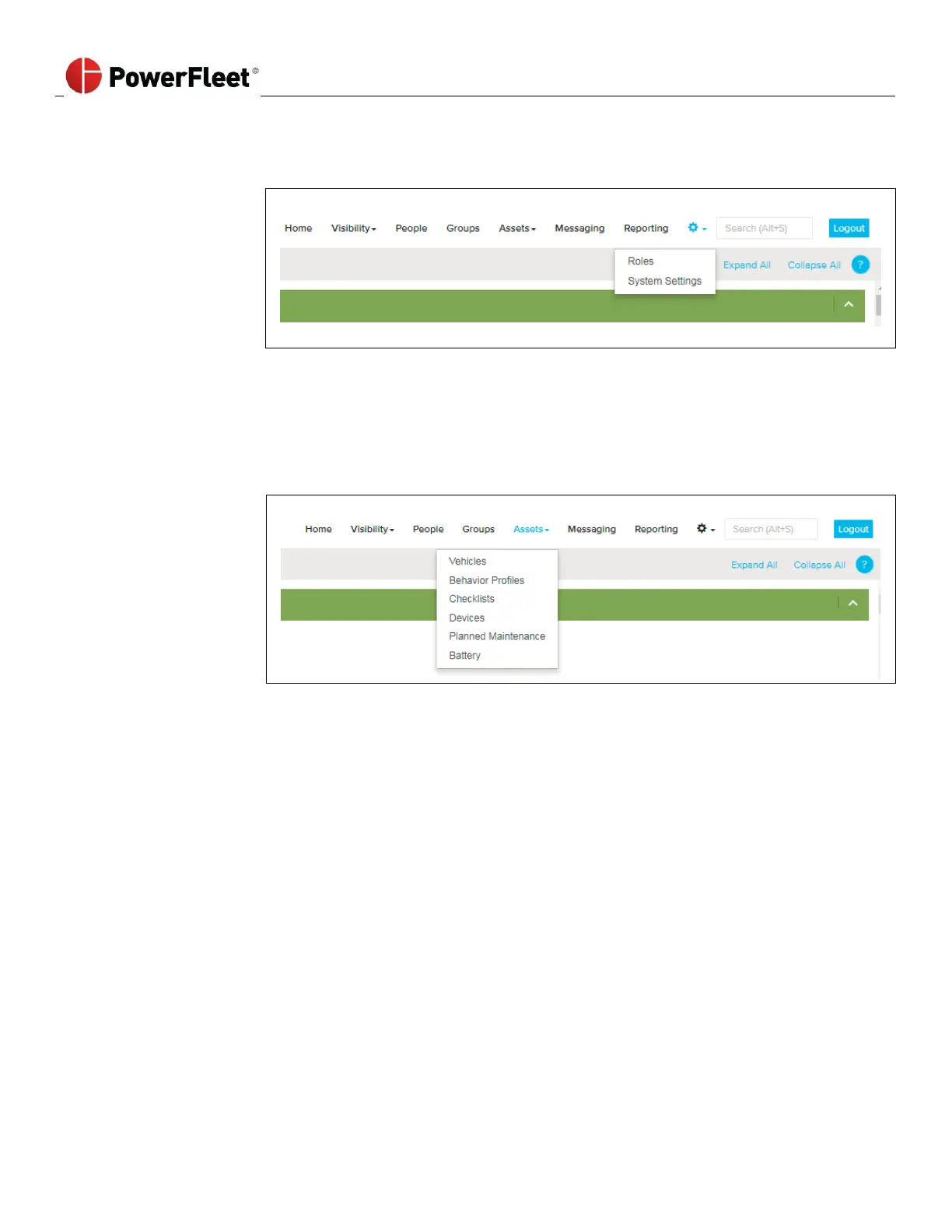
1. Log into PowerFleet Vision Pro software.
4. Scroll down to the Wi-Fi section for Wi-Fi data upload information.
5. Verify that the Wi-Fi information is correct. If the information needs to be updated, click “Edit” on the bottom
right frame of the window.
6. Update Wi-Fi Security credentials.
7. Verify the correct Wi-Fi security parameters are entered.
8. Click Save on the bottom right frame of the window.



 To Next Page