2
1. Powerline Networking Installation
1.1 Easy to install Powerline Device
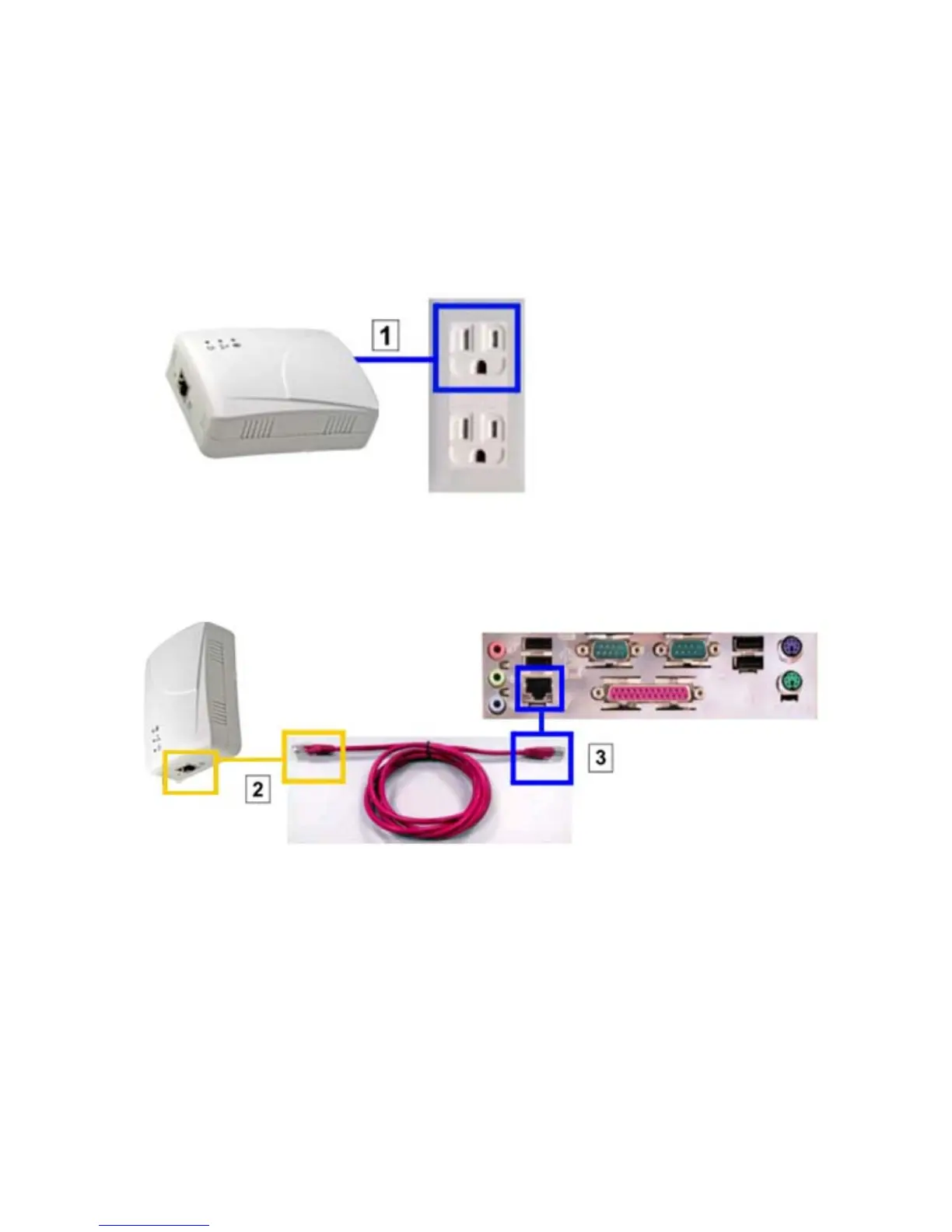
1. Plug Powerline device to add to your network into a power socket.
(*The Plug type is different for EU, US or UK)
2. Use Ethernet Cable to link to your computer, one RJ-45 connect to the powerline Ethernet port
and another connects to the computer LAN port.



 To Next Page