8
2. Powerline Networking Utility
Note. The Powerline Device can auto detect the other powerline bridges which plug in the same power circuit, you
don’t need to use this powerline utility except you want to encryption all the powerline devices as the same group or
you can not access the other computers.
Introduction of Configuration Utility
The Configuration Utility for Windows OS enables the user to find Powerline Ethernet devices on the Powerline
network; measures data rate performance, ensures privacy, performs diagnostics and secures Powerline networks.
Before install the utility, please check the windows edition of your computer.
2.1 Configuration Utility Setup
2.1.1 Installation of the Utility
Please verify that no other Powerline Management Utilities are installed before installing this product. If other utilities
are installed, uninstall them and restart before installing this software.
To install, insert the Windows OS Configuration Utility Setup utility CD-ROM into the computer's CD-ROM drive. The
Setup utility shall run automatically. Choose the correct one utility to install or user can manually install by double
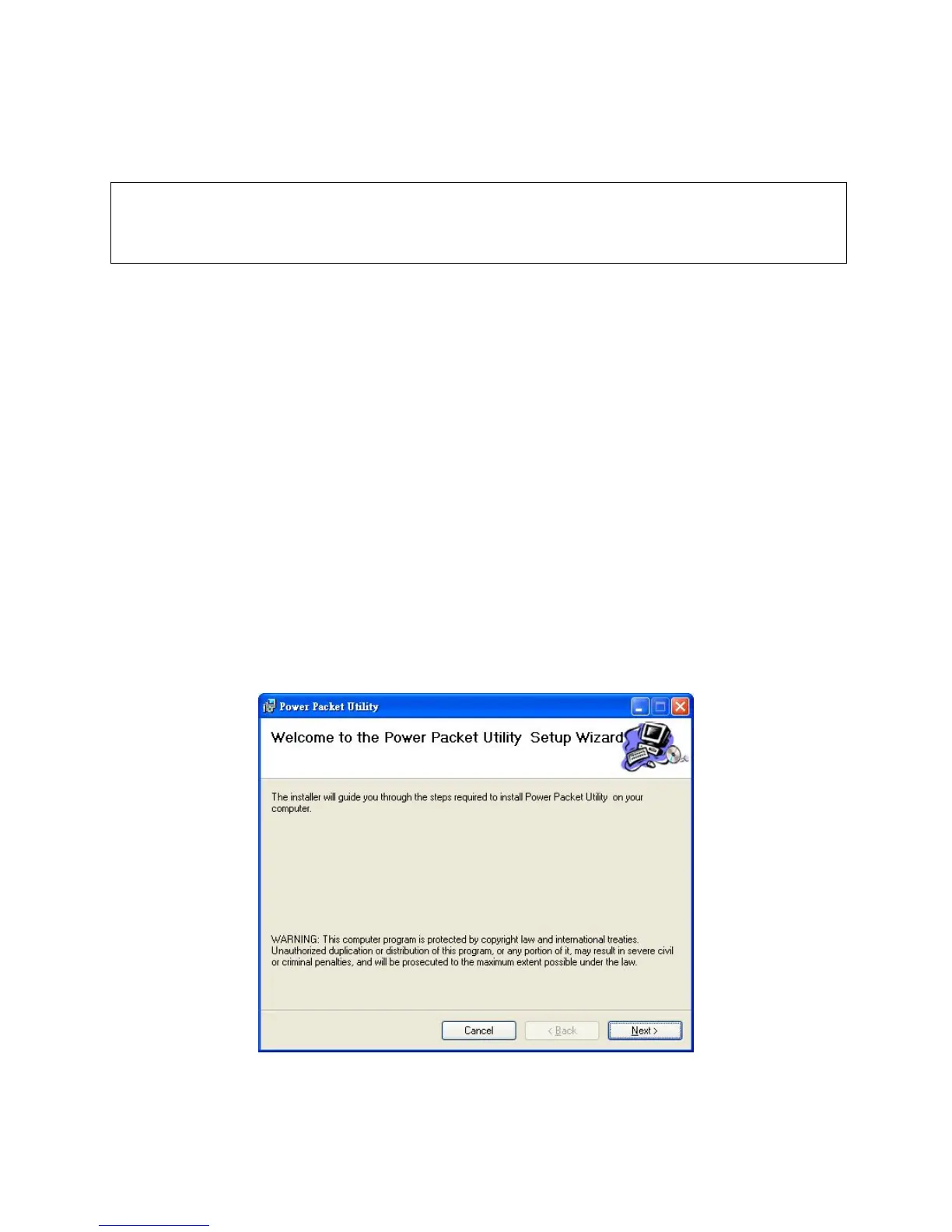
clicking the setup.exe file when browse the folder. The CD will launch an installation utility similar to the one shown
in Figure 1.
This Utility is designed for Powerline 500M Ethernet bridges. Click the Next button to continue.
Figure 1: Install Shield Screen



 To Next Page