6
1.7 LED Definitions
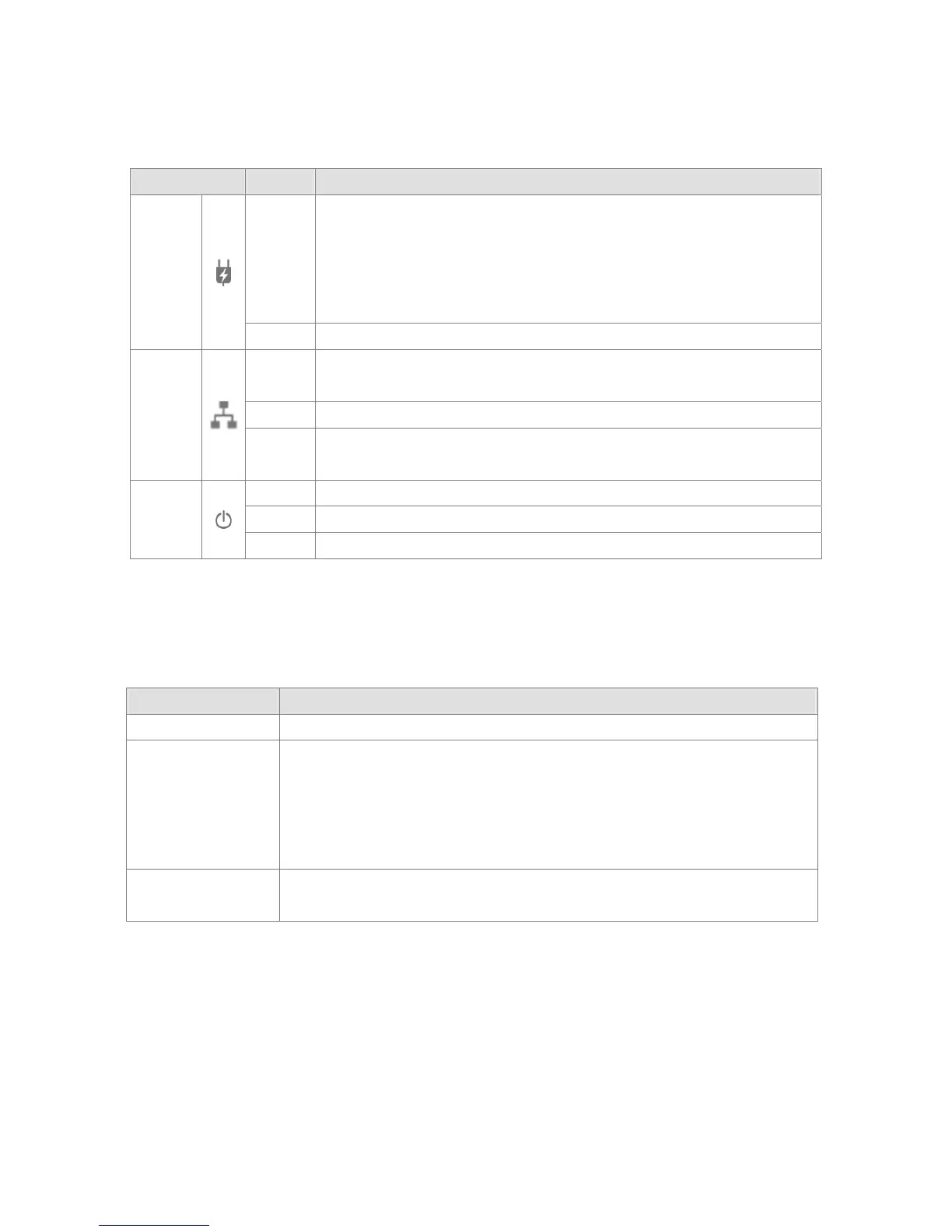
LED State Description
Powerline
ON
Powerline network activity.
Powerline Link Status;
Green – Good
Orange – Normal
Red – Poor
OFF Search or no Powerline network activity.
Ethernet
ON
Ethernet connection is OK.
Auto switch to Normal Mode.
Flashing Data transferring.
OFF
No Ethernet link.
*Auto switch to Auto Standby Mode after 2 second while No Ethernet Link.
POWER
ON Power on.
Flashing
*Auto flashing every 0.5 second when switch to Auto Standby mode.
OFF Powerline off or failure.
* Auto Standby mode: This mode is energy saving mode, and comply with EuP directive. This device
will auto to enable the Standby mode while no Ethernet Link.
1.8 Interface Description
Interface Description
RJ-45 Port
Connect to the Ethernet Cable
Secure / Reset
Button
The Button can auto secure and group the Powerline devices, and reset to factory
default too.
Press 2 second for auto secure.
Press 10 seconds for generate new random encryption key.
Press > 15 seconds for reset to factory default.
On/Off Button
Switch to
OFF mode the device will switch to Manual Standby mode: This mode is
F
ul
ly energy saving mode, comply with EuP(ErP).
1.9 System Requirements
•Ethernet device
•AC power outlet
•Windows system for encryption setup



 To Next Page