EasyManua.ls Logo

Powertronix Mizar - User Manual

Powertronix Mizar
46 pages
Print Icon
To Next Page IconTo Next Page
Loading...
Powertronix spa reserves the right to modify this document without notice
Page 1 of 46
R&D USER MANUAL DT0430-E04
POWERTRONIX
UNINTERRUPTIBLE POWER SUPPLY
User Manual
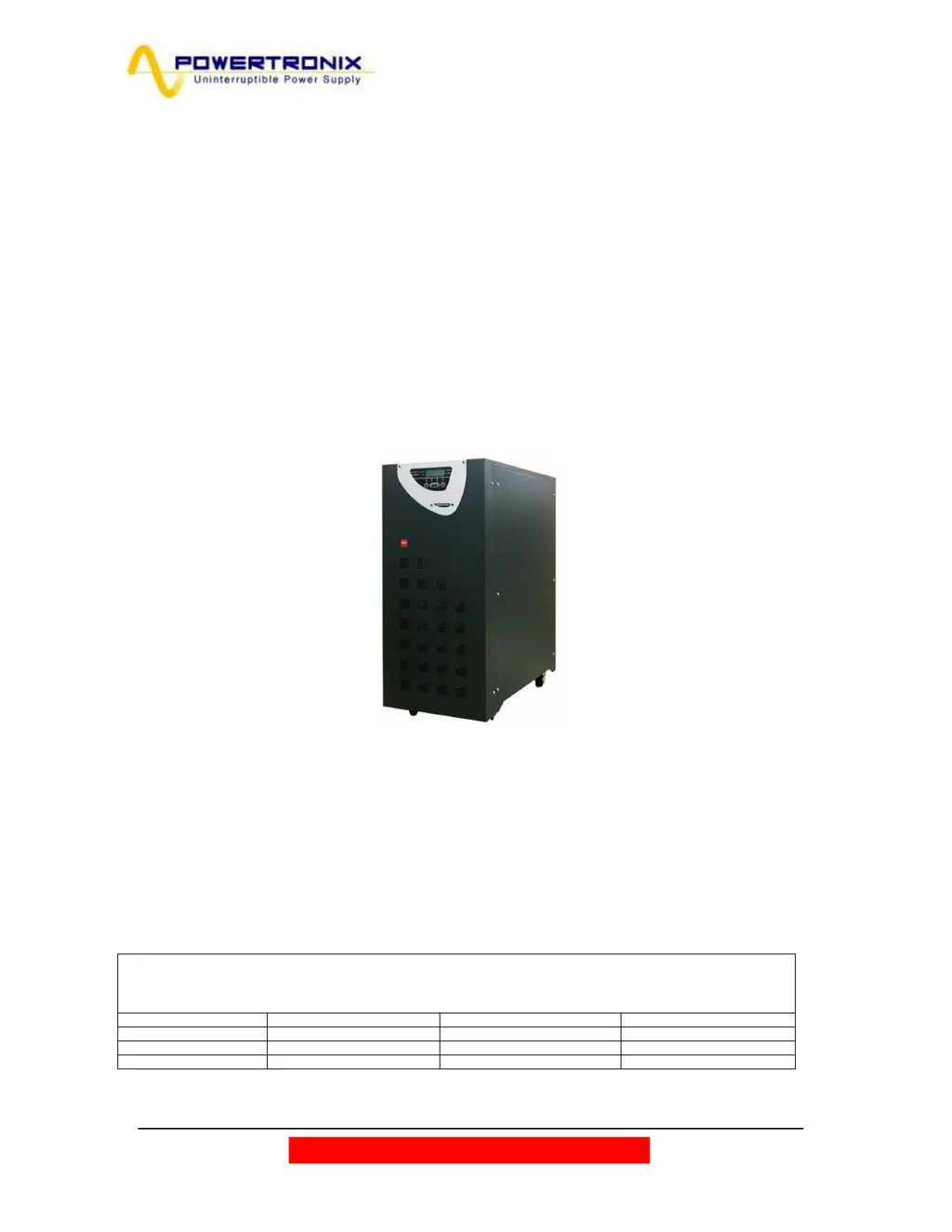
MIZAR 10÷15 kVA
ALCOR 20÷40 kVA
Document : DT0430 English - Ptx
Revision Date Issued by Approved by
03 09/02/2010 Riccardo G. Andrea G.
04 04-03-2010 Riccardo G. Andrea G.
05

Table of Contents

Questions and Answers

  • C
    Claudia ShawJul 31, 2025
    What to do if my Powertronix Mizar shows inverter overload?
    • M
      Michael ScottAug 1, 2025
      If your Powertronix UPS indicates an inverter overload, it's likely due to a continuous overload on the UPS output. You should check the output load, restart the inverter, and also check for any short circuits in the output.
  • R
    rosekimberlyAug 6, 2025
    Why is my Powertronix UPS showing 'Mains Not Available'?
    • U
      uedwardsAug 6, 2025
      The 'Mains Not Available' message on your Powertronix UPS indicates that there is no mains input. Check the mains line voltage to ensure it is within the acceptable range.
  • M
    Mark SmithAug 13, 2025
    What to do if Powertronix Mizar UPS shows battery test failure?
    • R
      rachelbrockAug 13, 2025
      If your Powertronix UPS reports a battery test failure, it means the battery test was not successful. You should check the battery itself and also inspect the battery fuses.
  • R
    Ronald BartonAug 18, 2025
    What to do if Powertronix UPS shows battery prealarm?
    • L
      Laura JonesAug 18, 2025
      If your Powertronix UPS is showing a battery prealarm, it means the battery is almost discharged, and the inverter is about to shut down. To prevent this, shut down any connected non-critical loads to reduce the power consumption.
  • M
    margaretmaloneAug 25, 2025
    Why Powertronix Mizar shows 'Reserve Not Available'?
    • C
      Carla CaldwellAug 25, 2025
      The 'Reserve Not Available' message on your Powertronix UPS indicates that the input phase rotation is incorrect or there is no input voltage. You should check the line cyclic direction and the reserve line voltage.

Summary

General Overview of Power Supply Systems

UPS Operating Principle

Explains the dual conversion operating principle of the UPS and its compliance with EN62040-1-2.

UPS Block Diagram

Presents a block diagram illustrating the main components and signal flow within the UPS system.

Input Stage, Power Module, and Output Stage

Describes the function of the rectifier, inverter, and static switch in managing power flow.

UPS Installation Instructions

Room Specifications for UPS Installation

Specifies the environmental requirements for the installation room, including cleanliness and air exchange for heat dissipation.

Layout and Mains Connection

Recommends layout solutions and describes circuit breaker requirements for connecting the UPS to mains and reserve lines.

Control Panel and User Interface

Menu 6: Service Mode Access

Describes the service mode for changing rated data, resetting logs, and checking versions; password protected.

Using the UPS System

UPS Start-Up Configuration

Explains the two start-up modes (AUTOMATIC and NORMAL) and their characteristics.

Start-Up in Automatic Mode

Provides step-by-step instructions for starting the UPS in automatic mode.

Start-Up in Normal Mode

Provides step-by-step instructions for starting the UPS in normal (optional) mode.

Complete UPS Shutdown Procedure

Details the procedure for safely shutting down and isolating the UPS and its components.

Switching to Manual By-Pass Mode

Guides users on switching the UPS to manual by-pass mode for maintenance or emergencies.

Return from Manual By-Pass to Normal Operation

Provides steps to return the UPS from manual by-pass mode back to normal operation.

Emergency Power Off (E.P.O.) Stop

Explains the purpose and procedure for using the Emergency Power Off function.

UPS Parallel Operation

Troubleshooting UPS Issues

General UPS Alarms and Solutions

Lists common UPS alarms, their causes, and recommended actions for resolution.

Fire Safety Procedures

Provides safety instructions for fire emergencies, including extinguisher types and shutdown procedures.

Faults Related to Load Nature

Explains how non-standard loads can cause UPS reactions misinterpreted as faults.

Scheduled UPS Maintenance

Annual Maintenance Procedures

Details the actions and tests performed during scheduled annual or semi-annual maintenance.

Powertronix Mizar Specifications

General IconGeneral
BrandPowertronix
ModelMizar
CategoryUPS
LanguageEnglish

Related product manuals