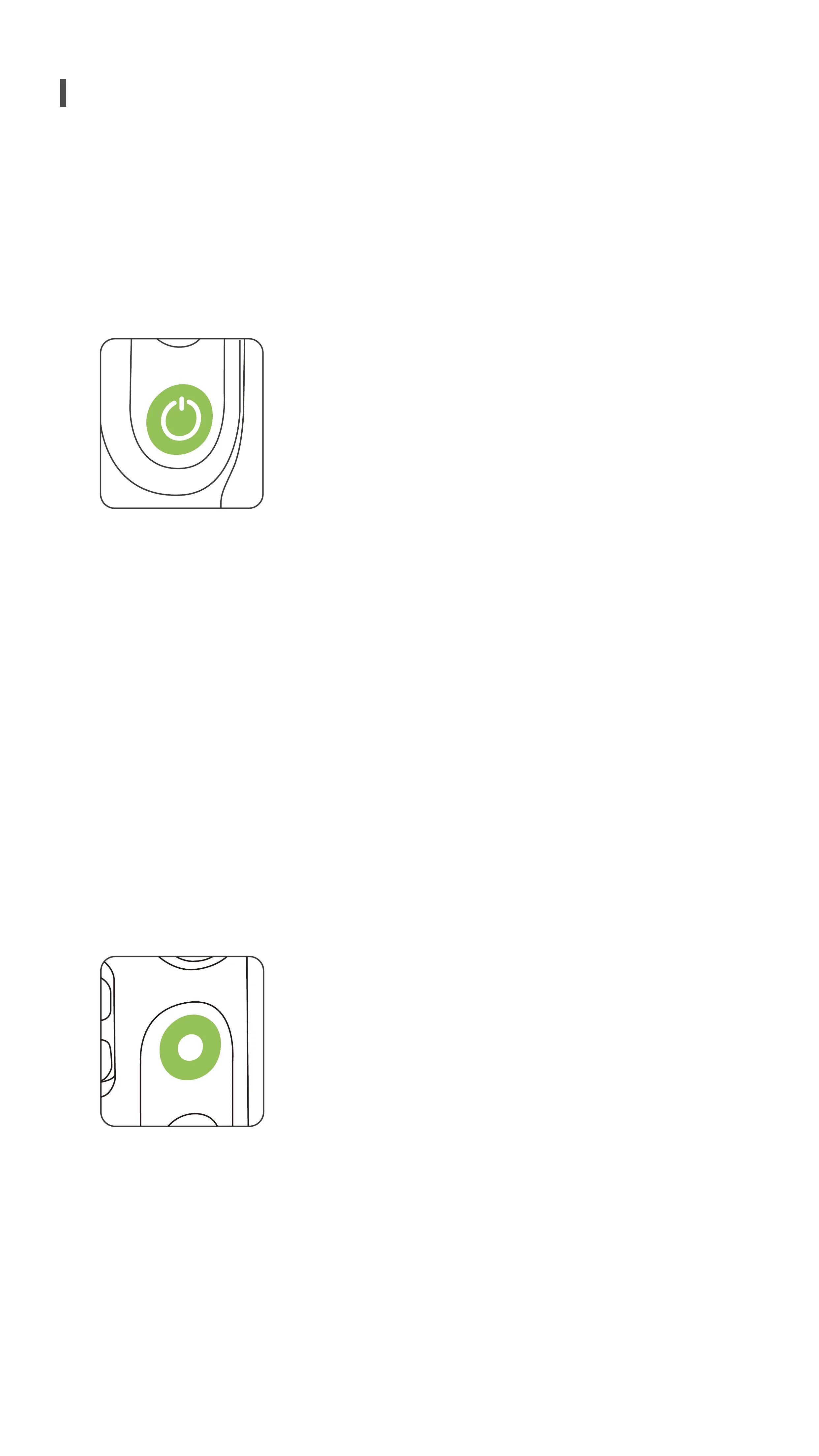
OFF mode
• Press once: View battery level and activate charger mode.
• Press and hold: Turn on.
ON mode
• Press once: Open the shortcut menu, and press again to return to camera
mode.
• Press twice: Toggle between portrait and landscape mode.
• Press three times: Enter playback mode, and press again to return to camera
mode.
• Press and hold: Power off.
Standby mode
• Press once: Wake up device.
ON mode
• Press once: Photo or video.
• Press and hold: Burst shooting when in photo mode.
Standby mode
• Press once: Wake up device.
By default, PowerVision S1 is in Follow mode when it is powered on.In Follow
mode, the gimbal will keep the phone level at all times during shooting.When the
gimbal is moved up, down, left, or right, the shooting direction will be adjusted
smoothly.
Use the following buttons and ports to access PowerVision S1's functions:
Buttons and port functions
◆
Power Button
◆
Camera Button
◆
System Status Indicator
4


 To Next Page