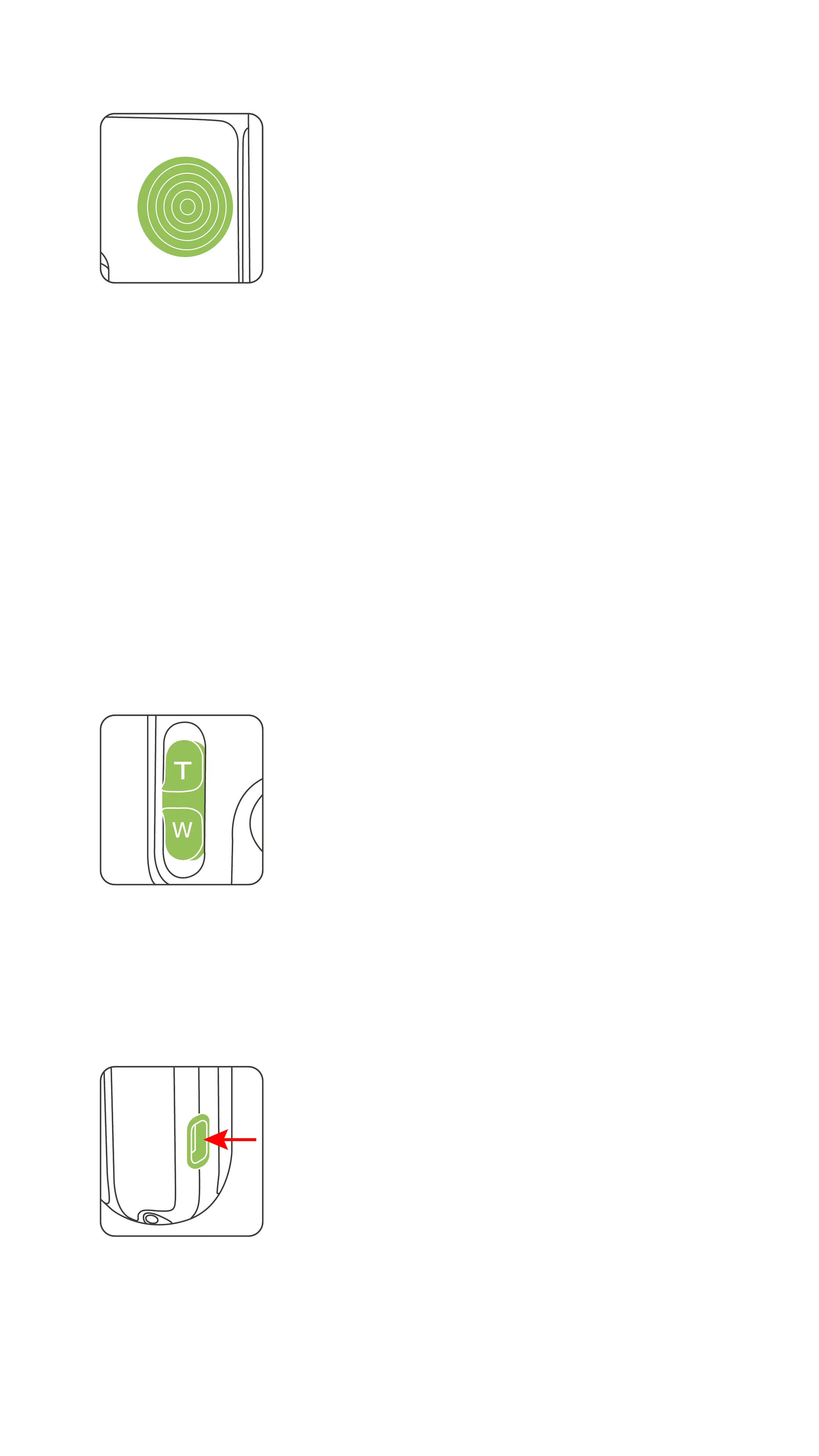
Camera mode:
Up, down, left, and right buttons: move the gimbal in four directions
Middle button:
• Press once to enable Tracking mode. Press once again to disable Tracking
mode.
• Press twice to re-center the gimbal.
• Press three times to switch between front and rear cameras.
• Press and hold rmly to enter Lock mode.
• Press once and then hold rmly to enter Sport mode. Release to turn off Sport
mode.
Standby mode:
• Press once to wake up device.
◆
5-Way Button
Camera mode: Slide up or down to control the camera zoom.
• Press once to increase/decrease the camera zoom factor.
• Press to continuously increase/decrease the camera zoom factor.
◆
Zoom Slider
Charging port
• Use this port to connect to the USB charger, and charge PowerVision S1 .
Power supply port
• Use this port to connect and charge your phone.
◆
USB-C Port
6


 To Next Page