EasyManua.ls Logo

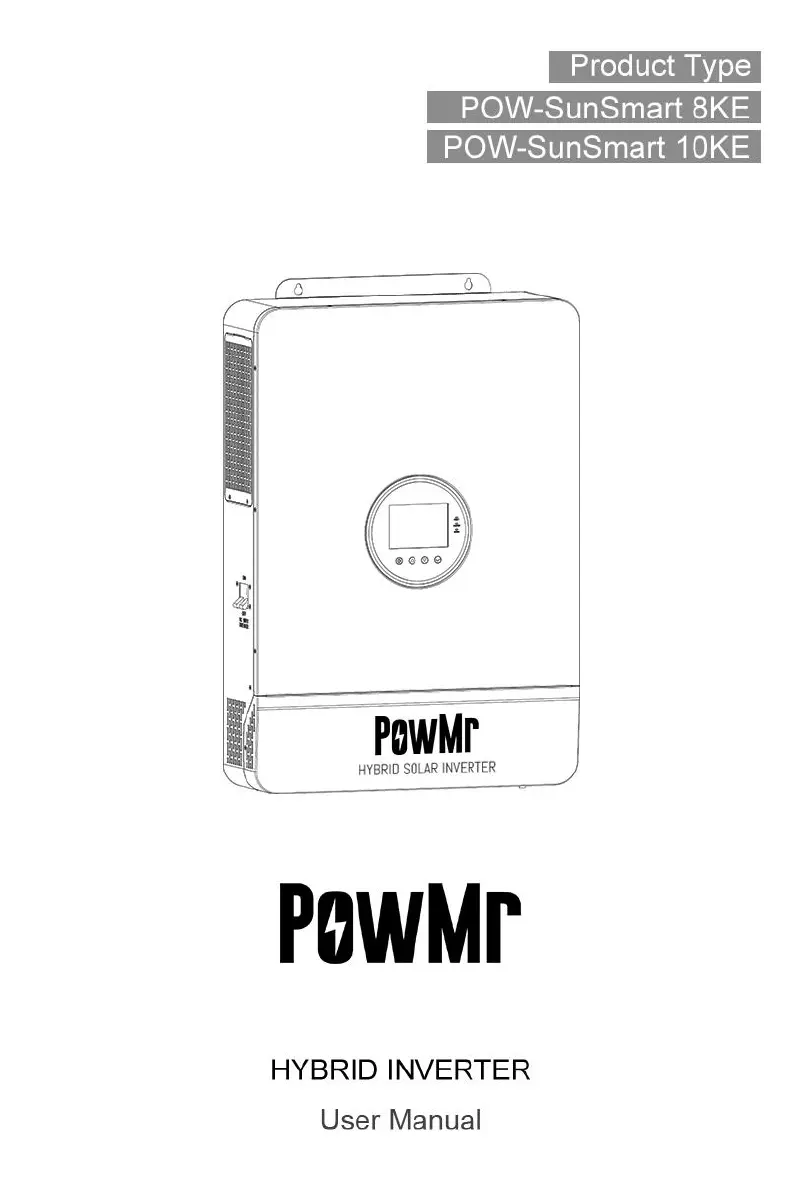
PowMr POW-SunSmart 8KE - User Manual

PowMr POW-SunSmart 8KE
50 pages
Print Icon
To Next Page IconTo Next Page
Loading...

Questions and Answers

  • K
    Kristin SimpsonAug 14, 2025
    What to do if my PowMr POW-SunSmart 8KE shows 'Bypass over-load (software detection)'?
    • Z
      zpittmanAug 14, 2025
      If your PowMr Inverter displays a 'Bypass over-load (software detection)' error, it means the bypass output power or current has been too high for too long. To resolve this, reduce the power being drawn by your connected devices and then restart the inverter. For further details, consult protection feature item 11.
  • G
    Gregory CarlsonAug 17, 2025
    What to do if PowMr Inverter says 'Battery not connected'?
    • M
      Michael DixonAug 17, 2025
      If your PowMr Inverter indicates 'Battery not connected', verify the battery is properly connected. Also, check that the battery's circuit breaker is closed and that the BMS of the Li-ion battery can communicate correctly.
  • M
    Michael DeckerAug 21, 2025
    Why does my PowMr Inverter show 'Battery over-voltage when charging'?
    • L
      Louis WilsonAug 21, 2025
      If your PowMr Inverter shows a 'Battery over-voltage when charging' error, the battery voltage is too high. You should manually power off and restart the inverter. Check if the battery voltage exceeds the limit. If it does, discharge the battery until its voltage is below the over-voltage recovery point.
  • F
    fpittmanAug 25, 2025
    What to do if PowMr POW-SunSmart 8KE indicates 'Battery over-discharge'?
    • J
      Jennifer Leonard DDSAug 25, 2025
      If your PowMr Inverter displays a 'Battery over-discharge' error, it signifies that the battery voltage is lower than the value set in parameter [12]. You can manually reset it by powering off and restarting the device. Alternatively, it will automatically reset once you charge the battery so that the battery voltage exceeds the value set in parameter [35].
  • P
    paula12Aug 28, 2025
    Why does my PowMr POW-SunSmart 8KE Inverter show 'Battery under-voltage'?
    • M
      Michael AdamsAug 28, 2025
      If your PowMr Inverter shows a 'Battery under-voltage' error, the battery voltage is lower than the value set in parameter [14]. Charge the battery until its voltage is higher than the value set in that parameter.
  • N
    Nichole GibsonAug 31, 2025
    What causes 'Utility input phase fault' on my PowMr POW-SunSmart 8KE Inverter?
    • C
      Clifford GlennAug 31, 2025
      If your PowMr Inverter displays 'Utility input phase fault', it means the AC input phase doesn't match the AC output phase. Make sure the AC input phase is the same as the AC output phase. For example, if the output is in split-phase mode, the input must also be in split-phase.
  • C
    Chad RossSep 3, 2025
    How to fix a PowMr Inverter with 'Screen no display'?
    • M
      Marc JonesSep 3, 2025
      If your PowMr Inverter screen is not displaying anything, it could be due to no power input or the device being in sleep mode. Ensure the circuit breaker is closed and the rocker switch is ON. If it's in sleep mode, push any button on the panel to wake it up.
  • R
    robert96Sep 7, 2025
    What should I do if my PowMr POW-SunSmart 8KE Inverter reports a 'Fan failure'?
    • M
      monica16Sep 7, 2025
      If your PowMr Inverter reports a 'Fan failure', the hardware has detected a fan issue for 3 seconds. Try manually toggling the fan after switching off the device to check if it's blocked by any foreign objects.
  • A
    Ana RobertsSep 10, 2025
    What does 'AC Input relay short-circuit' mean on my PowMr POW-SunSmart 8KE?
    • O
      Olivia SteeleSep 12, 2025
      If your PowMr Inverter indicates an 'AC Input relay short-circuit', it suggests the relay for AC input is sticking. Manually power off and restart the device. If the fault persists after restarting, contact after-sales service for repair.

Summary

Safety and Usage

How to Use This Manual

Provides important information, guidelines, operation and maintenance for the products.

Symbols in This Manual

Explains the meaning of DANGER, WARNING, CAUTION, and NOTICE symbols used in the manual.

Product Information

Product Instructions

Describes the POW-SunSmart series as a solar energy storage inverter with DSP control.

Product Features

Details key features like battery support, dual MPPT, output modes, protection, and communication.

System Connection Diagram

Illustrates the system application scenario with PV modules, grid, battery, load, and inverter.

Production Overview

Presents a diagram of the inverter with dimensions and labels for all ports and components.

Installation Guide

Select Mounting Location

Provides guidelines for selecting an indoor mounting location considering heat dissipation and temperature.

Mount the Inverter

Details the process of drilling mounting holes and securing the inverter to the wall using expansion screws.

Terminal Cover and Insect Net Removal

Explains how to remove the terminal protection cover and anti-insect net using a screwdriver.

Connection Procedures

Single-phase Output

Explains the single-phase AC output and its voltage range (200-240Vac).

Cable and Circuit Breaker Requirements

Specifies cable diameters and circuit breaker requirements for PV input, AC input, battery, and AC output.

AC Input and Output Connection

Details how to connect live, neutral, and ground wires for AC input and output, emphasizing safety.

Battery Connection

Explains the connection of positive and negative battery cables, highlighting correct polarity and safety.

PV Connection

Illustrates connecting positive and negative wires for PV strings and warns about open circuit voltage limits.

Dry Contact Connection

Describes connecting communication cables to the dry junction port for specific functions.

Grounding Connection

Ensures the grounding terminal is connected to the Grounding Bar with specific cable diameter requirements.

Final Assembly

Instructs to install the terminal protection cover after ensuring wiring is reliable and correct.

Inverter Start-up

Provides step-by-step instructions for starting up the inverter after installation.

Operation and Settings

Operation and Display Panel

Details the operation and display panel, including LCD screen, indicators, and touchable keys.

System Settings

Explains how to navigate the setup menu to view and edit parameters for various inverter functions.

AC Output Mode Configuration

Describes different AC output modes like Utility Priority, Solar/Utility Hybrid, and Solar Priority.

Battery Charging Mode Configuration

Explains various battery charging modes: Hybrid, Utility Priority, Solar Priority, and Only Solar Charging.

Time-slot Charging;Discharging Function

Details the function for setting charging/discharging periods based on local tariffs for cost savings.

Battery Parameter Settings

Provides detailed parameter tables for Lead-acid and Li-ion batteries, including voltages and durations.

Communication Interfaces

Communication Overview

Provides an overview of communication interfaces including USB, RS485, CAN, and Dry Contact ports.

USB-B Port Usage

Explains how to connect to the inverter via USB-B port using host software for parameter management.

RS485-1 Port

Details the RS485-1 port for connecting Wi-Fi/GPRS modules to view status via mobile APP.

CAN;RS485-2 Port

Describes the CAN/RS485-2 port for connecting to Li-ion battery BMS and necessary cable considerations.

Dry Contact Port Functions

Explains the functions of the dry contact port for remote switch, signal output, temperature sampling, and generator control.

Faults and Troubleshooting

Fault Code Reference

Lists fault codes, their meanings, impact on outputs, and corresponding instructions for resolution.

Troubleshooting Guide

Provides a table of common faults, their causality, and suggested remedies or actions.

Protection and Maintenance

Protection Features

Details various protection features of the inverter, such as over-voltage, over-current, and short-circuit protections.

Maintenance Recommendations

Recommends regular checks and maintenance activities to ensure optimal and long-lasting performance.

Technical Specifications

PowMr POW-SunSmart 8KE Specifications

General IconGeneral
BrandPowMr
ModelPOW-SunSmart 8KE
CategoryInverter
LanguageEnglish

Related product manuals