7
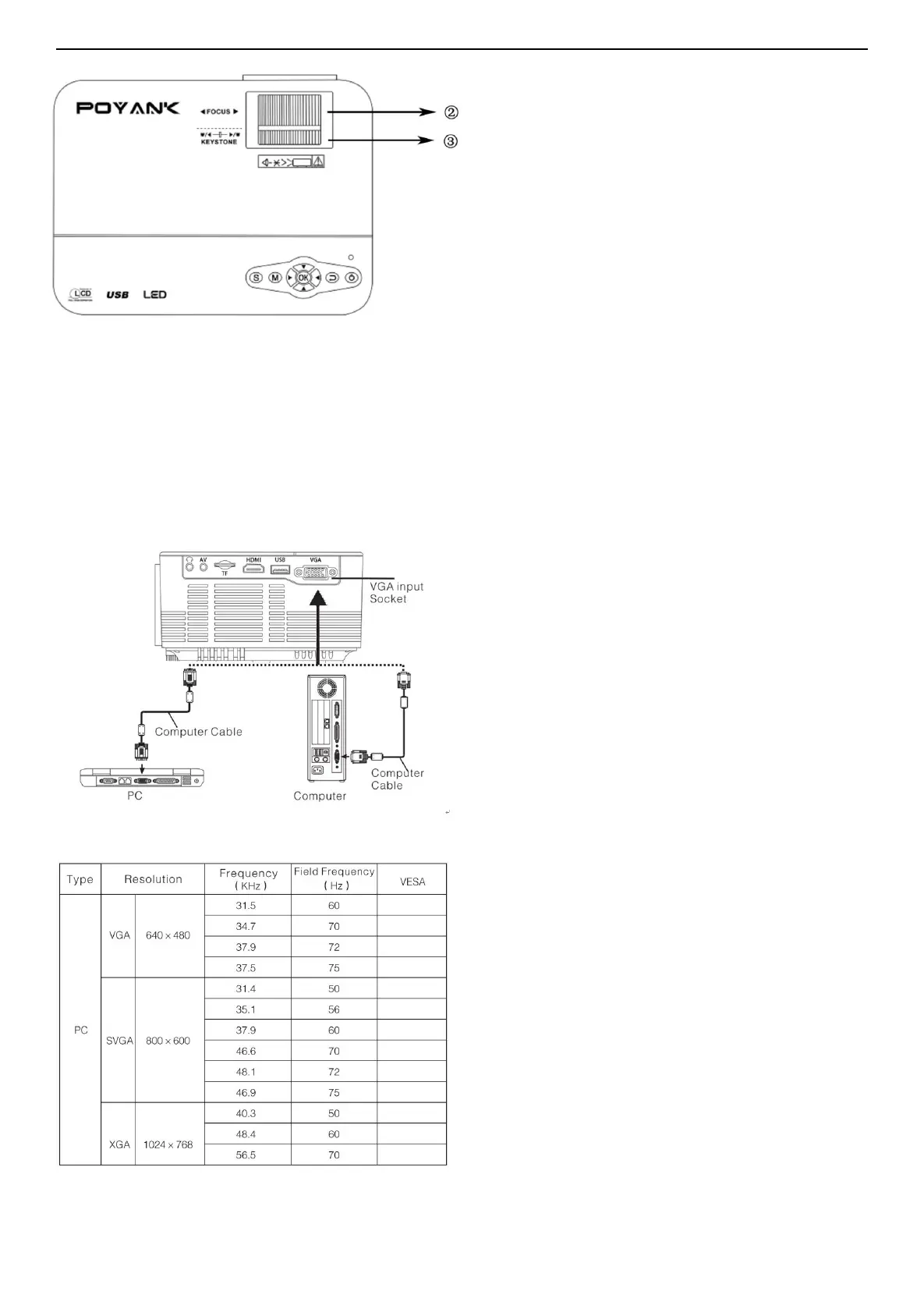
Our projector provides optical keystone
function, so you could turn the keystone to
Our projector doesn’t have horizontal
keystone correction function, if you have
this problem, which is because you have
not place the projector and the projection
screen vertically. The solution is: you can
adjust the projector’s position and place it horizontally.
5. Multimedia Connection.
VGA input socket: from the port can be connected to a computer or other VGA video signal o
utput socket.
Please refer to the following table parameters to adjust the output signal of the computer.
Note: when the projector and connection of laptop may not be able to display images at the same
time, if that happens, please set the computer display attributes, select for CRT output mode.


 To Next Page