OPERATION
COOLING THE OVEN
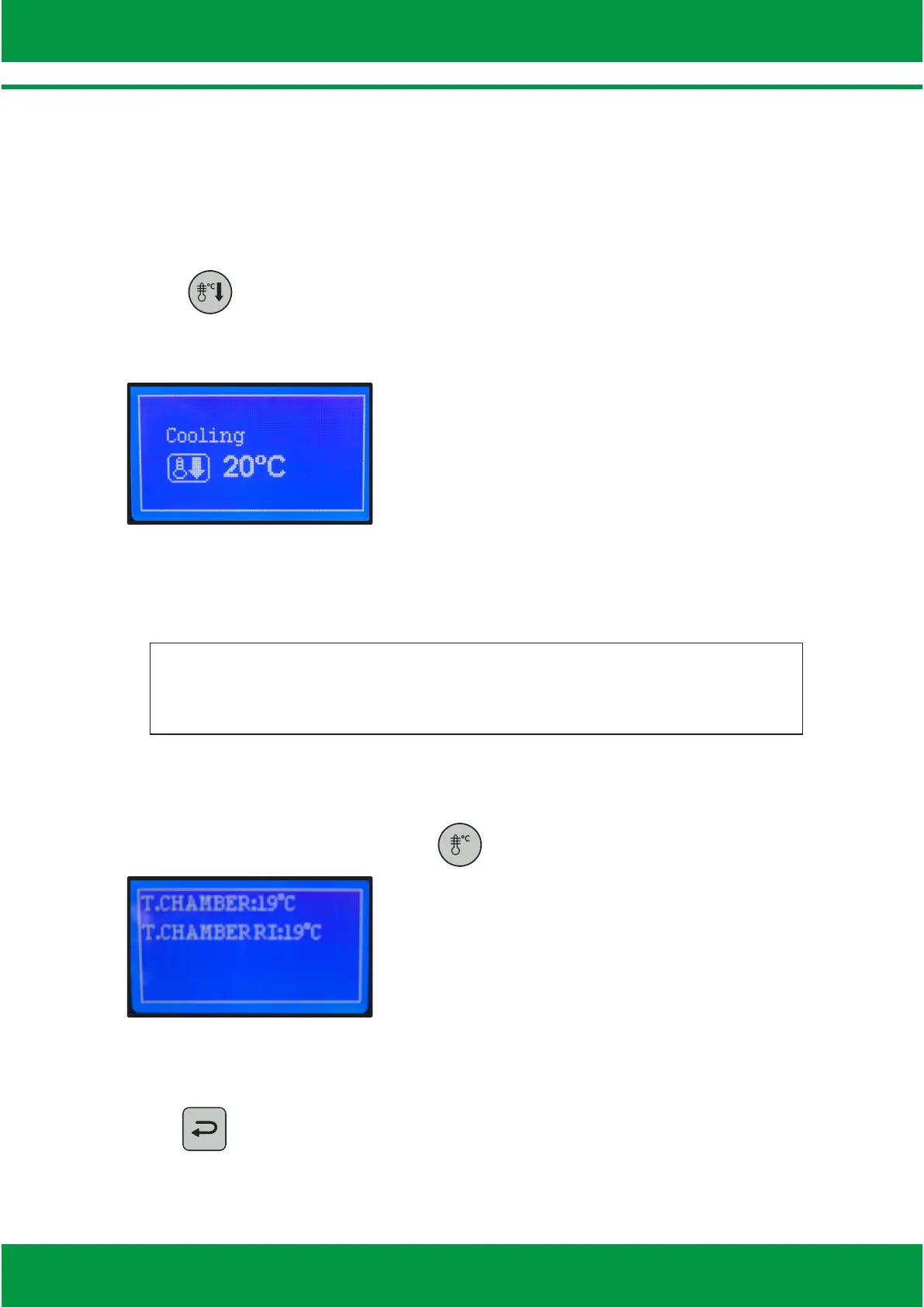
Ÿ Press and open the oven’s door. The display will indicate that coooling is
in progress. Wait unl the desired temperature is reached. The cooling
funcon can be turned on at any me.
Ÿ The oven automacally shuts off aer reaching the temperature of 65°C,
without the need for operator monitoring.
TEMPERATURE INSPECTION
Ÿ While in the recipe’s menu, press to inspect the temperature mode.
Ÿ The following sengs will appear: Chamber temperature and boom radiant
heater temperature.
Ÿ Press to go back to the recipe’s screen.
ATTENTION
During the cooling process, tha fan remains on even with the
door open.
14



 To Next Page