OPERATION
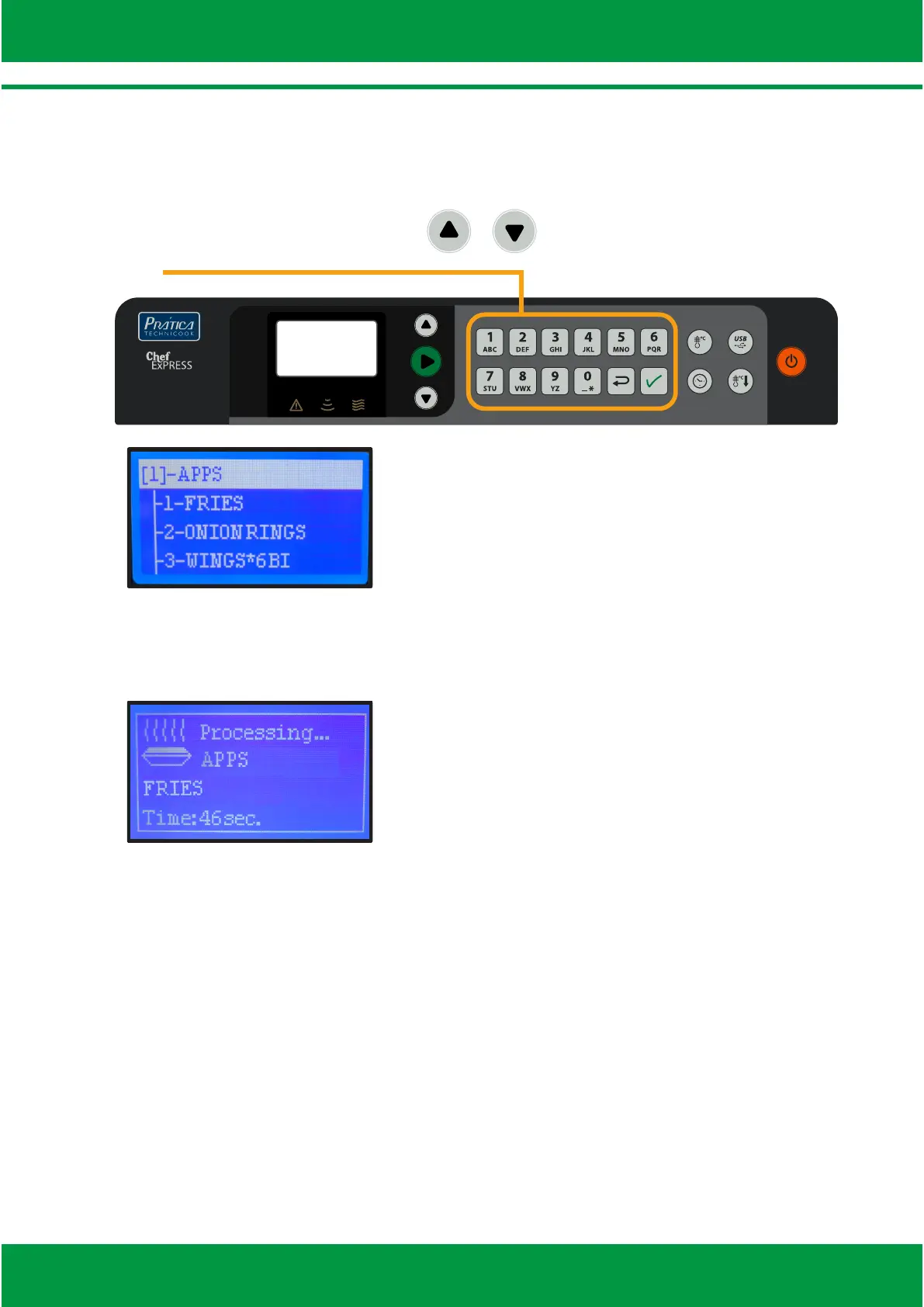
Ÿ To start a recipe, use the arrows / or type the recipe’s number using
the alphanumeric keyboard.
Ÿ During the process, the display will show the cooking me, group and the
recipe’s name.
Ÿ At the end of the cooking, the alarm will sound and the message «Ready» will
appear.
06



 To Next Page