PAG OERLIKON AG
SERIES-480
SERVICE - INSTRUCTIONS
D 01.17
7. LINEARITY CORRECTION
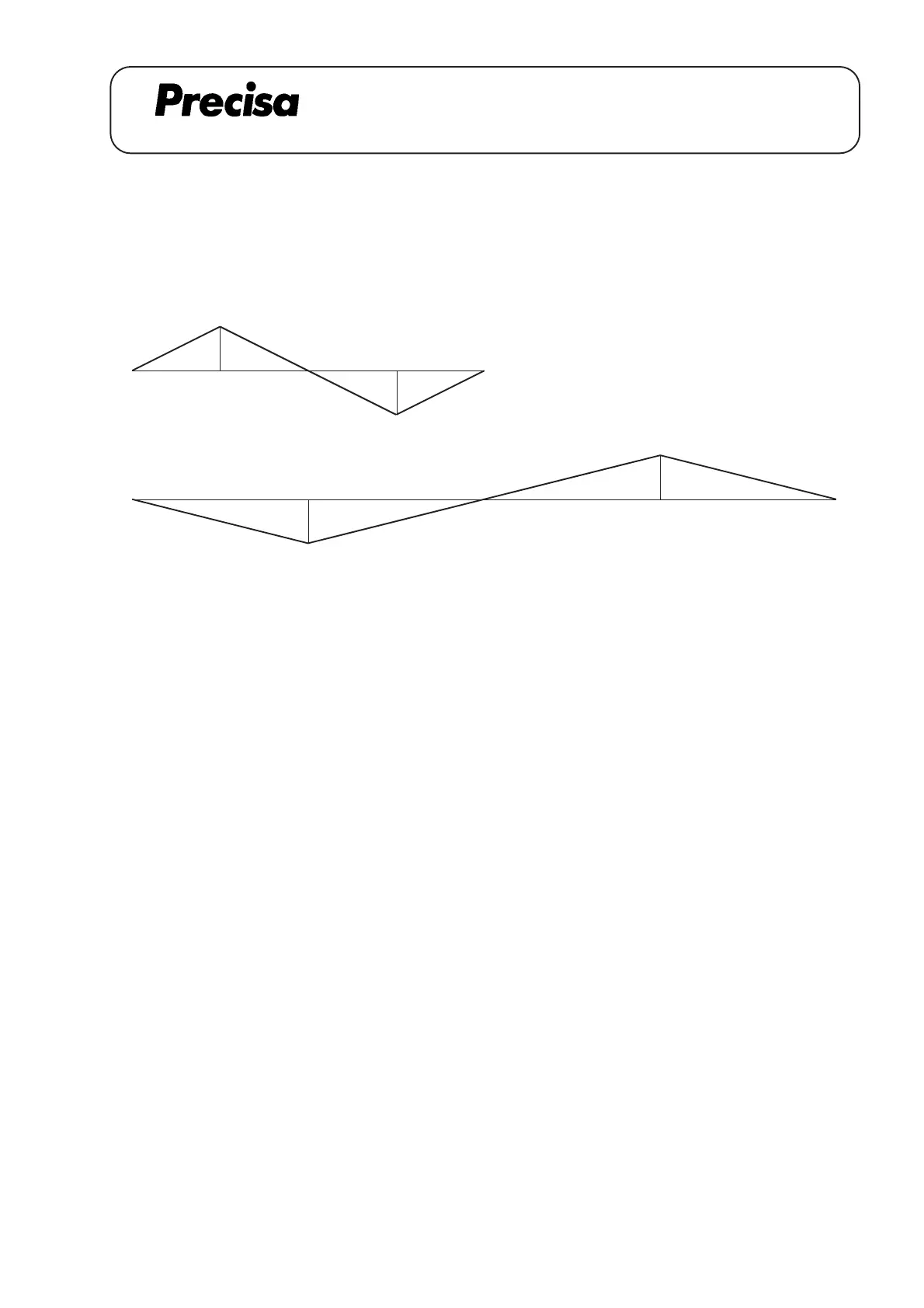
--> for a Single Range Balance
--> for a Floating Range Balance
--> for the small range of a Dual Range Balance
Sb
Sa
--> for the large range of a Dual Range Balance
Sc
Sd
max. correction allowance
Sa , Sb ---> + / - 7 Digits
Sc , Sd ---> + / - 3 Digits
For the S-correction the sign of the measured digits has to be altered.
for example: - by + 4 values --> - 4 digits has to be entered (alter the sign)
- by - 4 values --> + 4 digits has to be entered (alter the sign)
Procedure:
1. Connect Service-box (350-8324) to the balance and change the switch to position '1'
2. Press key 1 for approx. 5 sec. --> display changes to "LIn Cor"
3. Press key 2 briefly in order to select sector (Sa, Sb, Sc, Sd)
4. Press key 3 to increase value
5. Press key 4 to decrease value
6. Store correction by pressing key 1 for approx. 5 sec. --> display changes to "StorE"
7. Switch off Balance
8. Disconnect Service-box
9. Check linearity again
Example for a PRECISA balance 12000D:
1. Place a weight of 1/2 capacity on the weighing pan --> O.K. (the linearity was adjusted before)
2. Place a weight of the full capacity on the weighing pan --> O.K. (the linearity was adjusted before)
3. With a 3 kg Check-weight it appears on the display 2999,5 g ( - 5) --> alter Sa by + 5 digits
4. With a 9 kg Check-weight it appears on the dispaly 9000,4 g (+ 4) --> alter Sb by - 4 digits



 To Next Page