Your Predator notebook tour
4
English
Your Predator notebook tour
After setting up your computer as illustrated in the Setup Guide, let us
show you around your new Predator computer.
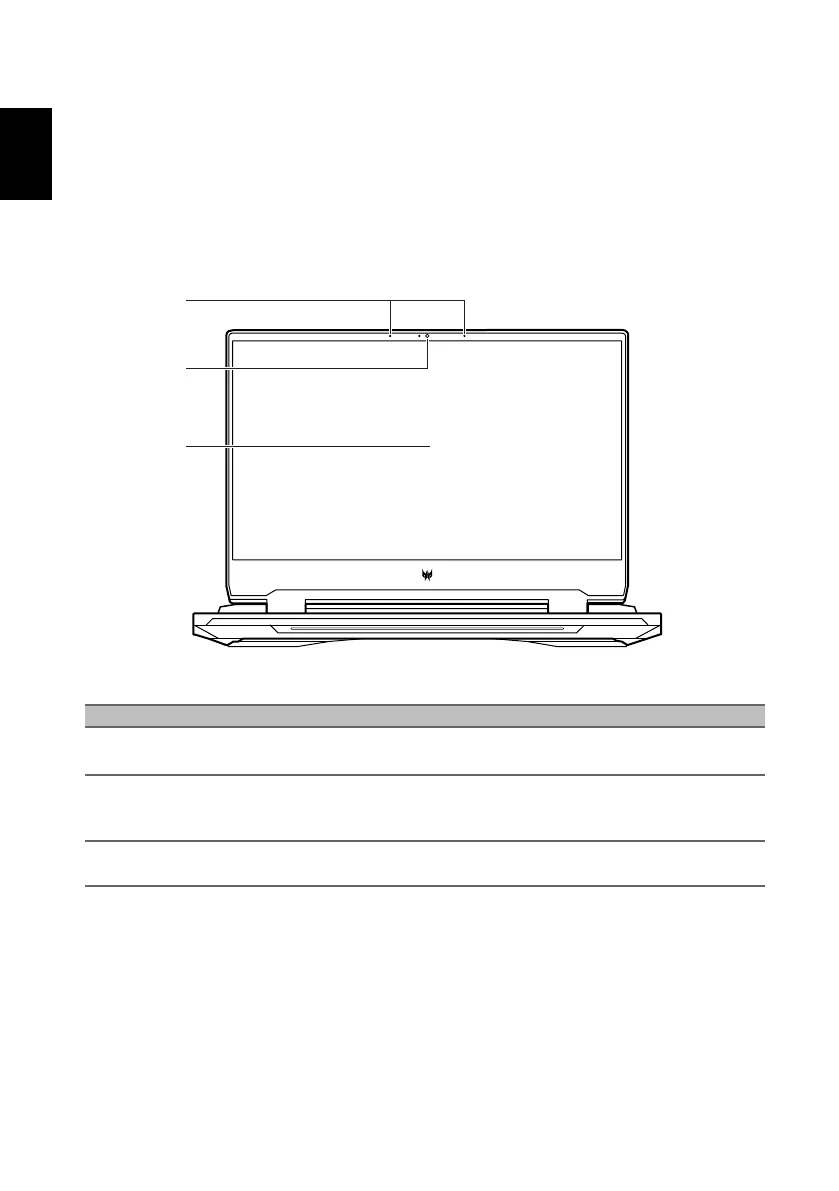
Screen view
# Icon Item Description
1 Microphones
Internal digital microphones for sound
recording.
2 Webcam
Web camera for video communication.
A light next to the webcam indicates that
the webcam is active.
3 Screen Displays computer output.



 To Next Page