9
English
USB Type-C information
• USB 3.2 Gen 2 with transfer speeds up to 10 Gbps.
• Supports DisplayPort
™
audio/video output.
• Compatible with Thunderbolt
™
4.
• Delivers up to 3 A at 5 V DC for USB charging.
• DC-in: requires power adapter or power source providing 100 W at
20 V.
For optimal performance, please use a certified Acer power adapter or
USB Power Delivery device.
Using the keyboard
The keyboard has full-sized keys, a numeric keypad, separate cursor, lock,
Windows keys and hotkeys.
Hotkeys
To activate hotkeys, press and hold the Fn key before pressing the other
key in the hotkey combination.
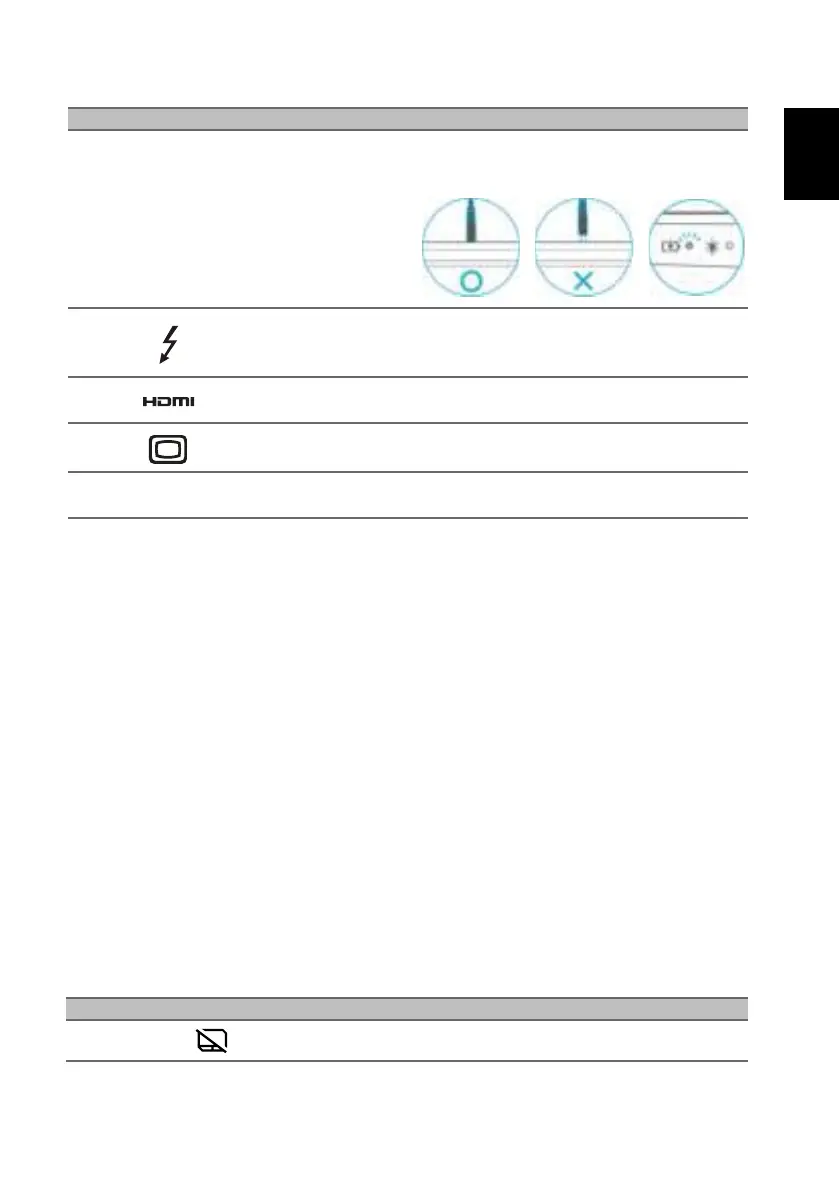
Note: Please press the AC adapter into the tunnel to the power connector. You
will feel a click indicating it is connected. Then, check the light of battery
indicator shows amber while charging.
2
USB Type-C /
Thunderbolt 4 port
Connects to USB devices with a USB Type-
C connector.
Supports Thunderbolt
™
4 and displays.
3 HDMI 2.1 port
Supports high-definition digital video
connections.
4 Mini DisplayPort Connects to an external display device.
5
Ventilation and
cooling fan
Allows the computer to stay cool.
Do not cover or obstruct the openings.
Hotkey Icon Function Description
Fn + F2 Touchpad toggle Turns the built-in touchpad on and off.
# Icon Item Description



 To Next Page