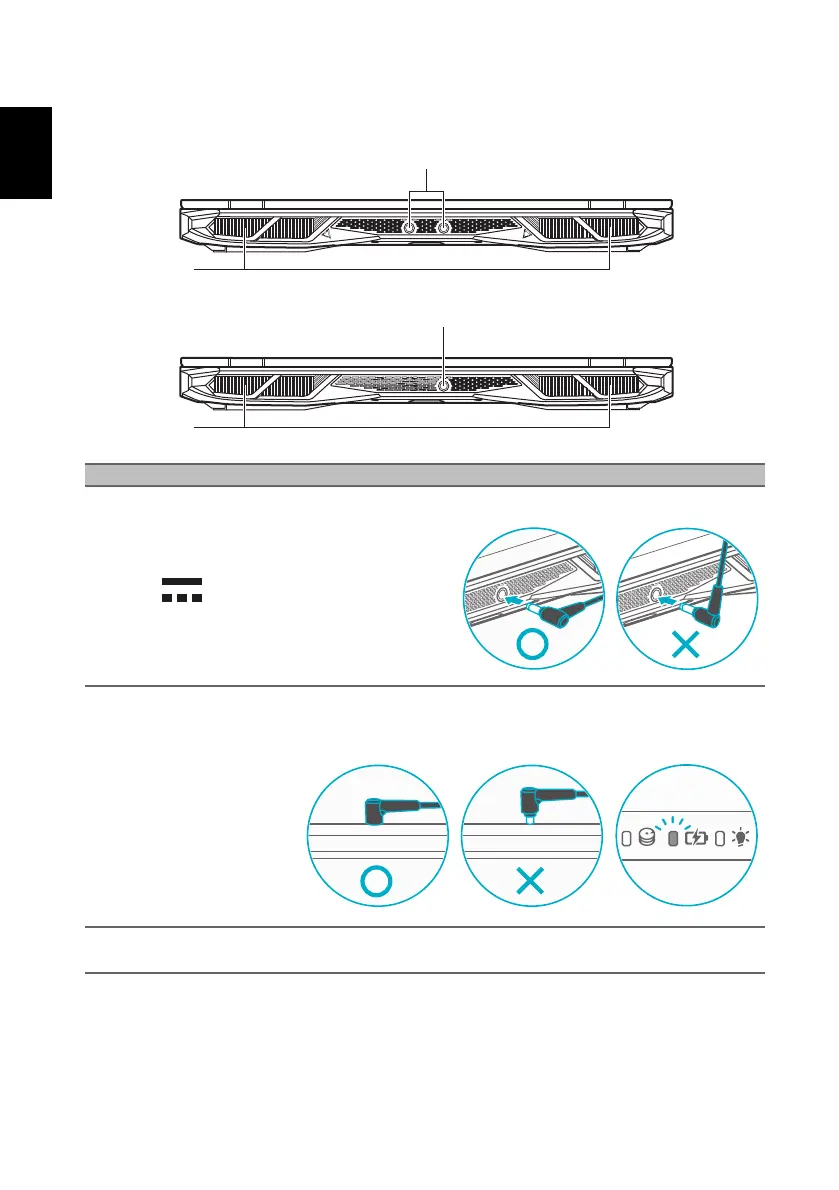
Your Predator notebook tour
8
Rear view
# Icon Item Description
1DC-in jack
Connects to an AC adapter.
Note: Please press the AC adapter into the tunnel to the power connector. You
will feel a click indicating it is connected. Then, check the light of battery
indicator shows amber while charging.
2
Ventilation and
cooling fan
Allows the computer to stay cool.
Do not cover or obstruct the openings.



 To Next Page