1-18 Disassembly Procedures
RTC Battery Removal 0
Prerequisite:
Battery Pack Removal
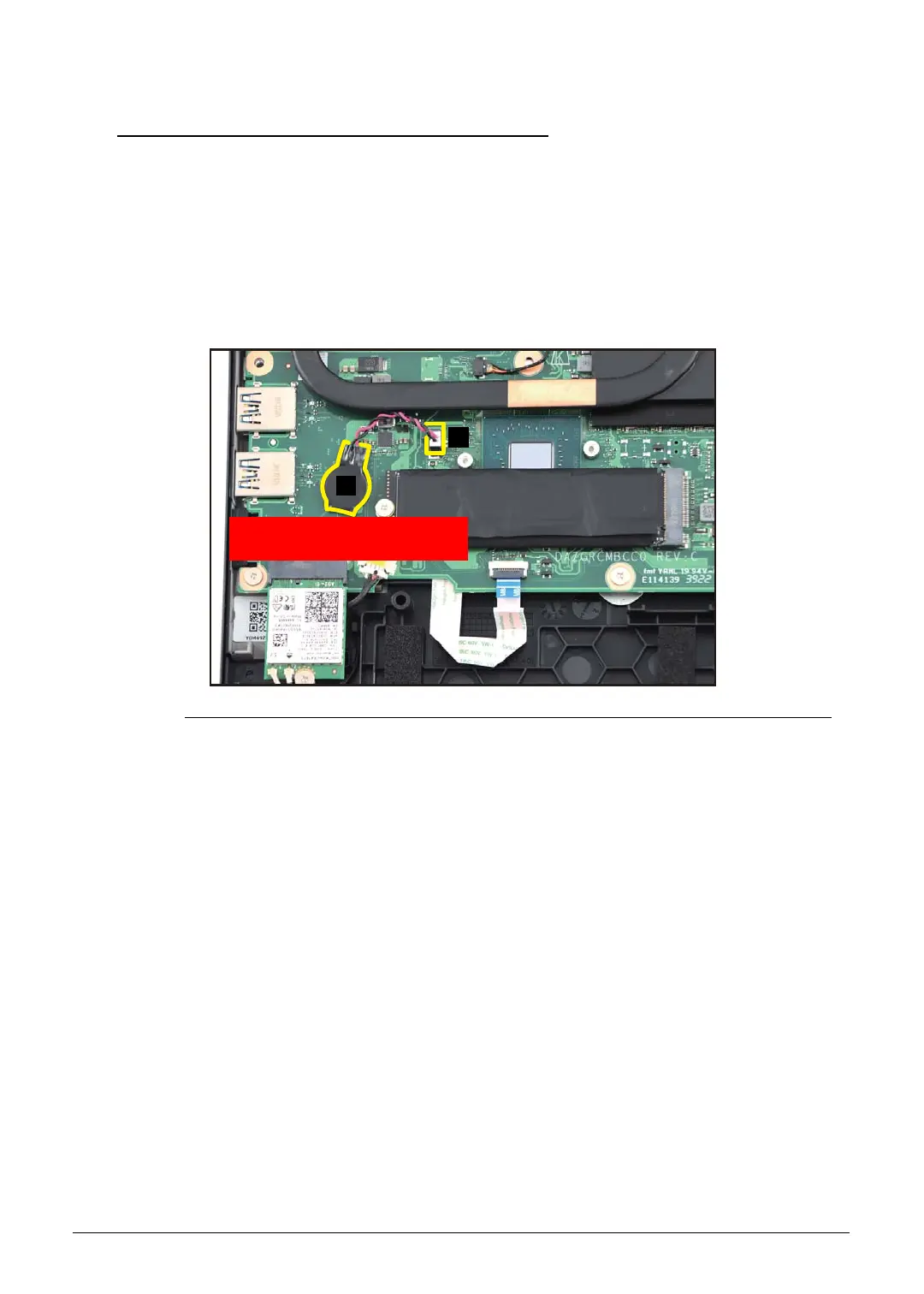
1. Disconnect the RTC battery cable from the mainboard connector (A) (Figure 1-22).
2. Using plastic tweezers, carefully pry to detach the adhesive tape underneath the RTC
battery (B) (Figure 1-22). Then remove the RTC battery.
Figure 1-22. RTC Battery Removal
Follow local regulations for battery disposal.
A
B
WEEE Annex VII Component:
RTC Battery



 To Next Page