10
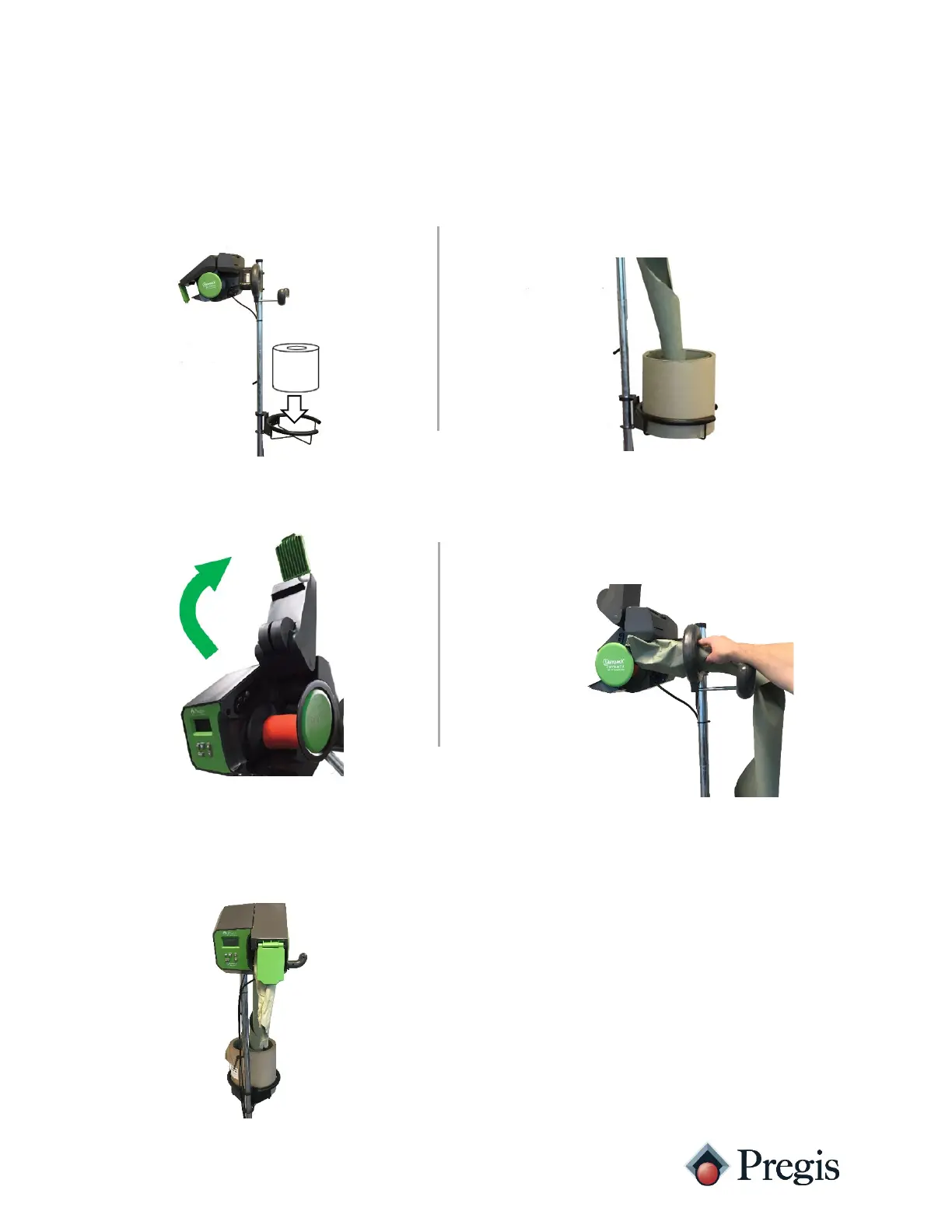
Quantum XT Loading (Pull from Center Paper)
2. Pull out the overlapped material
(roll core) and either unroll or tear off
the material (save for later use).
4. Insert the paper over the breaker bar (if
equipped), through the inlet, and below the
upper-roller assembly. Position the material
forward of the drive rollers and above the tear
1. Place a roll of Quantum paper into
the roll cradle
3. Lift the upper-roller assembly.
5. With paper through the roller and over
the tear-assist, lower the upper-roller



 To Next Page