EasyManua.ls Logo

Pregis SHARP MAX PRO 18 - User Manual

Pregis SHARP MAX PRO 18
60 pages
Print Icon
To Next Page IconTo Next Page
Loading...
Original Printed English Copyright 2021
Rev. 2
Parts: +1 (262) 246-8815 ext. 1571
sharpparts@pregis.com
Service: +1 (262) 246-8815 ext. 1572
sharpservice@pregis.com
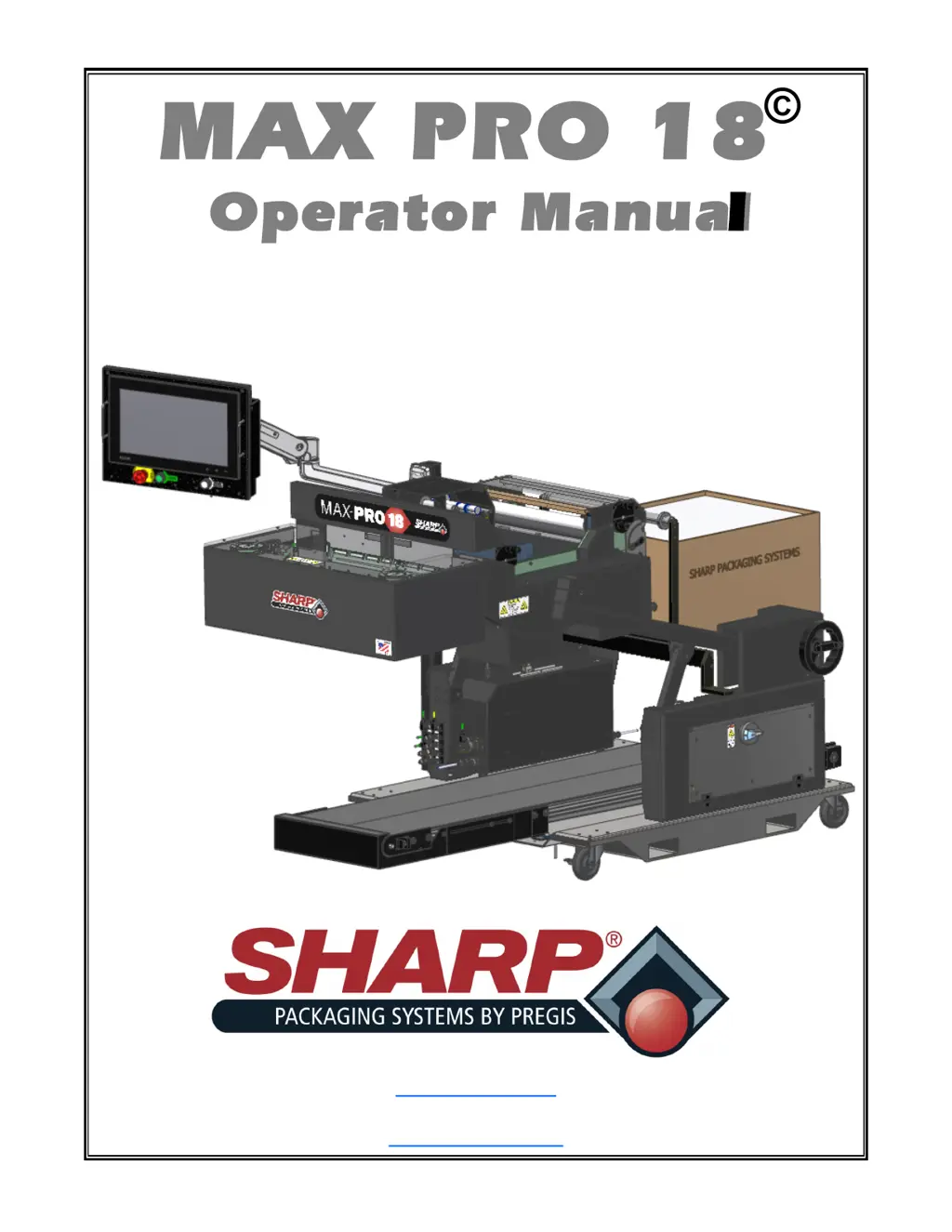
MAX PRO 18
©
Operator Manual
Model 1174-02

Questions and Answers

Summary

General Information

About this Manual

Details the purpose and scope of the operator manual for the MAX PRO 18® bagging system.

Definition of Terms

Explains safety symbols and terms used throughout the manual.

Safety Rules & Procedures

Emergency Stop (E-Stop) Button

Explains the function and location of the E-Stop button for immediate machine shutdown.

Fire Prevention

Provides guidelines for preventing fires, including equipment maintenance and material storage.

Equipment Safety Features

Machine Guards

Details the importance of keeping machine guards in place for operator safety.

Obstruction Sensing Jaw

Explains the function of the Jaw Obstruction Detection Sensors and their role in safety.

Safety Labels

Side Crush And Burn Hazard

Describes caution labels related to crush and burn hazards near the sealing area.

Entanglement Hazard, Rotating Parts

Warns about entanglement risks from rotating parts, hair, jewelry, and clothing.

Moving Parts Can Crush And Cut (Pinch Point)

Highlights pinch point hazards from moving parts and the need for guards.

Risk Of Fire

Details fire prevention measures, including proper fuse replacement.

Risk Of Electric Shock

Warns about electric shock hazards and the need to disconnect power before servicing.

Specifications

Packaging Specifications

Lists the minimum and maximum bag width, length, and film gauge.

Machine Specifications

Provides key technical specifications including dimensions, weight, power, and operating conditions.

Technical Assistance

Details how to contact Sharp Packaging Systems for technical support and information.

Service Information Decal

Explains how to find the serial number and its components on the machine decal.

Machine Dimensions

Front View

Illustrates the machine's dimensions from the front view with measurements in inches.

Sharp EZ-Bags & Ribbon

Sharp EZ-Bags

Lists various types of pre-opened bags recommended for the MAX PRO 18®.

Thermal Transfer Ribbon

Details the types of thermal transfer ribbons compatible with the MAX PRO 18®.

Security

Operator Login

Explains password protection for different user access levels on the HMI.

Screen Navigation

Home Screen

Describes the initial screen at startup and its main navigation icons.

Operator Button

Operator Dashboard

Accesses the Operator Dashboard screen for monitoring bagger function.

Bag Dimensions and Feed Speed

Bag Dimensions

Defines bag length, width, and thickness for the packaging process.

Bag Feed Speed

Sets the forward and reverse web speed for feeding bags.

Bag Opening

Bag Open Assist

Configures assistance for opening bags, including retry counts.

Jaw Pass-Thru

Sets the pass-through distance for the jaw mechanism.

Package Eject

External Exit Conveyor

Controls the run time of the external exit conveyor for package ejection.

Integrated Exit Conveyor

Manages the run time of the integrated exit conveyor for package ejection.

Load Plate

Configures dwell and delay settings for the load plate.

Pressure Bar and Seal Bar

Pressure Bar Settings

Adjusts open and close delay settings for the pressure bar.

Seal Bar Settings

Configures dwell time and temperature for the seal bar.

Auxiliary Input;Output

Input Signals

Details available input signals for machine control and monitoring.

Output Signals

Details available output signals for machine status and control.

Printer Settings

Print Speed and Length

Configures print speed, length, and offset for label printing.

Clear Label on Job Load

Option to clear the printer's label queue when a new job is loaded.

Application Screen

HMI Language Selection

Allows users to select the Human Machine Interface language.

Demo Mode Activation

Enables demo mode for testing label printing cycles.

Field Service

PLC Inputs and Outputs

Displays active PLC inputs and outputs and allows manual triggering of machine functions.

Service Screen - Bag

Bag Status Monitoring

Monitors bag status, including photo-eye detection and bag counts.

Service Screen - Bag Open Fingers

Bag Open Fingers Control

Manually controls bag open fingers, cycles, and attempts.

Service Screen - Integrated Exit Conveyor

Conveyor Jog and Pulse Control

Manually controls the integrated exit conveyor's jog and pulse dwell settings.

Service Screen - Load Plate

Load Plate Position Control

Manually controls the load plate position and cycle counts.

Service Screen - Low;High Pressure Air

Pressure Air Control

Manually controls low and high pressure air functions, including dwell and pulse settings.

Service Screen - Pass-Thru

Pass-Thru Distance and Jaw Control

Manages pass-thru distance and manual jaw positioning.

Service Screen - Pressure Bar

Pressure Bar Movement Control

Manually controls the movement of the pressure bar.

Service Screen - Printer

Printer Operation and Status

Controls printer functions like pause, reset, and queue management.

Service Screen - Seal Bar

Seal Bar Movement and Cycle Control

Manually controls seal bar movement and monitors seal bar cycles.

Service Screen - Seal Flatteners

Seal Flatteners Control

Manually controls seal flatteners, including distance and movement.

Service Screen - Vacuum

Vacuum Control

Manually controls vacuum functions, including dwell and pulse settings.

Support Screen

Contact Information

Provides contact details for Sharp Service and Parts, and mailing address.

Software Versions

Displays current software versions for PLC, HMI, and TeamViewer.

Machine Placement

Electrical Precautions

Details safety precautions for electrical connections and operation, including grounding.

Storage Guidelines

Provides recommendations for storing the machine when not in use.

Grounding Instructions

Explains the importance and procedure for proper machine grounding.

Power Connection

Bagger and Printer Power

Details the requirements for connecting power to the bagger and printer.

Machine Adjustments

Air Supply

Specifies requirements for air supply, including pressure and type of air.

Height Adjustment

Explains how to adjust the machine's height for ergonomic operation.

Head Rotation

Describes how to rotate the head assembly for better access to the bagger.

Load Shelf and Load Plate Adjustment

Load Shelf Movement

Details how to adjust the load shelf to accommodate different bag sizes.

Load Plate Movement

Explains how to adjust the load plate for accommodating longer bags.

Loading Bag Film

Film Threading Path

Illustrates the film threading path and provides safety warnings for loading.

Loading Ribbon

Ribbon Threading Procedure

Details the step-by-step process for loading thermal transfer ribbon.

Operation

Pre-Operation Checks

Lists essential checks before operating the machine, including safety and connections.

Machine Startup Sequence

Describes the steps for powering on the machine and starting the bagging cycle.

Loading Product and Sealing

Explains how to load product into bags and initiate the sealing process.

Cleaning

General Cleaning Guidelines

Provides general precautions and procedures for cleaning the machine.

Severe Duty Applications

Discusses specialized cleaning needs for dusty or corrosive environments.

Cleaning; Maintenance Intervals

Daily Cleaning; Maintenance

Lists daily tasks for cleaning and maintaining machine components.

Weekly Cleaning; Maintenance

Outlines weekly tasks for cleaning and maintaining machine components.

Monthly Cleaning; Maintenance

Specifies monthly tasks for cleaning and maintaining machine components.

Semi-Annual Cleaning; Maintenance

Details semi-annual tasks for cleaning and maintaining machine components.

Annual Cleaning; Maintenance

Lists annual tasks for cleaning and maintaining machine components.

Cleaning Specific Components

Bag Edge Present Sensor Cleaning

Provides instructions for cleaning the bag edge present sensor.

Printhead Cleaning

Details the procedure for cleaning the printhead thoroughly.

Roller Cleaning

Drive & Platen Rollers Cleaning

Instructions for cleaning the drive and platen rollers for optimal performance.

Pinch Roller Cleaning

Provides steps for cleaning the pinch roller.

Seal Bar Cleaning

Seal Bar Cleaning Procedure

Details the procedure for cleaning the seal bar, including precautions.

Unwind Roller Cleaning

Unwind Drive Roller Cleaning

Instructions for cleaning the unwind drive roller and pinch roller.

Bagger Faults

Pressure Bar Obstruction

Describes pressure bar obstruction fault and its possible solutions.

Reverse Fault

Explains reverse fault cause and solution when bag film does not separate.

No Bag Covering The Eye

Troubleshoots fault when no film is detected by the bag edge photo-eye.

Pressure Bar Failures

Details faults for pressure bar failing to open or close.

Seal Bar Temperature Failures

Addresses seal bar temperature sensor failure and thermal runaway issues.

Out Of Bags; Opened Bag Removed

Troubleshoots faults related to running out of bags or an opened bag being removed.

Bagger;Printer Warnings

Seal Bar Temperature Warning

Warns when the seal bar is not at the required temperature for sealing.

Low Pressure Air Timeout

Indicates a timeout for low pressure air function.

Recovery Mode Active

Notifies when the machine is in recovery mode, attempting to open bags.

Bag Level Low; Demo Mode Active

Alerts when the bag level is low or when demo mode is active.

Machine Not Tested; Printer Not Ready

Indicates issues with machine testing or printer readiness.

Printer Faults

Ribbon Out

Indicates ribbon is not loaded, loaded incorrectly, or not detected.

Head Identification Failed

Warns if the printhead is not a genuine certified product.

Head Element Out; Replace Printhead

Indicates a printhead element failure or nearing end of life.

Head Maintenance Needed

Notifies when the printhead requires cleaning.

Head Under Temp; Thermistor Fault

Indicates issues with printhead temperature or thermistor connection.

Out of Memory Storing XXX

Signals insufficient memory for specified functions.

Printer Troubleshooting

Barcode Scan Issues

Troubleshoots issues where printed barcodes do not scan correctly.

Poor Print Quality

Addresses smudge marks and poor print results with thick labels.

Print Darkness Issues

Helps resolve issues with printing being too light or too dark.

Printer Print Quality Issues

Angled Gray Lines on Labels

Troubleshoots fine, angular gray lines on blank labels due to wrinkled ribbon.

Missing Print

Addresses missing print on labels due to damaged print elements or wrinkled ribbon.

Warranty

Standard Terms and Conditions

Outlines the standard terms and conditions for Sharp packaging machinery orders.

Payment and Shipment Terms

Details payment terms, shipping methods, and risk of loss.

Limited Warranty Exclusions

Specifies exclusions from the limited warranty coverage.

Pregis SHARP MAX PRO 18 Specifications

General IconGeneral
BrandPregis
ModelSHARP MAX PRO 18
CategoryPackaging equipment
LanguageEnglish

Related product manuals