MAX PRO 18
©
Operator Manual
Original Printed in English
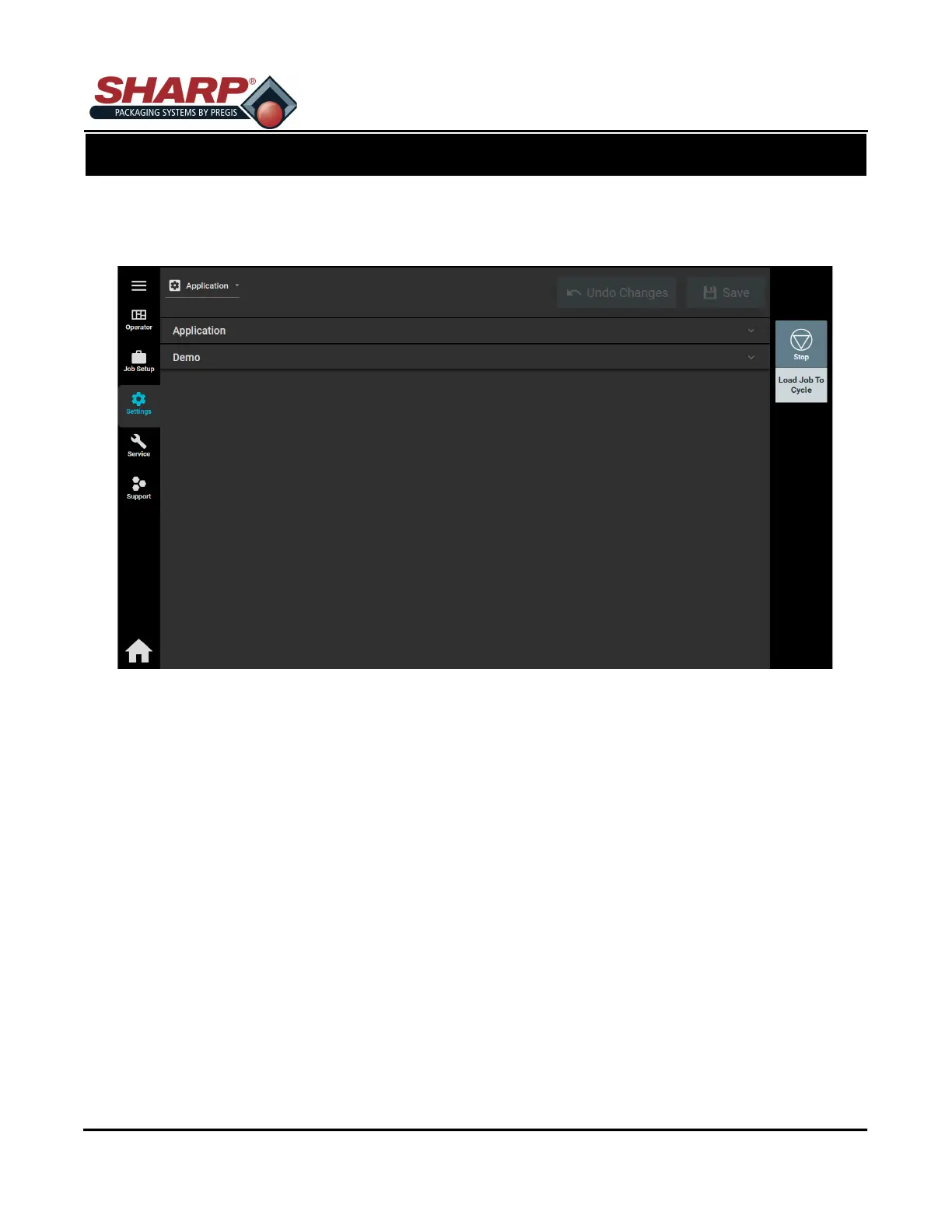
APPLICATION SCREEN
Pressing the Settings Button icon on Left Menu Bar (When in password protected screen) will open the Appli-
cations Settings page.
Any changes made to this screen requires operator to press ‘Load Job’ or ‘Save & Load’ button.
Application - This allows a User to select HMI Language and to activate Demo Mode.
Demo Mode - When demo mode is active, the controller automatically sends a test label to the printer on every
cycle.
SCREEN NAVIGATION
SECTION 2 - CONTROLS
2-13



 To Next Page