MAX PRO 18
©
Operator Manual
Original Printed in English
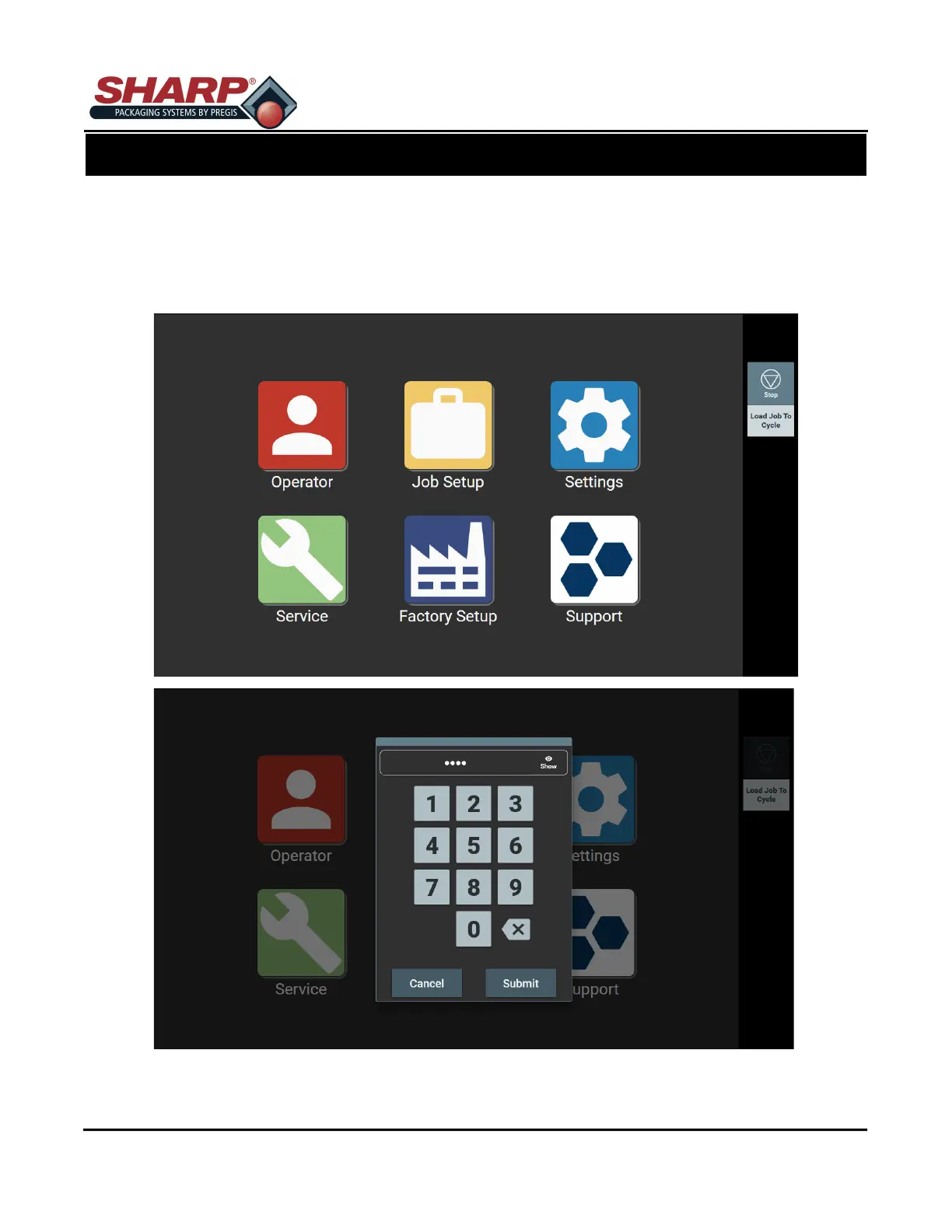
The ‘Technician’, ‘Field Service’, and ‘Manufacturing’ icons are password protected. Pressing any of these three
icons will prompt user to type in a password.
The ‘Operator’ and ‘Support’ icons are not password protected.
NOTE: See Supervisor or Manager for correct password for each icon.
SECURITY
SECTION 3 - CONTROLS
2-1



 To Next Page